CA Certificates
Configure custom CA certificates to trust internal or corporate certificate authorities.
Adding Certificates
- Go to Settings → Server Settings → CA Certificates
- Click Add Certificate
- Enter a name (e.g., "Corporate Root CA")
- Paste the certificate content in PEM format, or click Import from file
- Click Save
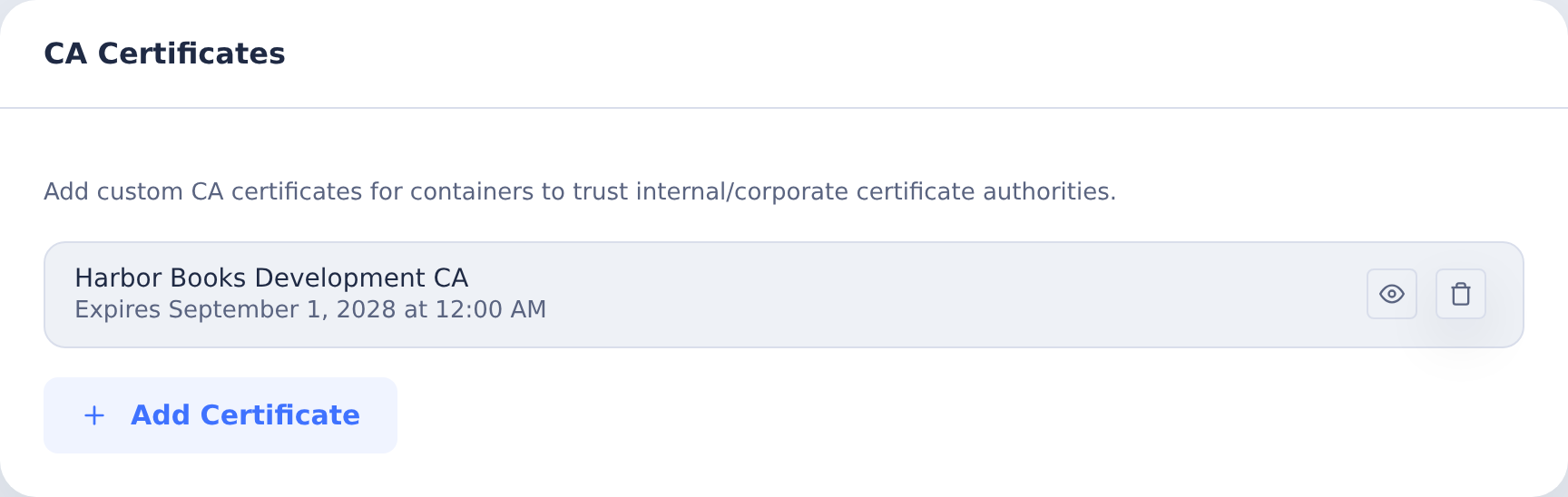
Certificates must be in PEM format:
-----BEGIN CERTIFICATE-----
MIIDxTCCAq2gAwIBAgIQAqxcJmoLQJuPC3ny...
-----END CERTIFICATE-----
Viewing Certificate Details
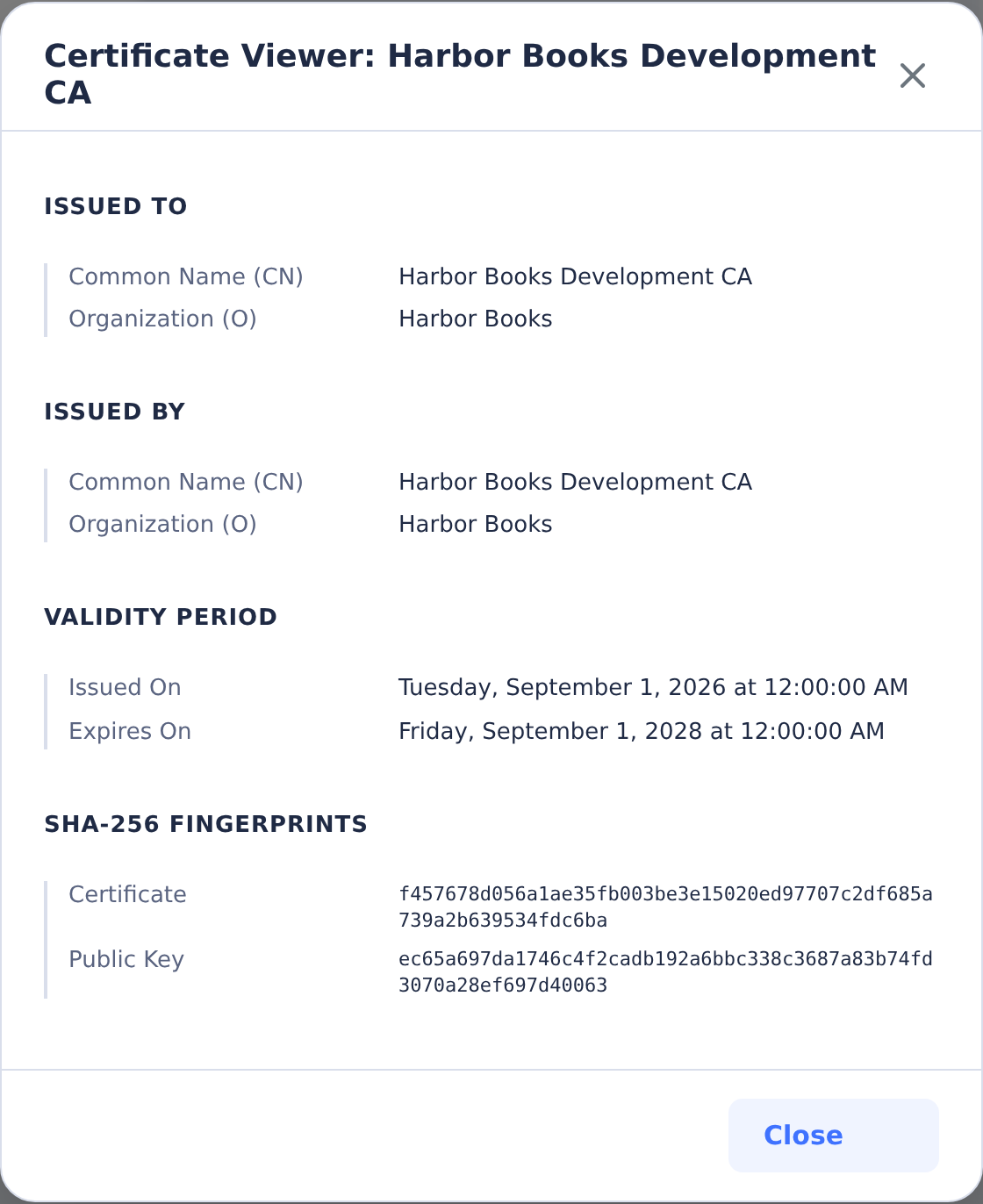
Click View on any certificate to see:
- Subject (Issued To)
- Issuer (Issued By)
- Validity period
- SHA-256 fingerprints
Expired certificates are flagged with a warning.
Removing Certificates
Click the delete button next to any certificate. Changes take effect for new containers only - existing containers keep their installed certificates until restarted.