People & Access
CoderFlow uses scoped role-based access control. Administrators manage users, teams, roles, and access bindings from Administration -> People & Access.
For the detailed binding model, permission strings, predefined role contents, and custom-role examples, see Permissions.
Roles
Viewer
Read-only environment access. Viewers can inspect tasks, environment details, deployments, and skills where they have an access binding.
Developer
Standard environment access for development work. Developers can create tasks
and work with shared tasks in bound environments. Deleting another user's task
requires a role with tasks:delete_any.
Environment Admin
Full environment administration for bound environments, including secrets, builds, repository access, and environment access bindings.
Team Admin
Team administration. Team Admins can manage team metadata and membership for their team scope. Current builds still keep full user creation and the global user directory behind Server Admin access.
Server Admin
Full system access across all resources.
Tabs
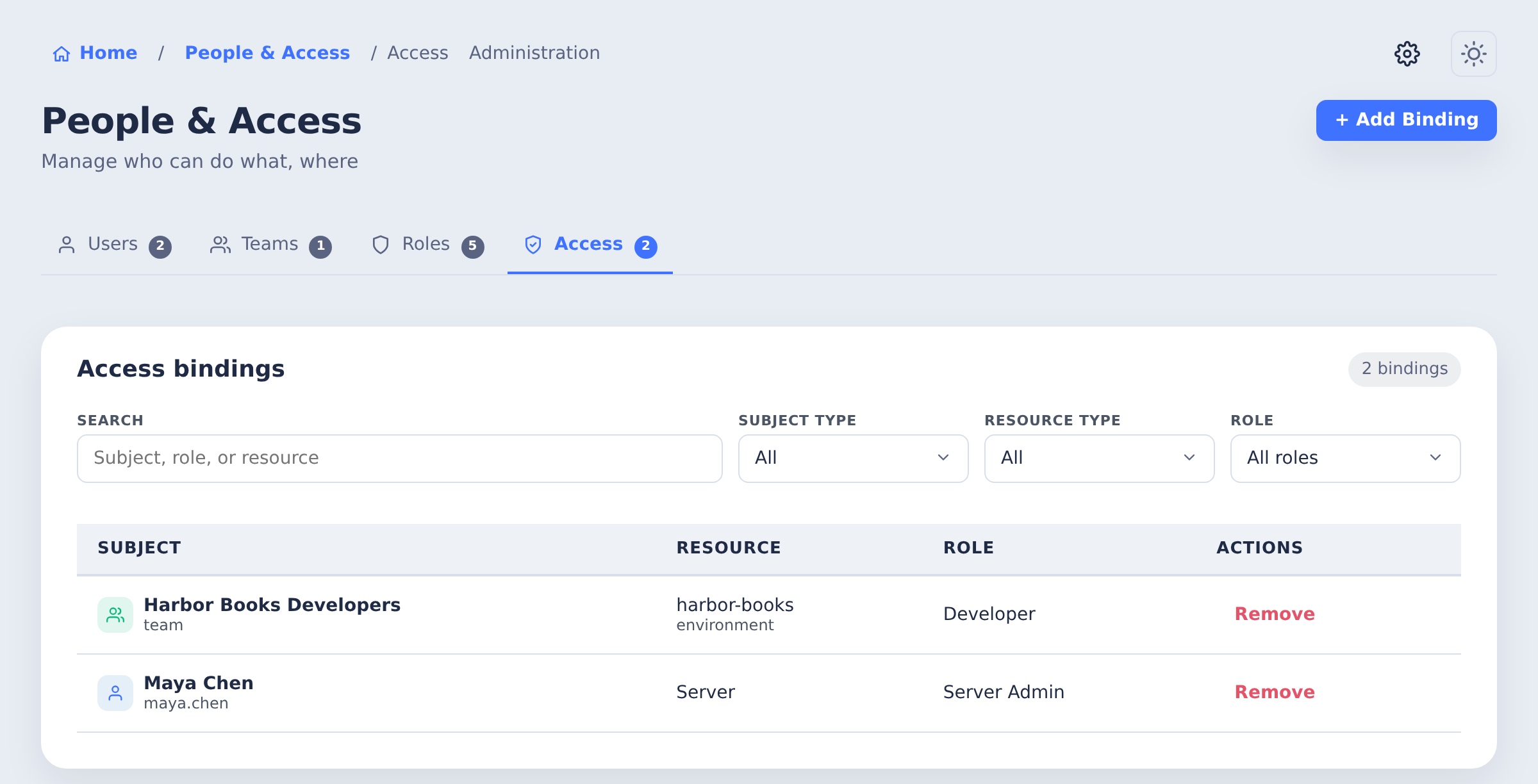
The People & Access page is organized into four tabs:
- Users - Create users, edit profile details, reset passwords, and open per-user access bindings.
- Teams - Create teams, manage team membership, and manage team-level bindings.
- Roles - View and manage role definitions and permissions. This tab is available to Server Admins only.
- Access - Review access bindings across subjects, resources, and roles in one table.
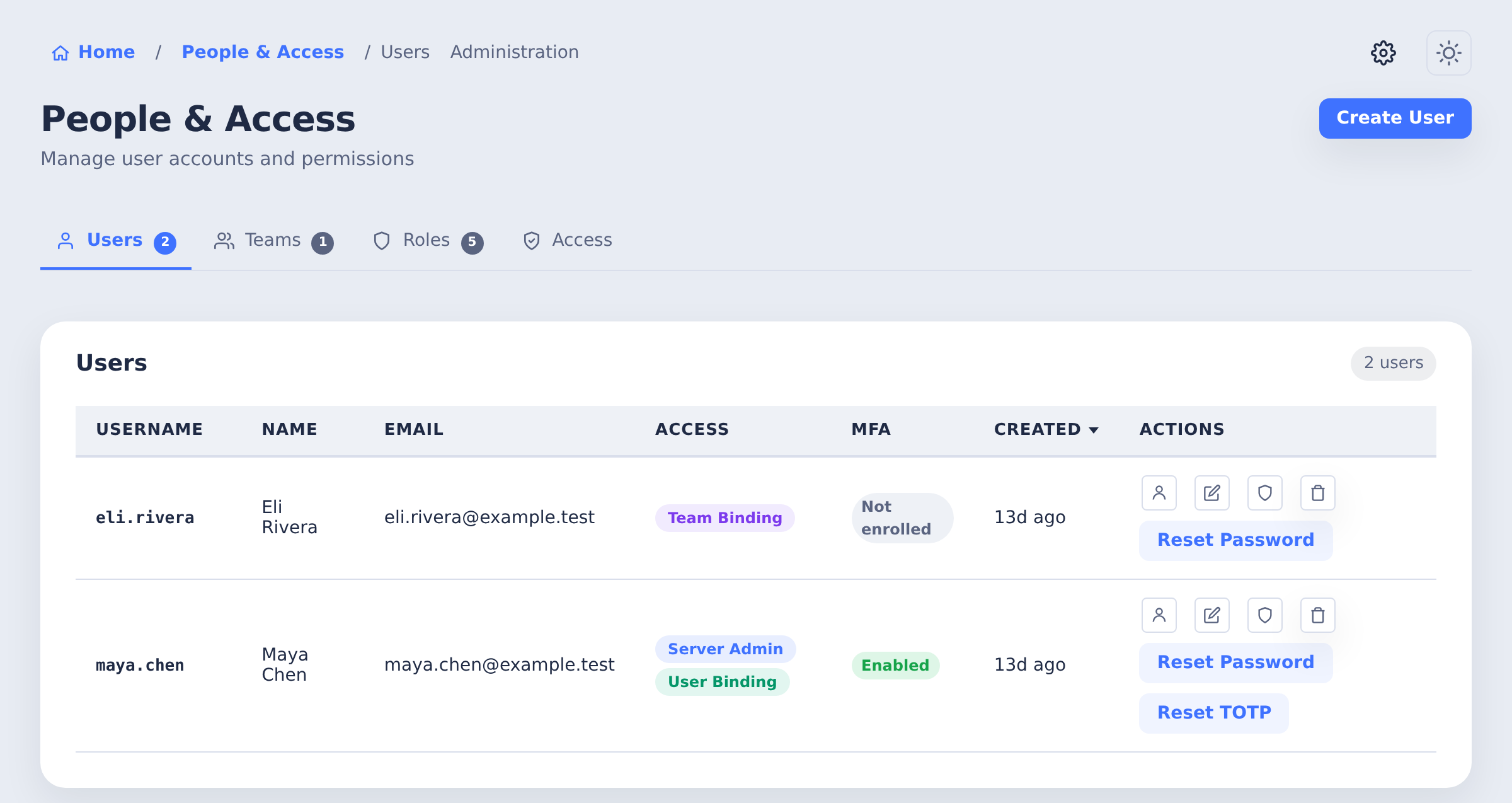
Users
The MFA column shows whether each local user has enrolled.
Teams
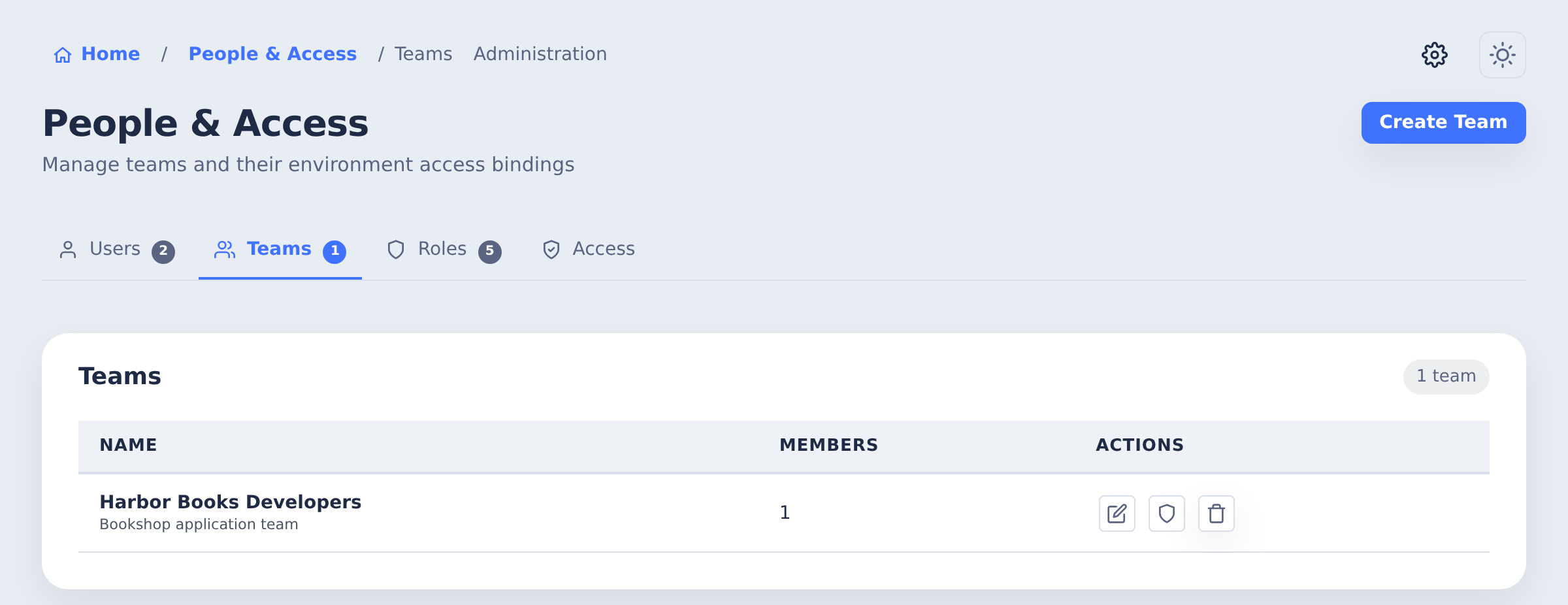
The team row provides controls for membership and access bindings.
Roles
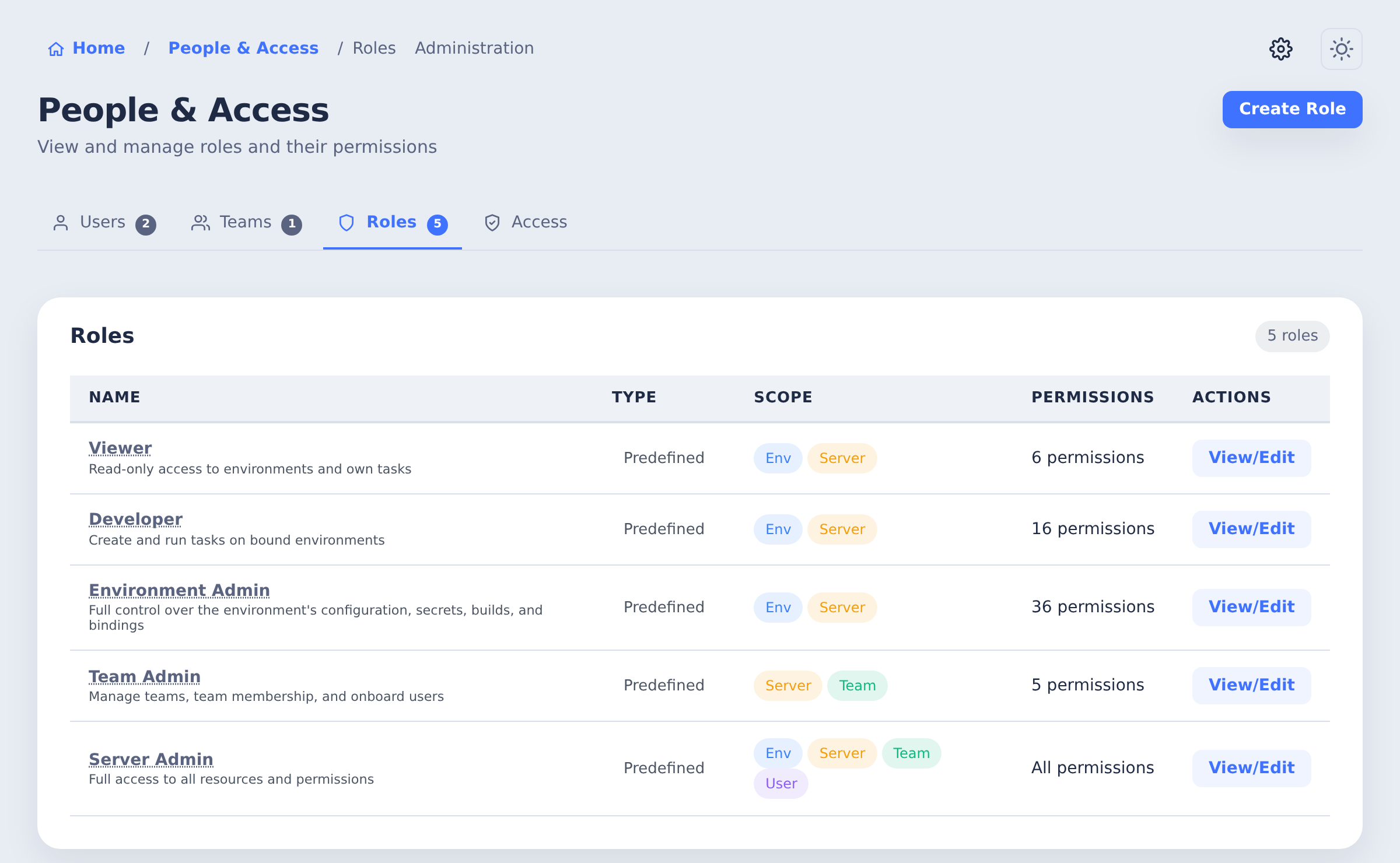
Predefined roles show their permission counts and scopes. Use Create Role for a custom set.
Access Bindings
Access bindings connect a subject to a resource with a role:
- Subject - A user or team.
- Resource - An environment, team, or the server.
- Role - The permission set granted on that resource.
Bindings can be managed from the consolidated Access tab, from a user or team row's access binding controls, or from the Access tab on an environment.
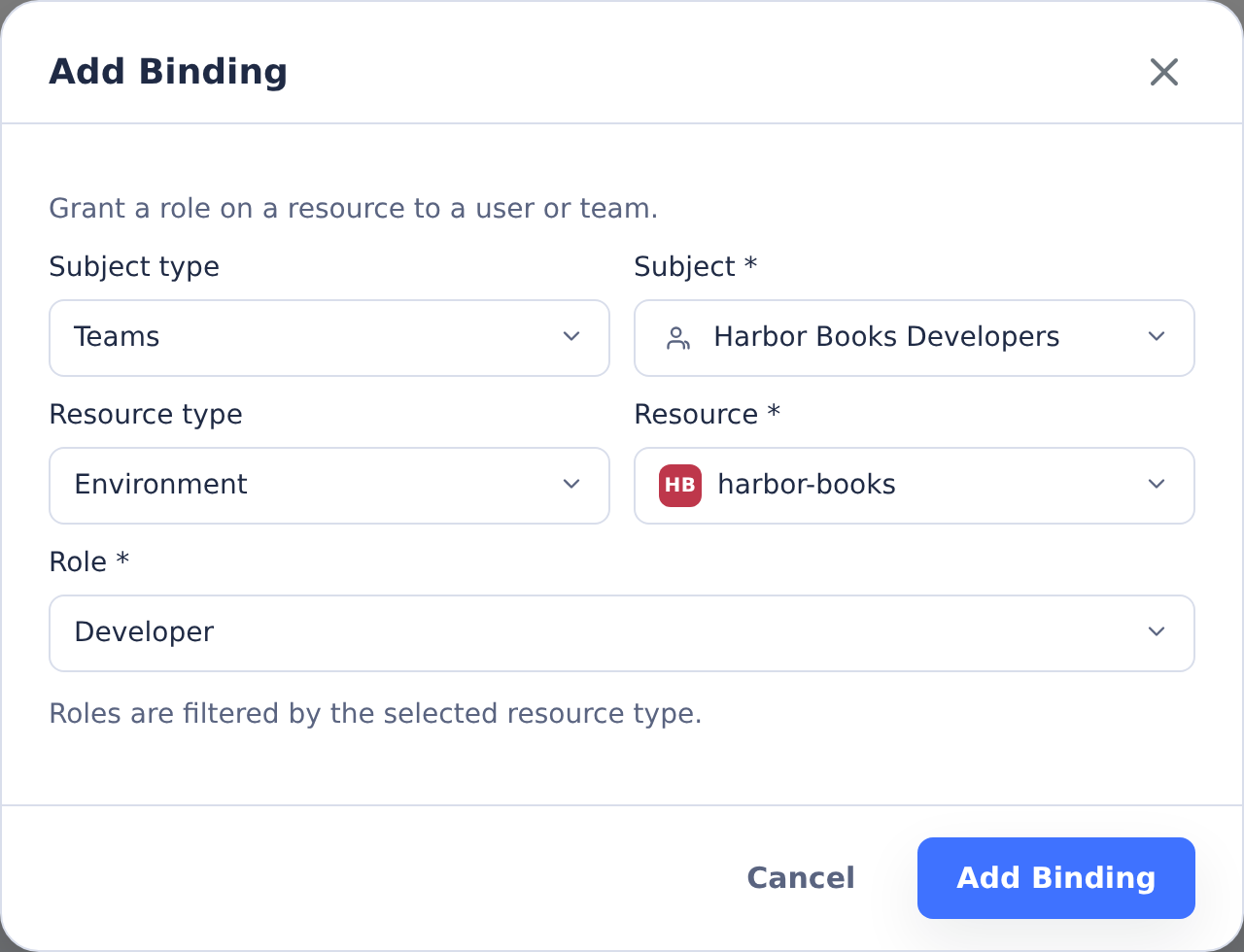
This example grants the Harbor Books Developers team access to the harbor-books environment.
For initial setup or automation, users and bindings can also be managed through the command-line tools or REST API.
Personal API keys do not grant separate privileges. They authenticate as the owning user, then use the same permissions and bindings described here. See API Keys.