Template Examples
Templates can automate many types of repetitive work. Here are common use cases that show how templates turn manual, one-at-a-time tasks into scalable operations.
Code Modernization
Legacy RPG to Modern RPG
Convert fixed-format RPG to modern free-format RPG:
- Parameter: Source file to convert
- Instructions: Analyze the program, convert to free-format syntax, update data definitions, add documentation
- Validation: Compile the converted program, run Profound Automated Testing to verify behavior matches original
- Batch: Select all programs in a library and convert them in parallel
Language Migration
Convert from legacy languages to modern platforms:
- Parameter: Source program
- Instructions: Analyze code structure, convert to target language (Node.js, .NET, Java), adapt platform-specific patterns
- Validation: Run Profound Automated Testing to ensure functional equivalence
- Batch: Migrate complete applications program by program
Refactoring
Code Pattern Updates
Apply consistent refactoring across a codebase:
- Parameter: File to refactor
- Instructions: Find deprecated patterns, replace with modern equivalents, update imports/dependencies
- Validation: Run tests, verify compilation
- Batch: Apply the same refactoring to every file matching a pattern
API Modernization
Update legacy API calls to modern interfaces:
- Parameter: Program using legacy APIs
- Instructions: Identify deprecated API calls, update to current versions, handle signature changes
- Validation: Test API interactions, verify responses
- Batch: Update all programs using the legacy API
Testing
Test Generation
Generate tests for existing code:
- Parameter: Program or module to test
- Instructions: Analyze code paths, generate unit tests covering key scenarios, create test data
- Output: Test files ready for integration
- Batch: Generate tests for all modules in a project
Test Expansion
Add coverage for edge cases:
- Parameter: Existing test file
- Instructions: Analyze current coverage, identify gaps, add tests for boundary conditions and error paths
- Batch: Expand coverage across entire test suite
Documentation
Code Documentation
Generate documentation from source code:
- Parameter: Source file or module
- Instructions: Analyze code structure, document functions/procedures, explain business logic, create usage examples
- Output: Markdown documentation files
- Batch: Document entire libraries or applications
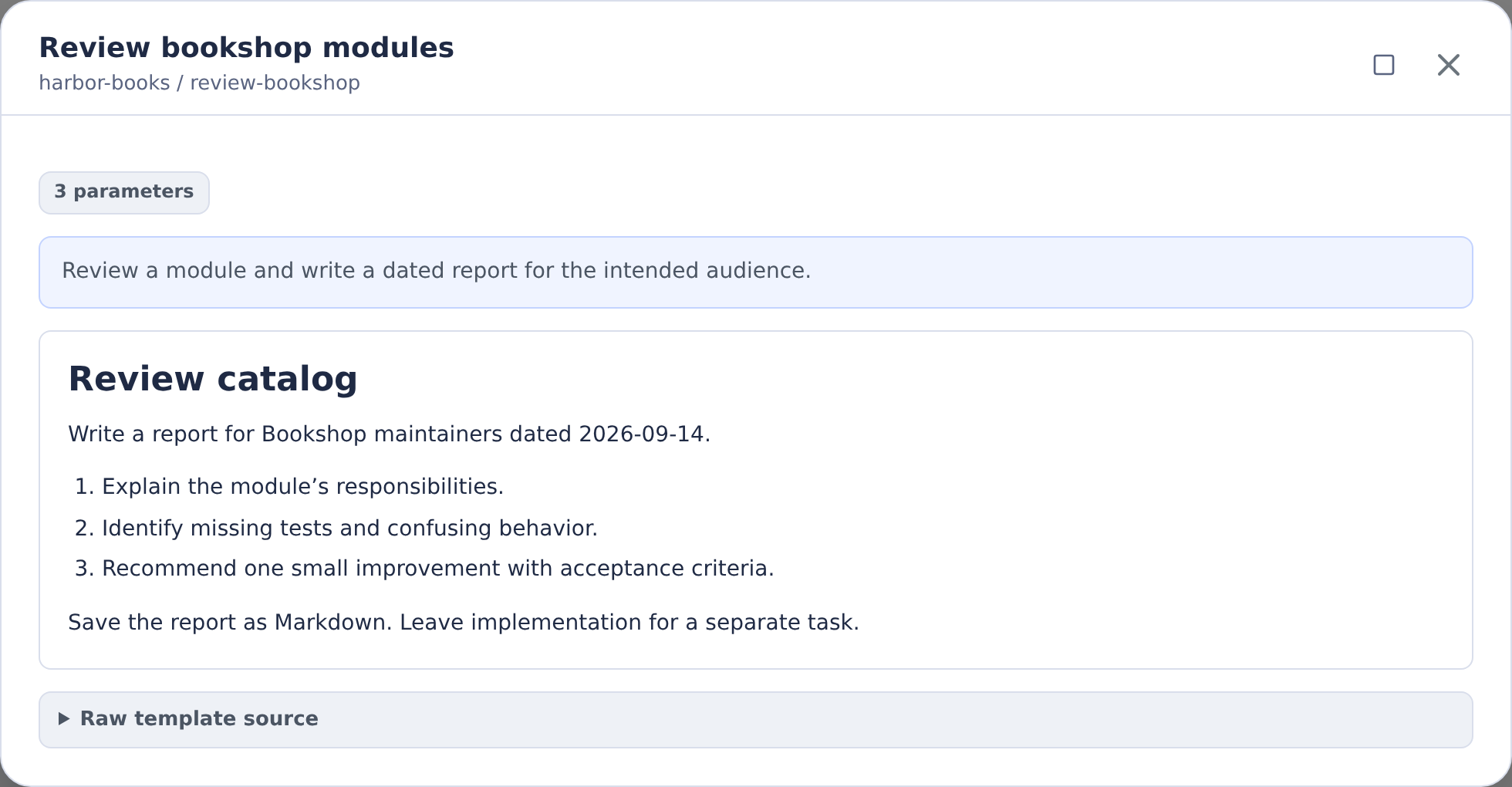
A template preview helps you check the intended scope and output before running it. This Harbor Books example requests a module review report for a named audience and date.
API Documentation
Generate API reference documentation:
- Parameter: API endpoint or service definition
- Instructions: Extract endpoint details, document parameters and responses, provide example requests
- Batch: Document all endpoints in a service
Building Effective Templates
When creating templates for these use cases:
- Start specific: Write instructions that work perfectly for one item
- Test thoroughly: Validate the template produces correct results
- Parameterize carefully: Only expose parameters users need to change
- Include validation: Add steps for testing and verification
- Scale gradually: Start with small batches before processing hundreds
See Task Templates for how to run templates, and Batch Processing for scaling to large operations.