
Secure by Design. Built to Do Security Work.
AI agents that stay inside the limits IT sets, then go to work on your security with sweeps, checks on every change and urgent updates.
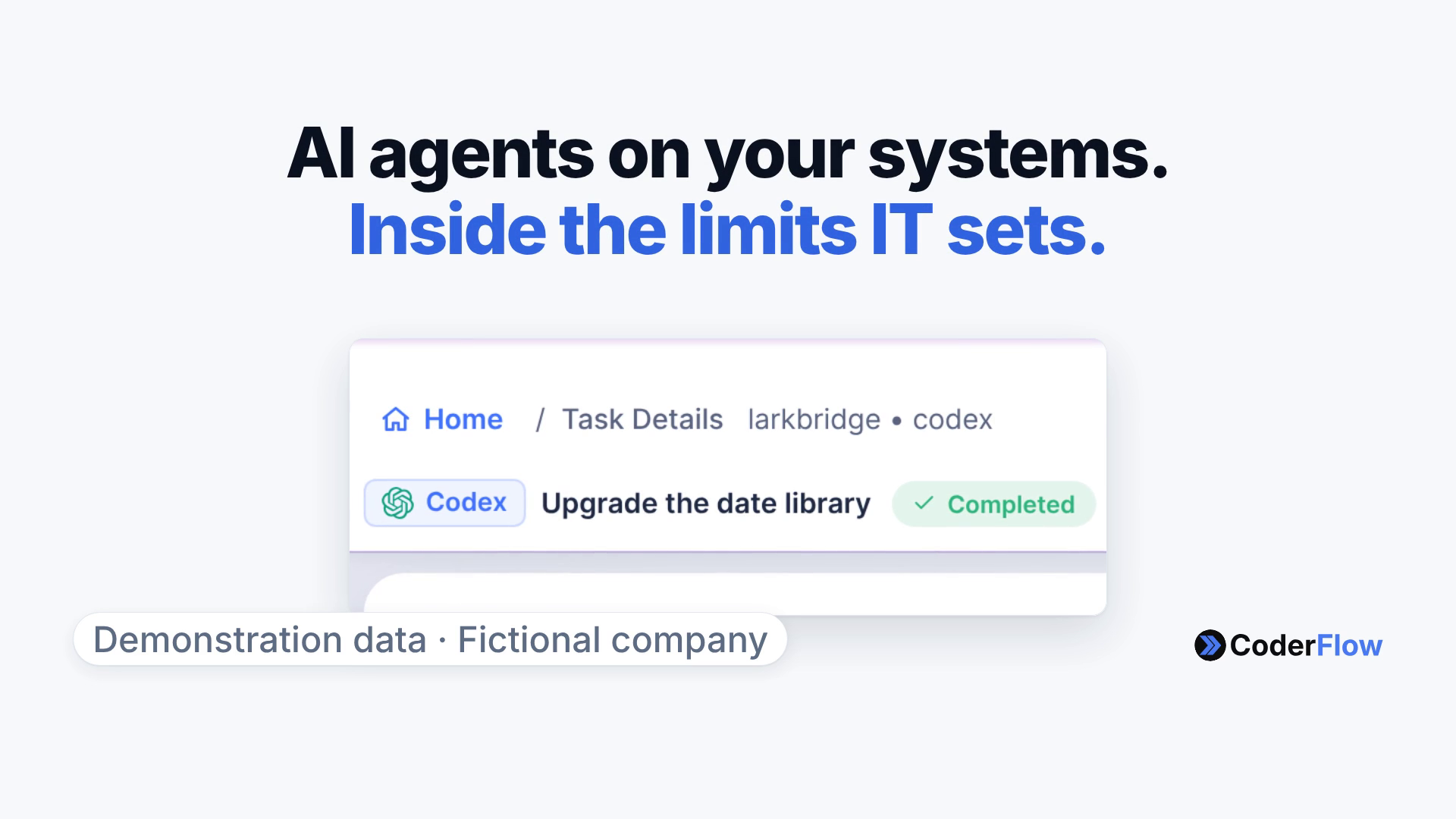
Demonstration data · Fictional company
Transcript: How CoderFlow keeps AI agents under IT's control
[An agent's finished task in CoderFlow, close on its chip row: Codex, “Upgrade the date library”, Completed.]
CoderFlow keeps AI agents under IT's control,
[Task Details for that task, lws-orders-api: its own container, f74680800bcd, Container State Running.]
with every task in its own container.
[Another task from the same batch, lws-label-printer: a different container, cedef897077b.]
[The orders-db connection IT set up, its login: Database LarkOrders, User cf_readonly, Password “Saved securely”.]
IT chooses each task's connections, like this read-only login.
[The environment's Secrets: INVENTORY_API_TOKEN is for Tasks; STAGING_DEPLOY_KEY and PRODUCTION_DEPLOY_KEY are for Deploy only. Names and scopes, never values.]
The key to production is kept out of every task.
[IT's deployment profile deploy-customer-portal, close on its Secrets (1): PRODUCTION_DEPLOY_KEY, mounted as a file.]
[That profile running on the Deploy tab: “Deploying: deploy-customer-portal”, RUNNING, then COMPLETED after 36 seconds, with the run's output below.]
Only IT's deployment step can use it.
[Multi-Factor Authentication: one-time codes (6 digits, 30-second period); 7 local users, 7 enrolled, 0 not enrolled.]
Every local user signs in with MFA,
[The Contractor role's own permissions, its name in the dialog title: under Deployments, deployments:view, deployments:execute (“Execute deployment profiles”) and deployments:manage are unchecked; so is containers:shell.]
and roles decide who can deploy.
[End card: CoderFlow logo, "Agents Work Inside the Limits IT Sets." and the disclosure.]
Agents work inside the limits IT sets.
Secured for You. Working for You.
How CoderFlow Is Secured
What agents can reach, data and secrets, sign-in and roles, approvals and audit, network hardening and AI risks.
Open the Trust Center →Put Agents to Work on Security
Sweeps, checks on every change, urgent updates, secrets, access reviews and alert triage, with a person approving every fix.
See Security With Agents →Running servers and jobs too? See IT Operations With Agents →
Six Controls Your Security Team Can Check.
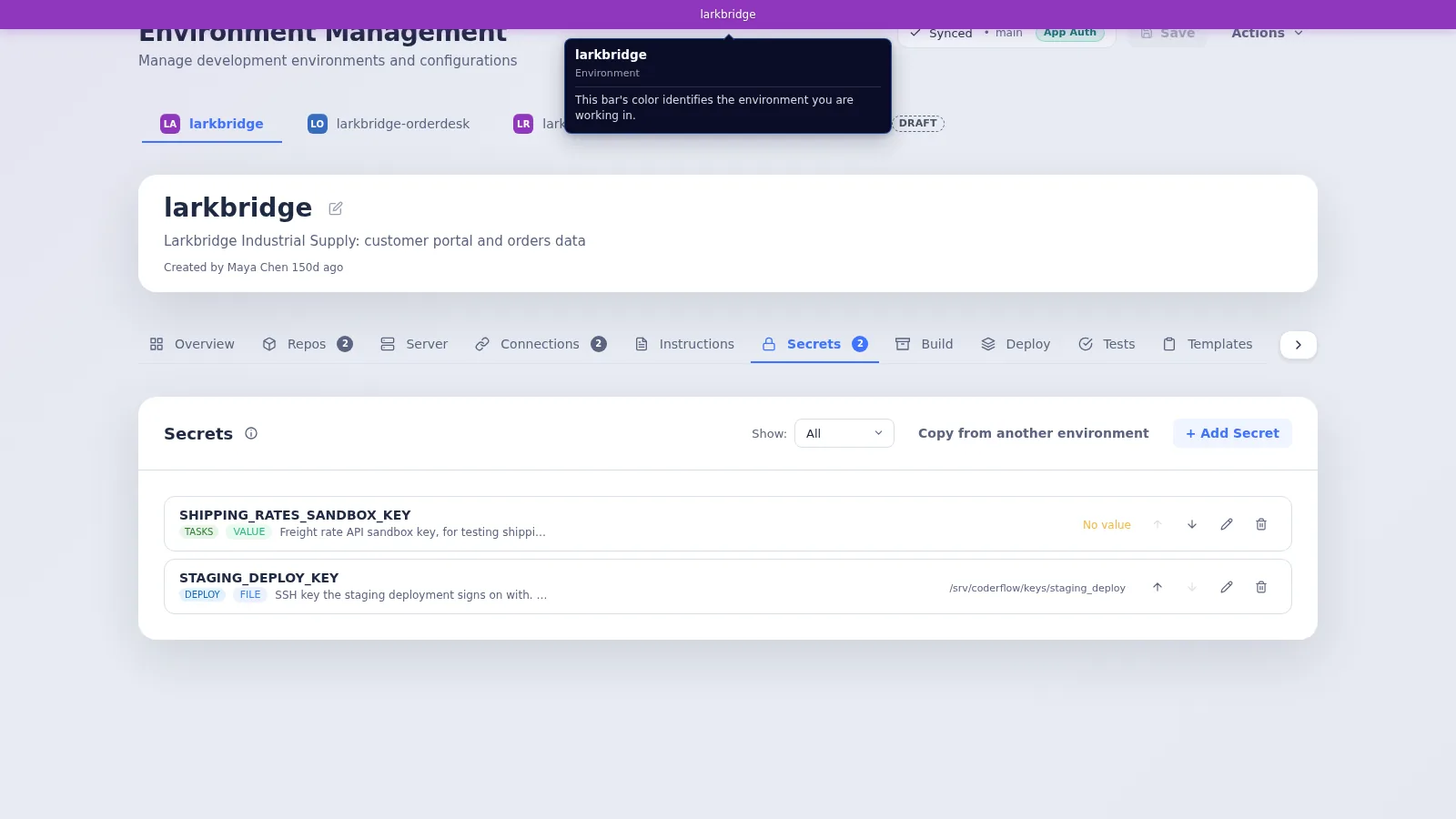
IT Chooses the AI
IT picks the AI providers, accounts and models for each environment.
A Container per Task
Every task runs in its own isolated container, with CPU, memory and process limits.
Short-Lived Access, Encrypted Secrets
Git access is a short-lived credential per operation, and stored secrets are encrypted at rest.
SSO, MFA and Roles
Sign in with your identity provider, require MFA, and decide who can do what in each environment.
A Person Approves Every Change
Nothing an agent changes is committed or deployed until someone with the right role approves it.
Every Step on Record
The request, the agent's work, the tests, the approver and every deployment run are kept together.
Put Security Checks On a Schedule.
Each check is an automation with a trigger, plain-language instructions and your tools. Every run starts an agent task, and fixes wait for approval.
| Check | When it runs | What your team gets |
|---|---|---|
| Dependency audit | Every night | Findings by severity, with upgrade tasks ready to review |
| Review of new commits | On every push, or nightly if the branch changed | What changed, checked for weak spots, with file and line |
| Full security sweep | Monthly or quarterly | Findings sorted, fixes prepared as separate tasks |
| Secrets in code | On every push, plus a monthly full scan | Committed keys and passwords, with the fix and a rotation checklist |
| Alert triage | When an alert email or webhook arrives | What happened, what it touched and what to do next |
Look First. Change Only Through Approval.
Read-Only for Checks
Give scheduled checks read-only, least-privilege accounts.
Kept out of Tasks
Automation-only connections are read by background automations and never put in a task container.
Fixes Are Changes
A fix is a commit, branch or pull request a person approves.
Release With Permission
Deployment steps IT defines take permission to run, and every run is recorded.
Try It Yourself.
Get hands-on with the real CoderFlow app and sample data, in about 5 minutes. Nothing touches real code.
Everything to Explore →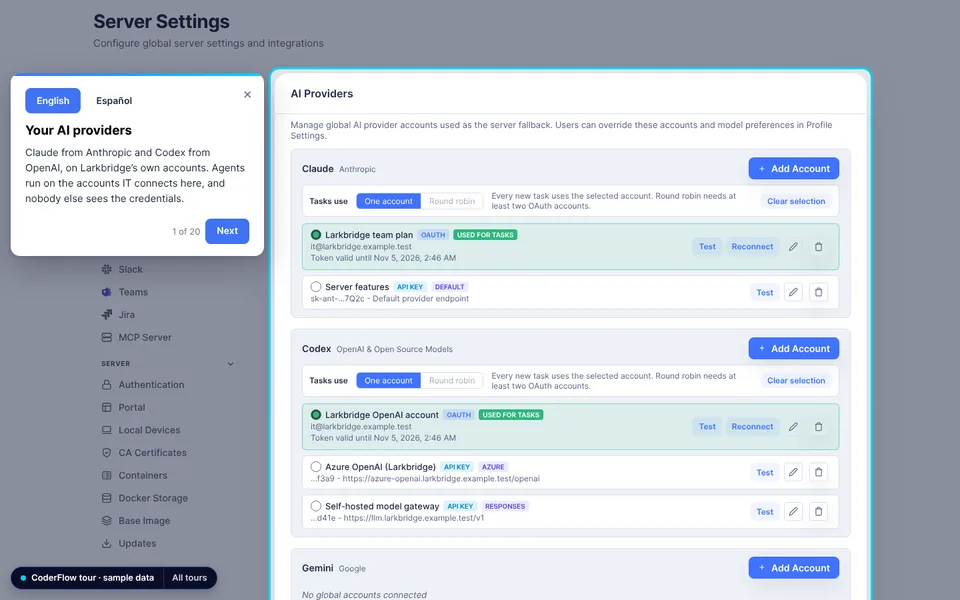
Security Questions
Is CoderFlow Secure Enough for Our Security Team?
CoderFlow is built for your security team's sign-off: IT chooses the AI providers, every task runs in its own container, sign-in uses your identity provider with MFA, and a person approves every change. The trust center and the security overview have the detail.
Can CoderFlow Run Security Checks On a Schedule?
IT creates an automation with a schedule, a webhook, an email trigger or new commits on a branch, and gives it plain-language instructions or a task template. Each run starts an agent task, and the run history is kept.
Can a Scheduled Check Change Our Code or Systems by Itself?
Changes an agent makes wait for a person to approve them, and deployments run through steps IT defines, which take permission. Checks that log in to servers should use read-only accounts, because commands an agent runs over a connection run directly.
What Happens When a Security Alert Arrives?
An automation can start a task from a Microsoft 365 mailbox, a signed webhook or a monitored Slack channel. The agent treats email content as untrusted input and writes up what happened, and a person decides what to do.
Bring Your Security Questionnaire.
Talk to us about your systems, your reviewers' questions and the checks you'd schedule first.