
Requests That Arrive Ready to Build.
Business users send requests with the screen and context attached. Agents build and test the change, IT approves it, and the requester accepts it.
Demonstration data · Fictional company
Transcript: One request, seen from both sides
[Tom Becker's question in the Ask bar of CoderFlow for Business: where can Kessler Mill Supply see the proof of delivery for order 48190? He types its last words.]
Tom, in customer service, asks about a delivery
[A minute or two later, the answer's first sentence, alone and large: Kessler Mill Supply can't see it in the customer portal today.]
and finds a gap: customers can't see the proof
[The Request for IT dialog opened from that answer: the title Show proof of delivery on delivered orders, then lower down, Included with your request: the Ask conversation. Tom presses Send to IT.]
so he sends it to IT, conversation and all.
[IT's Requests queue in CoderFlow, twenty minutes later, close on one row: REQ-000150, Show proof of delivery on delivered orders.]
By the time Maya, in IT, opens her queue
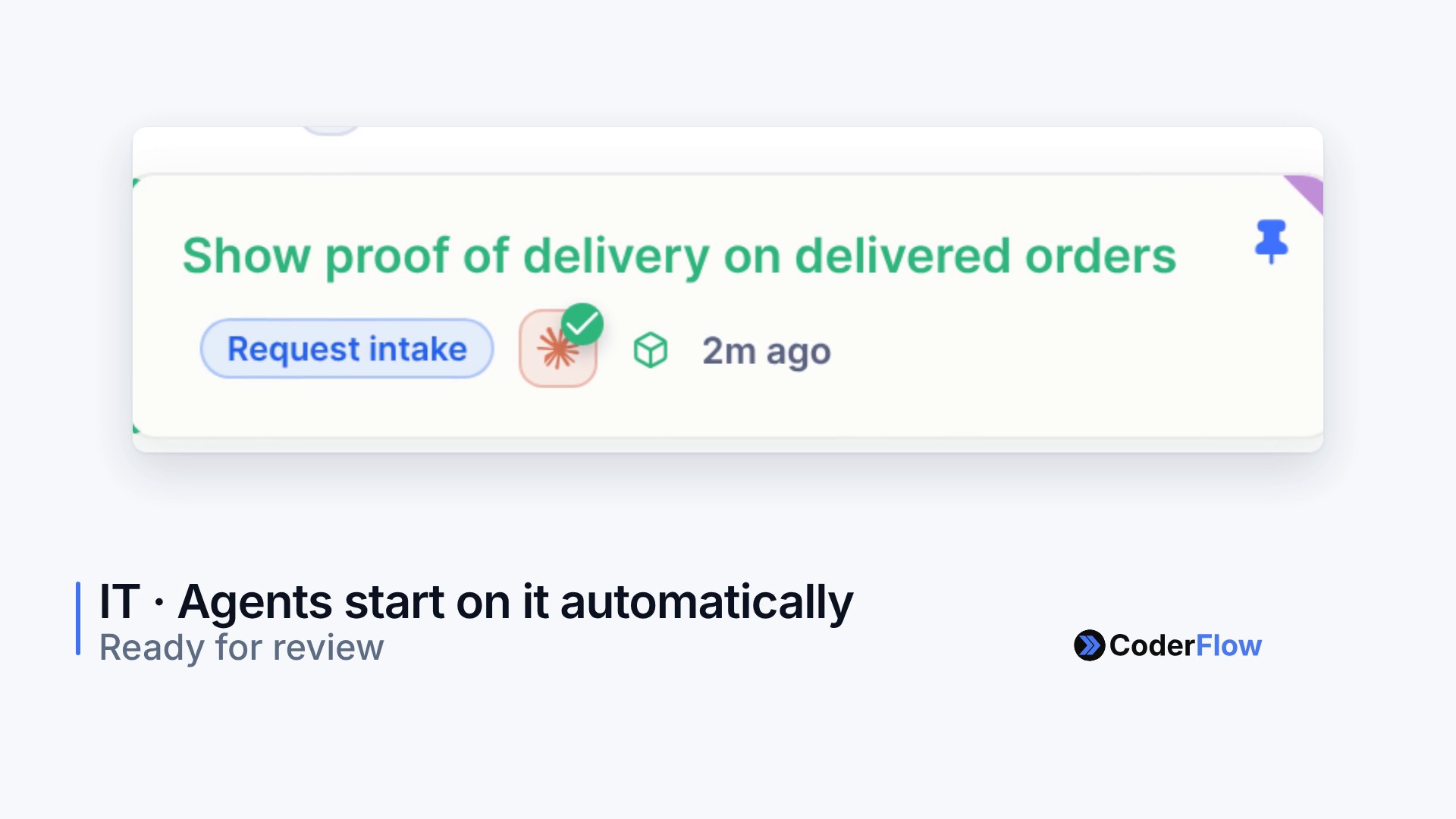
[Her task board, close on one card: Show proof of delivery on delivered orders, in green, with the Request intake pill and a finished agent task, 2m ago.]
an agent has already done the work
[The agent's preview of the change in the task's App Server: Larkbridge's customer portal, order 48190, with a new Proof of delivery card: delivered Nov 3, 10:42 AM CST, Dock 2.]
proof of delivery, right on the order page
[The agent's test run on the task: Test Files 8 passed (8), Tests 44 passed (44).]
with all 44 tests passing
[Approve Changes, as Maya reviews it: customer-portal, 6 files changed (+103 -0), branch main, and the commit message Show proof of delivery on the order page.]
so all Maya does is review it
[Task Details after the commit, close on two fields: Duration 18m 25s, and Approved by Maya Chen, now.]
and approve it.
[Tom's request that afternoon, close on IT's note: Ready for you to try. Maya Chen (IT): Delivered orders now show Proof of delivery.]
That afternoon, Tom gets to try it
[The Reopen request dialog with Tom's note: order 48175 went out in two shipments, and only the first one shows its proof of delivery. He presses Reopen request.]
but one order shipped in parts, so he reopens it
[Linked work on IT's side, close on the second task: Show proof of delivery for each shipment, Running, launched by Maya Chen just now.]
and Maya sends his note back to an agent.
[Later that afternoon, close on IT's second note: What to check: open order 48175, both shipments, SH-77084 and SH-77131. Tom presses Accept.]
This time, each shipment shows its own
[The request after the press: REQ-000150, Resolved. You accepted the result.]
and Tom accepts it, the same day.
[End card: CoderFlow logo, "Requests That Arrive Ready to Review." and the disclosure.]
Requests arrive ready to review.
How It Flows
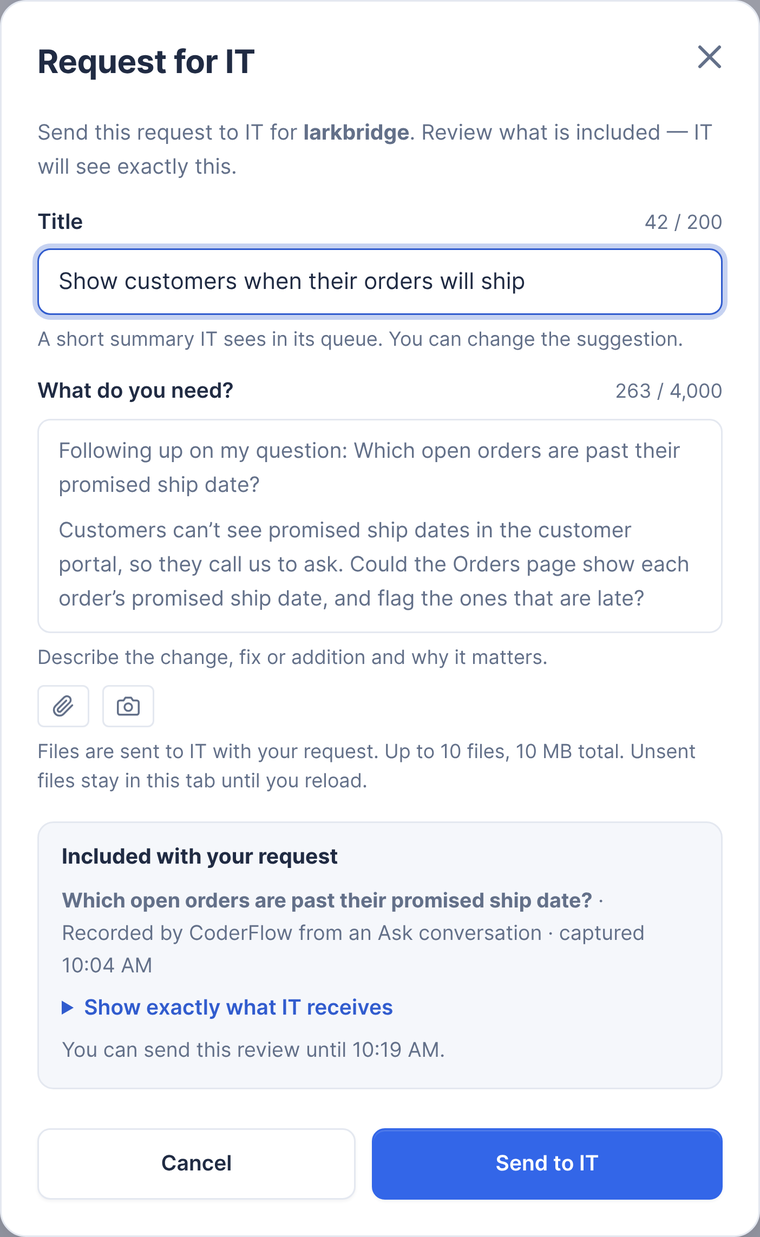
For Business Users
Start a request from an Ask answer, a screen, a report or a blank form, with the context attached. My Requests shows status, a shared conversation with IT and one-click Accept, Reopen or Withdraw.
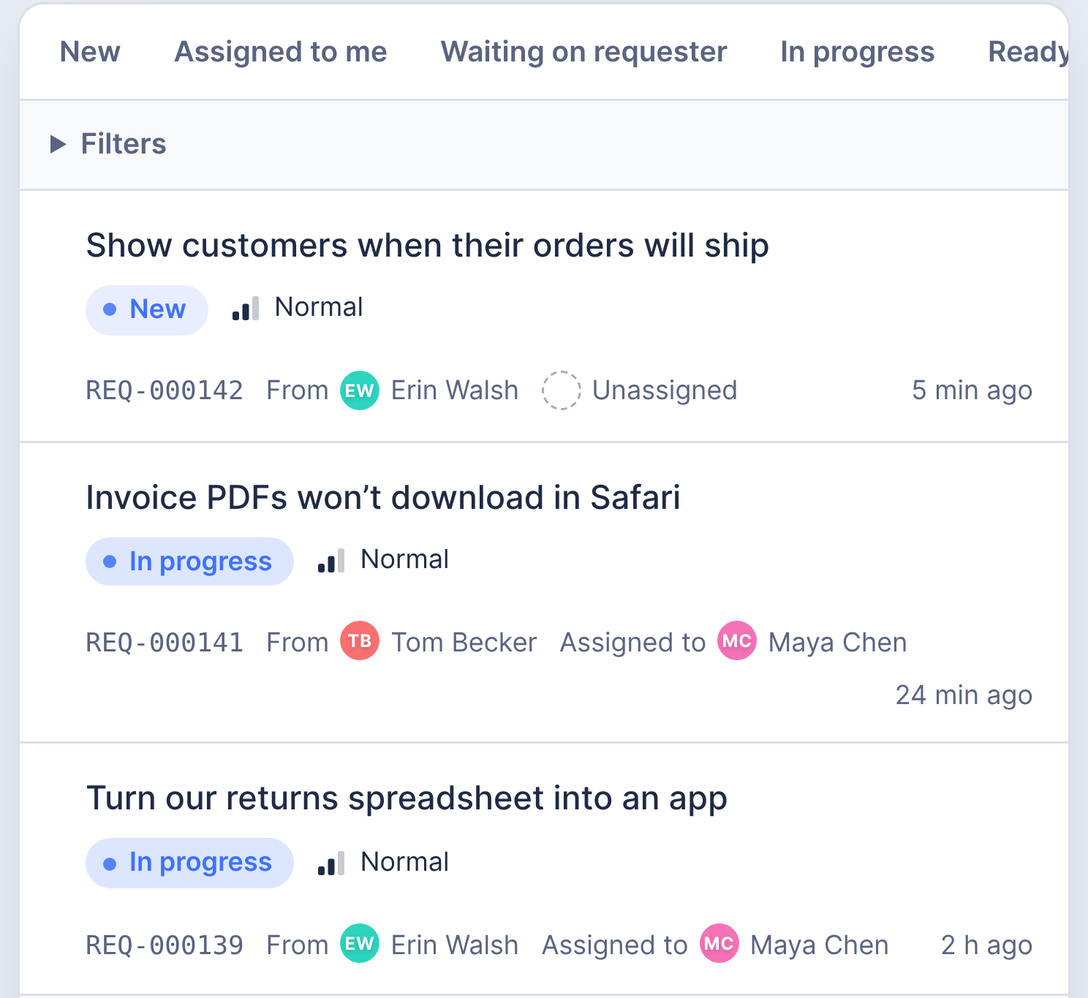
For IT
A queue with views, priorities, IT-only notes and AI-drafted triage that IT reviews before publishing. Email notifications keep requesters and IT up to date.
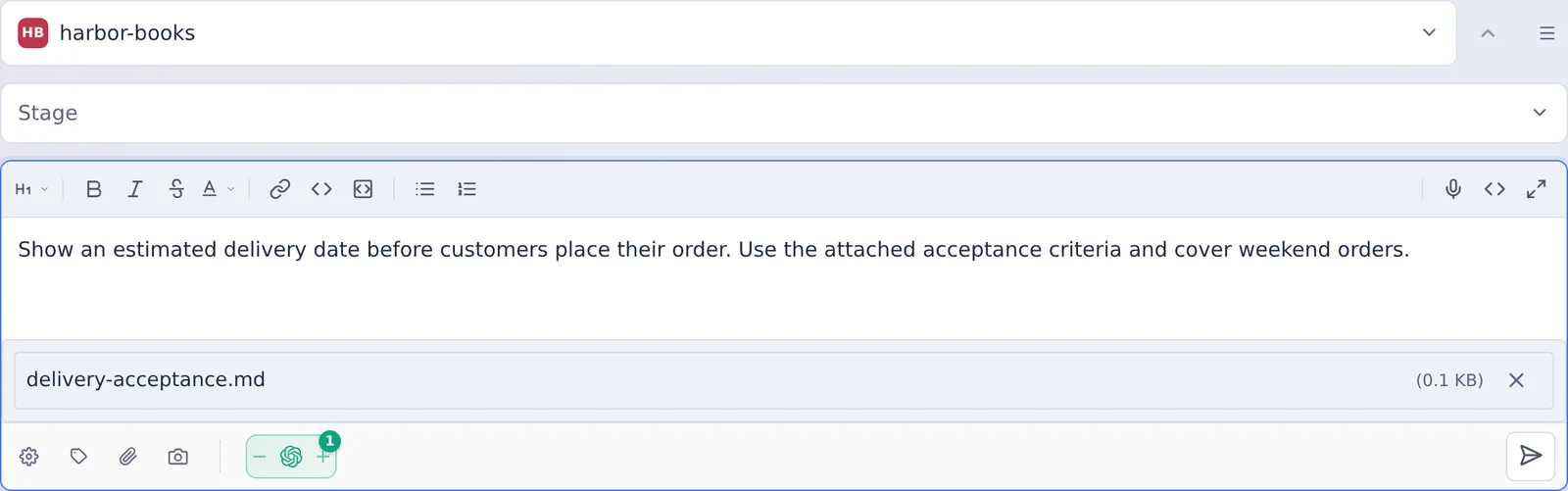
From Request to Agent Work
Launch an agent task straight from the request, or link existing work. Normal review and approval still apply, and the audit trail links back to the person who asked.
Before and After
Before
- Vague tickets and lost screenshots
- Context retyped at every handoff
- Requesters chase IT for updates
With CoderFlow
- Requests carry the screen, filters and record
- Agent work starts from the request
- Requesters see status and try the result
Works With the Systems You Run
Try It Yourself.
Get hands-on with the real CoderFlow app and sample data, in about 3 minutes. Nothing touches real code.
Everything to Explore →
Questions
How Do Business Users Create an IT Request in CoderFlow?
From wherever they noticed the issue: an Ask answer, an application screen, a report or a blank request. CoderFlow attaches the context, and the user reviews it before sending.
How Does IT Turn a CoderFlow IT Request Into Agent Work?
IT launches an agent task straight from the request, with its context, or links existing tasks and objectives. When the work is done, IT marks the request Ready to try, and the requester accepts it or reopens it.
Is AI-Drafted Text Sent to Requesters Automatically?
CoderFlow keeps AI drafts, such as triage summaries and clarifying questions, private until IT edits and publishes them, labeled AI-assisted. IT-only notes are never shown to requesters.
Do Business Users See IT's Internal Work in CoderFlow?
Requesters see status, the shared conversation with IT and the result they are asked to try. IT-only notes, agent tasks, diffs and logs stay with IT.
Can We Keep Using Jira With CoderFlow IT Requests?
CoderFlow can import Jira Cloud issues as tasks or objectives and post results back as comments; Jira Server and Data Center are not supported. Business users ask through IT Requests, so they don't need Jira accounts.
Turn Business Requests Into Delivered Changes.
Talk to sales about your systems, or start with a Reimagine engagement.