
SharePoint and InfoPath With CoderFlow
Lists, InfoPath forms and workflows that run requests, approvals and tracking across the company.
Built from your site: its lists, its forms, its rules. Not from a blank page.
// Calculated column: Approval Level
=IF([Amount]>10000,"CFO",
  IF(OR([Amount]>2500,[Category]="IT"),
  "Director","Manager"))
// List validation: cost center required over 500
=IF([Amount]>500,NOT(ISBLANK([Cost Center])),TRUE)
// Calculated column: Needed By
=[Created]+IF([Priority]="Urgent",2,7)
// Power Automate: escalate requests pending 5+ days
@and(
  equals(items('Each_request')?['Status/Value'],
    'Pending'),
  less(items('Each_request')?['Modified'],
    addDays(utcNow(), -5)))
Requests over 10,000 go to the CFO. Anything over 2,500, and every IT request at any amount, goes to a director. The rest go to a manager. Requests pending more than five days are escalated, and weekends count toward the five days.
Illustrative example with synthetic code.
Running on SharePoint Today
InfoPath forms and older SharePoint workflows are being retired, and they still run real processes.
Rules are buried in calculated columns, form rules and workflow steps that nobody has listed.
Lists grow past what views and filters handle well, and people drift back to spreadsheets.
What CoderFlow Does for SharePoint
Documentation and Q&A
Plain-language documentation of your SharePoint lists, forms and workflows, and answers with sources for anyone on your team.
Built for You, Approved by You
Describe what you need. CoderFlow builds and tests the app, and you try it before anyone relies on it.
Forms and Workflows, Inventoried
CoderFlow documents lists, columns, form rules and workflow steps in plain language, so you know what each process does before anything is retired.
Rebuild Retiring Forms as Web Apps
CoderFlow rebuilds InfoPath forms and older workflows as web apps with the same fields, rules and approvals, approved before people switch.
Answers About Your Site, in Plain Language
Ask how a list, form or workflow works and get an answer that shows where it came from.
Explore CoderFlow for Business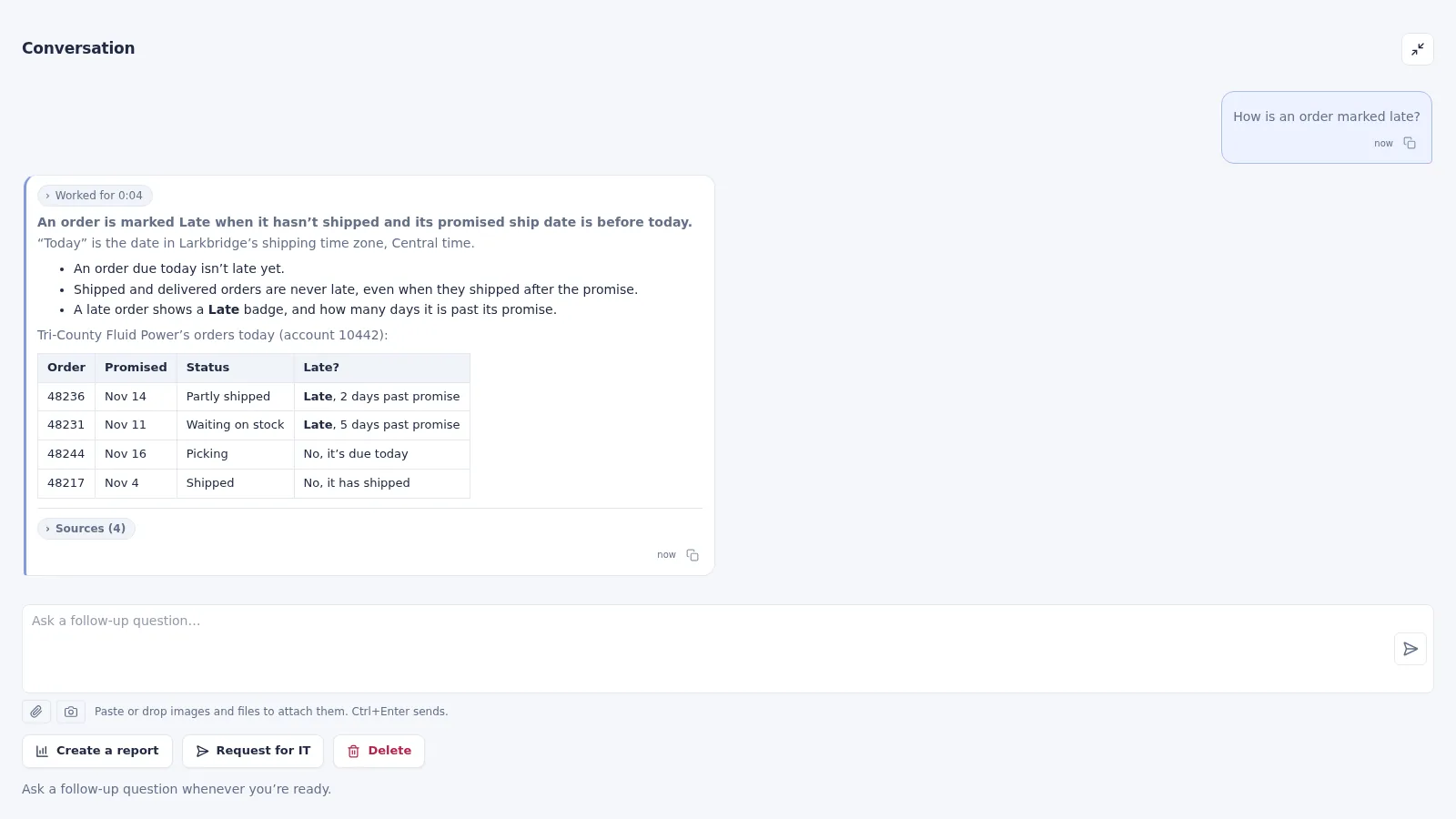
How It Connects
Export InfoPath templates, list schemas and flow definitions, and CoderFlow builds and tests the replacement in its own workspace. With access IT sets up, the new app can read and write SharePoint lists and documents through Microsoft Graph.
Keep It, or Move Forward
Keep SharePoint for documents and team sites. Move the forms and workflows that are being retired, or have outgrown lists, into apps built for the process.
An InfoPath Form, Rebuilt in Time
An operations team runs purchase requests on an InfoPath form with a workflow nobody wants to touch. CoderFlow documents the rules, builds a web app with the same fields and approval levels, and the team runs both for a month. IT approves the switch.
Walkthroughs for your system are coming. Meanwhile, explore CoderFlow on a web app, or see how it works in the 2-minute quick look.
SharePoint Questions
Can CoderFlow Replace Our InfoPath Forms?
CoderFlow reads InfoPath form templates, including fields, rules and views, and rebuilds each form as a web app with the same fields, validation and approval steps. You try it with real requests and approve it before anyone switches.
Can CoderFlow Explain Our SharePoint Lists and Workflows?
CoderFlow explains exported list schemas, calculated columns, validation formulas and workflow definitions in plain language: who approves what, when requests escalate and which rules apply. Each answer points to the column, rule or flow step behind it.
Can an App Built With CoderFlow Still Work With SharePoint?
With access IT sets up, CoderFlow can build the new app to read and write SharePoint lists and documents through Microsoft Graph. Many teams move a form or workflow into the app and keep SharePoint for documents and team sites.
Do Business Teams Need IT to Replace a SharePoint Process With CoderFlow?
CoderFlow lets a process owner get started by describing the form or workflow in plain language; CoderFlow builds the app, and the team tries it and approves it. IT can review every change and connect the app to SharePoint, or Profound Logic can host it on CoderFlow Cloud.
Where Do Our SharePoint Forms and Data Go When CoderFlow Works on Them?
They stay in CoderFlow, on CoderFlow Cloud hosted by Profound Logic or on your own Linux server, and each task runs in its own isolated workspace. AI requests go only to the providers configured for your account, and a person approves every change, with each approval recorded.
How Do We Get Started Replacing SharePoint Forms and Workflows With CoderFlow?
Pick one list, form or approval that people chase by email and describe how it works today; an InfoPath form or a list export helps. Talk to sales and we'll show you how CoderFlow would build it, hosted by Profound Logic on CoderFlow Cloud.
Related systems
Industries where we often see SharePoint
Take the Manual Work off Your Plate.
Tell us what you need and we'll show you how CoderFlow would build it, or start with a Reimagine engagement.