
Know Where Every Order Stands. Without Asking IT.
Answers in seconds, less side work in spreadsheets, and a faster, safer way for IT to change the systems behind your orders and shipments.
What Slows Distribution & Logistics Down
Customer service and warehouse teams call IT, or walk the floor, to find out where an order is.
Pricing, allocation and carrier rules hide in code and spreadsheets few people understand.
Every new customer requirement waits in a long IT queue.
What CoderFlow Delivers for Distribution & Logistics
Outcomes for the business, delivered on the systems you already run.
Answers With Sources
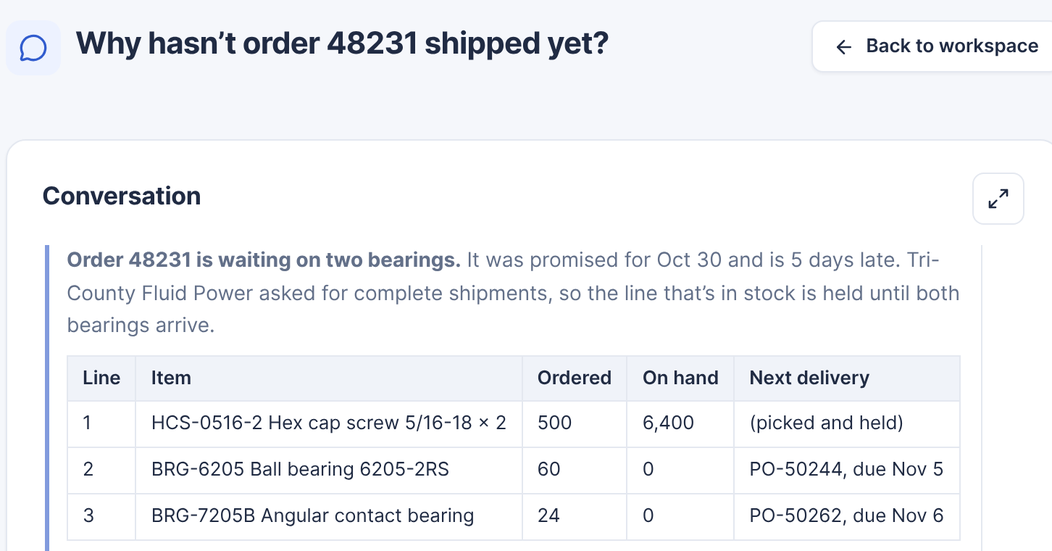
Customer service asks where an order is, why it is held or when stock arrives, and gets an answer with its sources.
CoderFlow for Business →Fewer Spreadsheets on the Side
Price lists, carrier rate sheets and cycle-count spreadsheets become simple apps tied to your system, so nobody retypes them.
Spreadsheets to Apps →Rules You Can See
Pricing, allocation and carrier rules explained in plain language, straight from the code.
Documentation and System Knowledge →Customer Requirements, Delivered Faster
New labels, EDI changes and customer-specific rules become agent work, reviewed and approved by IT.
Agentic Coding →Questions Your Team Can Finally Ask
- “Which customers have orders held for credit today?”
- “What's our fill rate by warehouse this week?”
- “Why did this order go to the more expensive carrier?”
Every answer shows its sources, and any answer can become a saved report, a scheduled question or a request to IT.
Illustrative questions.
Explore CoderFlow for Business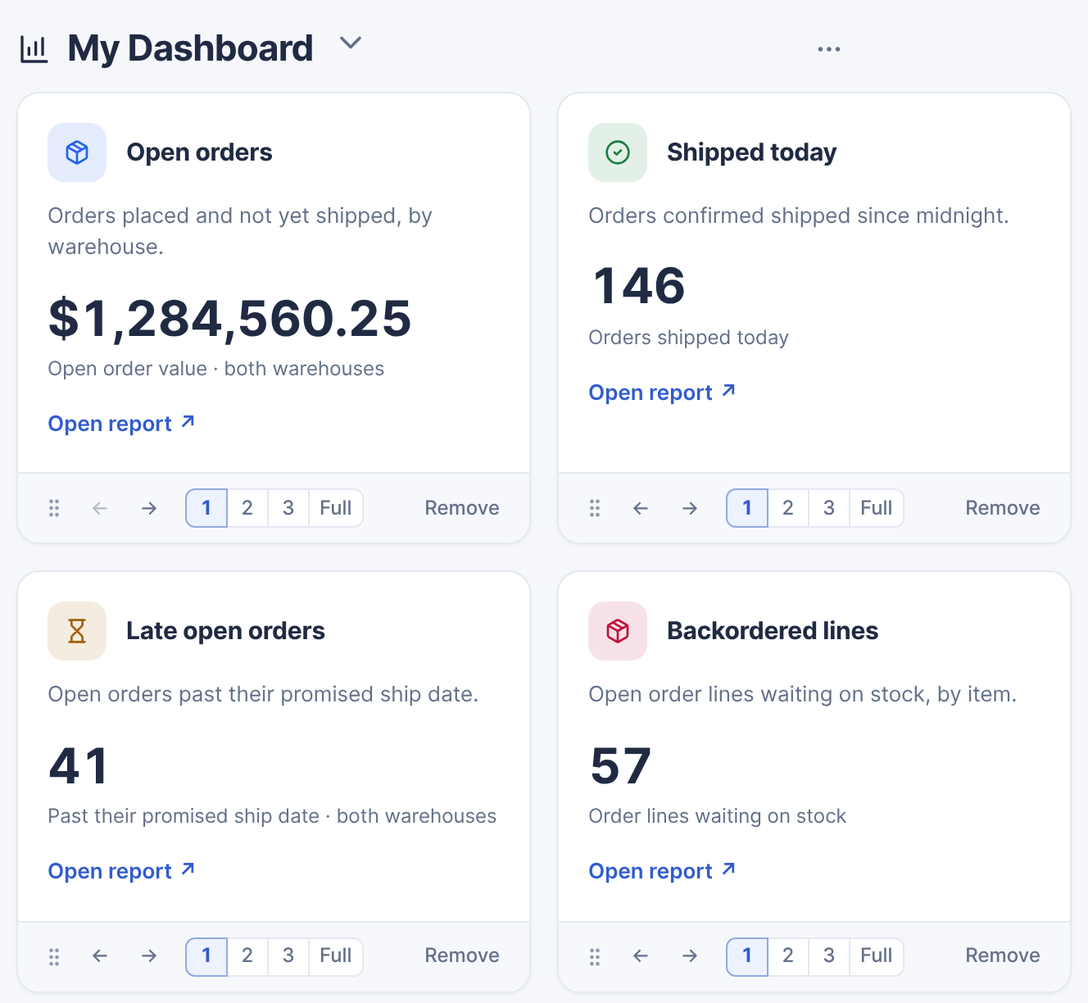
Questions Answered on Schedule
Business users schedule the questions they ask every week. A fresh, sourced answer arrives on time, with an optional email.
- “Every weekday at 7, ask: which items are projected to stock out within 5 days?”
- “Every weekday at 8, ask: which orders missed their promised ship date yesterday, and why?”
- “Every Monday at 7, ask: what was each branch's fill rate last week? Email me the answer.”
Changes the Business Has Been Waiting For
Agents work on warehouse, order and EDI code and the integrations around a packaged ERP. New customer requirements arrive as requests with the context attached.
Systems we often see in distribution & logistics
Governed AI for Distribution & Logistics.
IT decides what each branch and team can see. Shared reports run with each viewer's own data access, so branches see their own numbers.
Security and Governance →- IT chooses the AI providers and models
- Every task runs in an isolated container
- Humans approve every change, with a full audit trail
Stockouts, Prevented
A distributor's branch managers learn about stockouts when customers call. A purchasing lead asks CoderFlow which fast movers are trending toward zero, schedules that question every morning and requests reorder points that follow seasonal demand. An agent makes the change and IT approves it.
Distribution & Logistics Questions
What Does CoderFlow Do for Distributors and Logistics Companies?
CoderFlow puts AI agents to work on the warehouse, order, pricing and transportation systems distributors run, and the spreadsheets around them. Teams get answers with sources, reports and recurring checks, and a person approves every software change.
Can CoderFlow Help With EDI Changes?
CoderFlow agents build and test changes to the code that produces and processes EDI documents, each in an isolated container. A developer reviews and approves every change before it ships, and the approval is recorded.
Which Distribution and Logistics Systems Does CoderFlow Work With?
CoderFlow works with the source of custom and customized systems, often MultiValue, Progress OpenEdge, Synergy DBL, Informix 4GL, VB6, Delphi, .NET and SQL Server, plus Excel and Access tools. On a packaged ERP, it builds the integrations and tools around it.
Bring AI to the Systems That Run Your Business.
Talk to sales about your industry and your systems, or start with a Reimagine engagement.