
Microsoft Access With CoderFlow
Desktop databases with forms, queries, reports and VBA that run orders, inventory, billing and member records.
Built from your database: its tables, its forms, its rules. Not from a blank page.
' Form_frmOrders - price the line, check holds on save
Private Sub Form_BeforeUpdate(Cancel As Integer)
    Dim tier As String, price As Currency, crit As String
    crit = "CustomerID=" & Me!CustomerID
    tier = Nz(DLookup("PriceTier", "tblCustomer", crit), _
        "Retail")
    price = DLookup("Price", "tblPrices", "ItemID=" & _
        Me!ItemID & " AND Tier='" & tier & "'")
    If Me!Qty >= 24 Then price = price * 0.95
    Me!UnitPrice = price
    If DCount("*", "qryOpenInvoicesOver60", crit) > 0 Then
        Me!Status = "Hold"
        MsgBox "Invoices over 60 days: order on hold."
    End If
End SubAny customer with an invoice more than 60 days past due has every new order put on hold. Customers with no price tier are priced at Retail, and lines of 24 or more units get 5% off.
Illustrative example with synthetic code.
Running on Access Today
The database lives on a shared drive, and it slows down or locks up when several people use it at once.
Remote staff, phones and customers can't reach it without a remote desktop.
Years of rules sit in forms, queries, macros and VBA that only one person understands.
What CoderFlow Does for Access
Documentation and Q&A
Plain-language documentation of your Access databases, and answers with sources for anyone on your team.
Built for You, Approved by You
Describe what you need. CoderFlow builds and tests the app, and you try it before anyone relies on it.
The Rules, Written Down
CoderFlow explains forms, queries, macros and VBA in plain language, so you have the rules on paper before anything changes.
Same Data, Now a Web App
CoderFlow rebuilds the database as a web app with a server database, logins and screens that work on any browser or phone. You try it with your data and approve it.
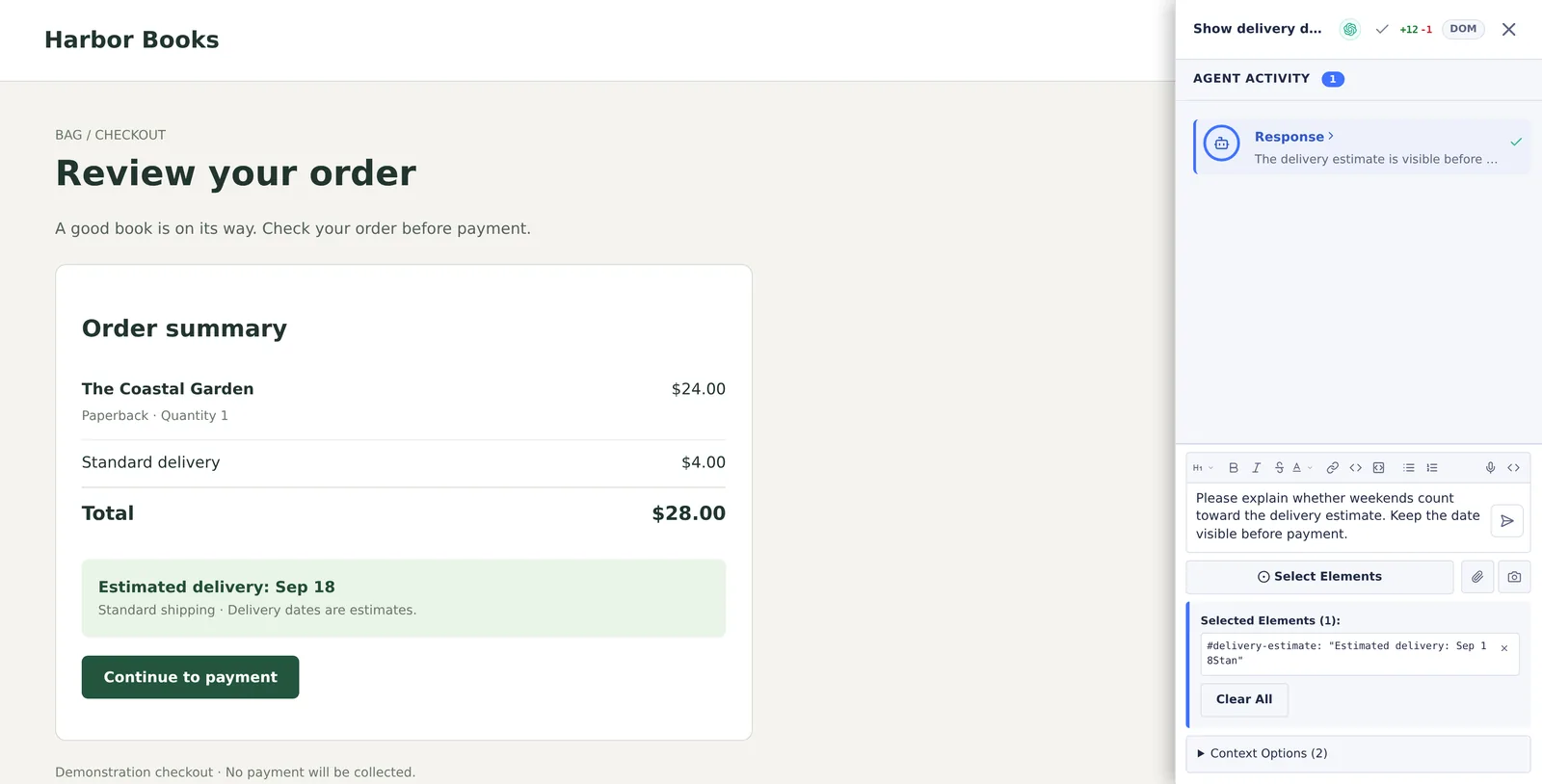
Answers About Your Database, in Plain Language
Ask how a query, form or macro works and get an answer that shows where it came from.
Explore CoderFlow for Business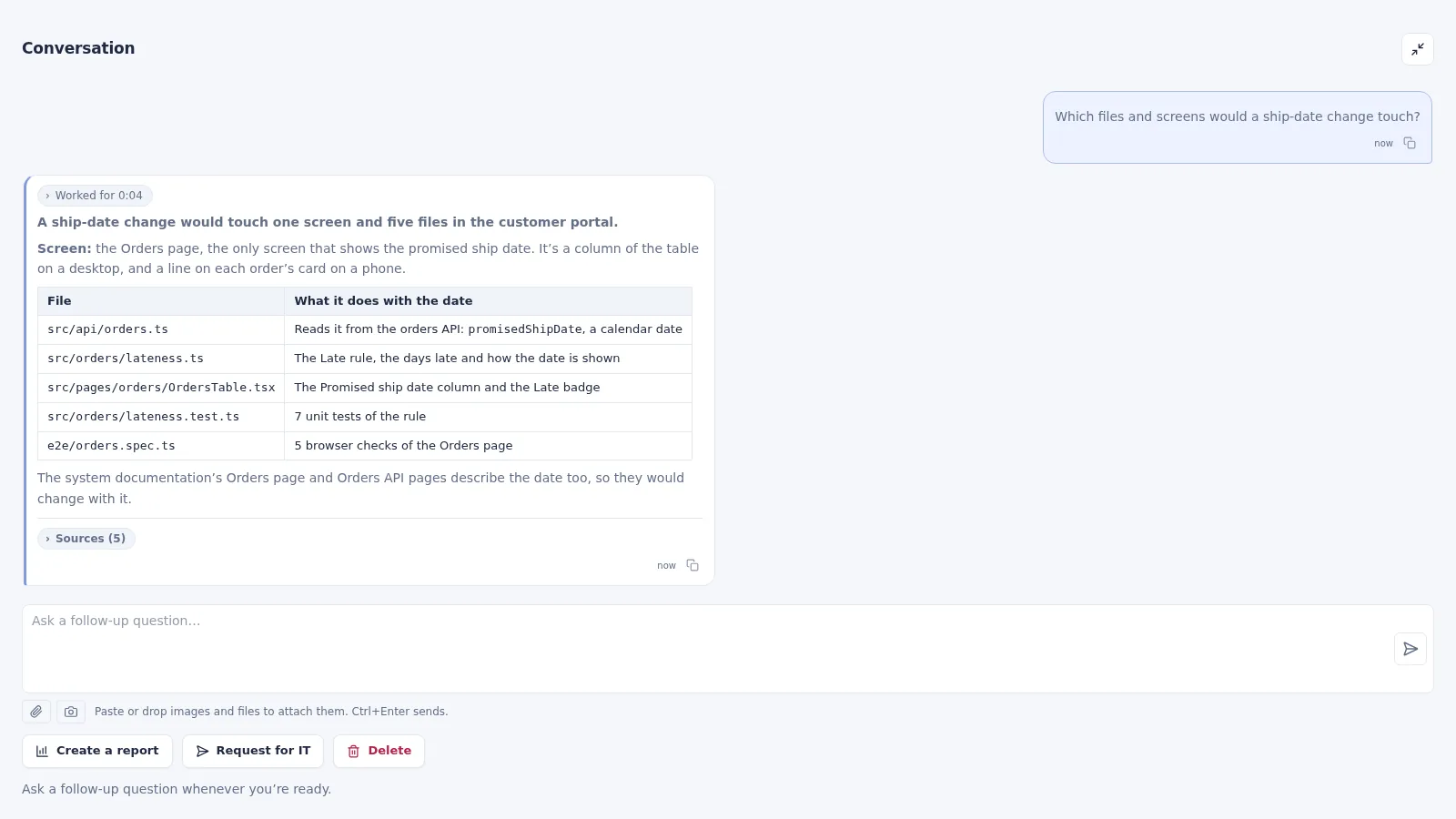
How It Connects
Share the Access file or its exported objects. Access runs only on Windows, so CoderFlow reads the exported design and prepares any Access changes for your team to try, while the replacement web app is built and tested inside CoderFlow.
Keep It, or Move Forward
Keep the Access database running while the new app proves itself. Moving the tables to a server database first lets Access and the new app share the same data during the switch.
From Shared-Drive Database to Web App
A 30-person wholesaler runs orders from an Access database that locks up when the warehouse and office use it at once. CoderFlow builds a web app over the same data with the same pricing and hold rules, and the team tries it for two weeks before the owner approves. Profound Logic hosts it on CoderFlow Cloud.
Try It Yourself.
Get hands-on with the real CoderFlow app and sample data, in about 2 minutes. Nothing touches real code.
Everything to Explore →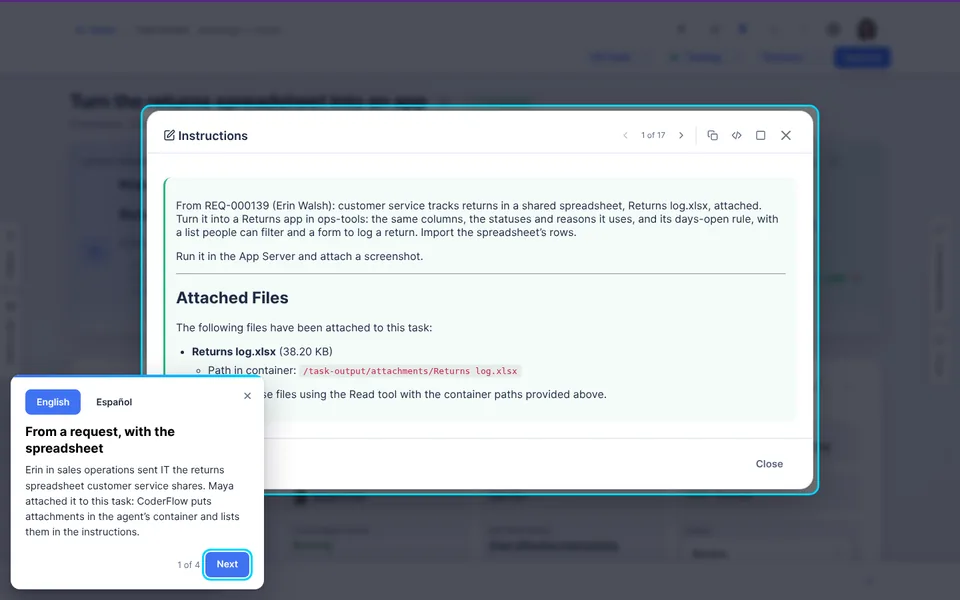
Access Questions
Can CoderFlow Turn a Microsoft Access Database Into a Web App?
CoderFlow reads the tables, queries, forms, reports and VBA, then builds a web app with the same rules over a server database, with logins that work from any browser or phone. You try it with your data and approve it.
Can CoderFlow Explain How Our Access Database Works?
CoderFlow explains exported forms, queries, macros and VBA in plain language: what each form does, how prices or statuses are set, which queries feed which reports and where rules conflict. Each answer names the form, query or module behind it.
Can CoderFlow Change Our Access Database Directly?
CoderFlow reads and changes exported Access VBA and query SQL, and prepares the changes for your team to bring into Access, try and approve. Access runs only on Windows and CoderFlow works on Linux, so CoderFlow doesn't run Access itself; replacement web apps are built and tested inside CoderFlow, including in a browser.
What Happens to Our Access Data When CoderFlow Builds the New App?
CoderFlow builds and tests the move to a server database, such as SQL Server or PostgreSQL, with your real Access tables, so totals and statuses match. Access can link to the new tables, so the old database and the new app share the same data during the switch.
Do We Need an IT Team to Replace Access With CoderFlow?
CoderFlow works from a plain-language description by the owner or the person who knows the database best, then builds the app for you to try and approve. Profound Logic can host it on CoderFlow Cloud, and if you have IT, they can review every change.
How Do We Get Started Replacing Access With CoderFlow?
Start with the Access form or report people depend on most, and share the database file if you can. Talk to sales and we'll show you how CoderFlow would build it, hosted by Profound Logic on CoderFlow Cloud or on your own servers.
Related systems
Take the Manual Work off Your Plate.
Tell us what you need and we'll show you how CoderFlow would build it, or start with a Reimagine engagement.