Ask About Your Data, Then Ask IT for a Change
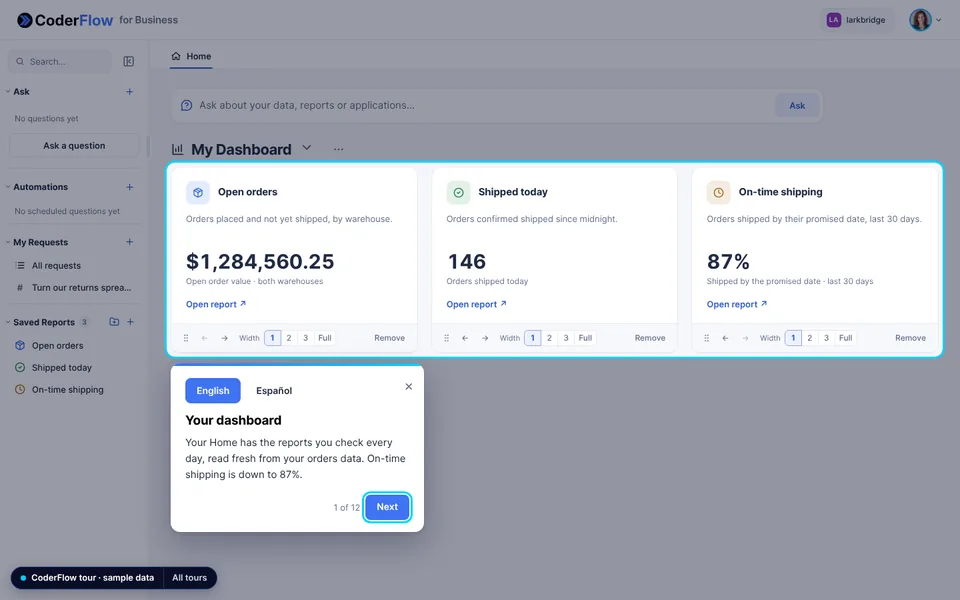
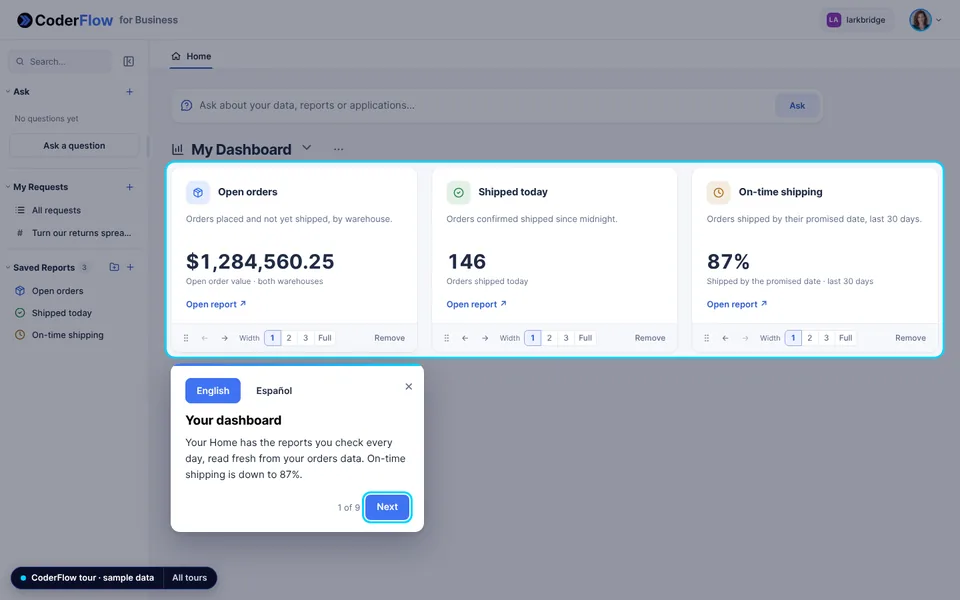
Ask which orders are late, get a chart with every source, and send IT a request with the answer attached.
Get hands-on with the real CoderFlow app and sample data. Review an agent's change, ask questions of business data, set up governed AI and more. Nothing touches real code.
6 hands-on walkthroughs · 2 to 5 minutes each
Enter your work email to open every walkthrough right away. No account, nothing to install. Want to look first? The walkthrough below needs no email.
You’re in. Every walkthrough is open. Pick one below.
Ask which orders are late, get a chart with every source, and send IT a request with the answer attached.
Showing all 6 walkthroughs
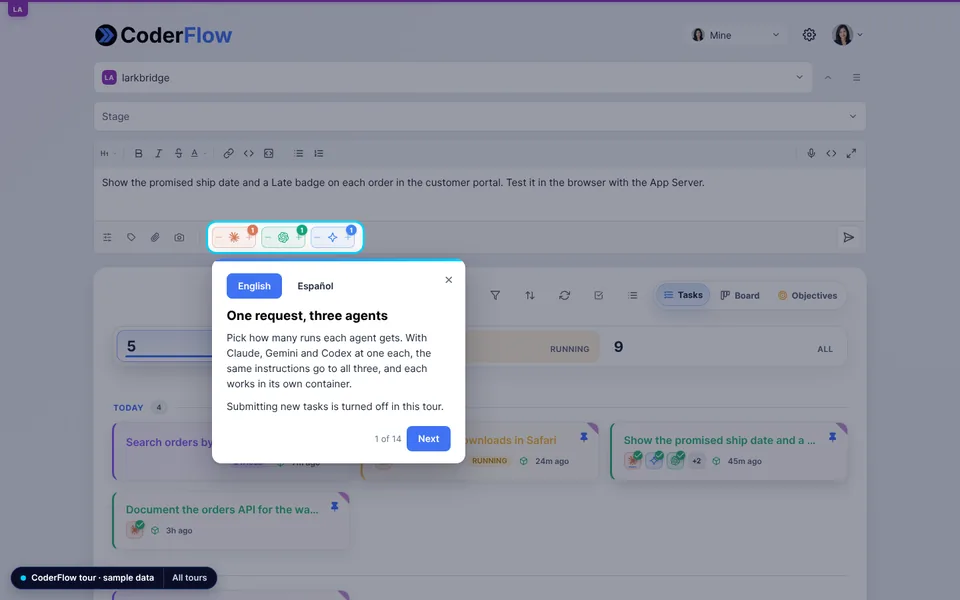
The whole loop on a web application and its data: ask, request, build with several agents, test and approve.
Ask which orders are late, get a chart with every source, and send IT a request with the answer attached.
Ask a question in plain language, turn the answer into a saved report, check the version your report assistant builds, and pin it to your dashboard.
One change runs on three agents. Two AI judges compare the results blind, and IT approves the winner.
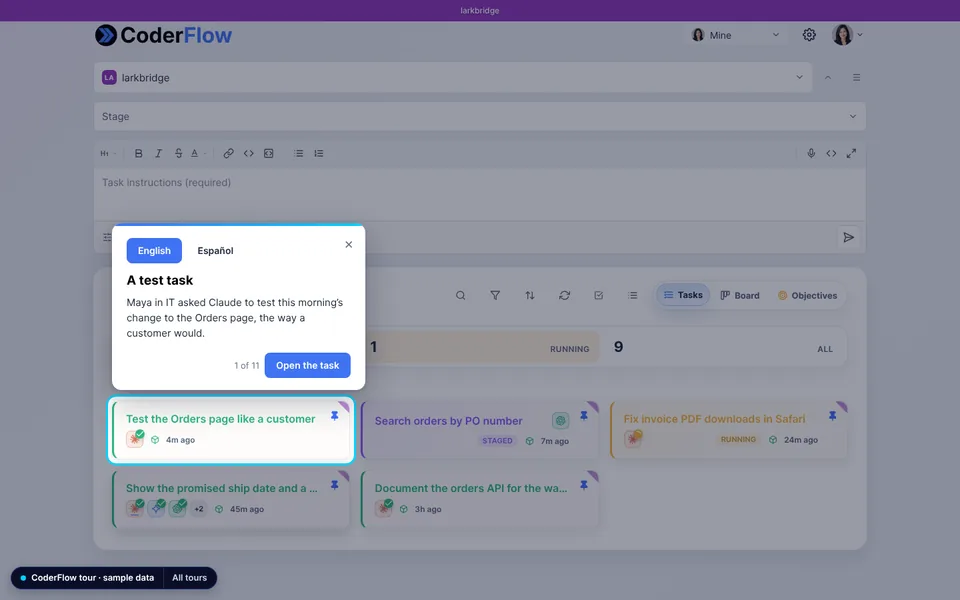
An agent checks a customer portal in a real browser, fixes what fails on a phone, and passes every check before review.
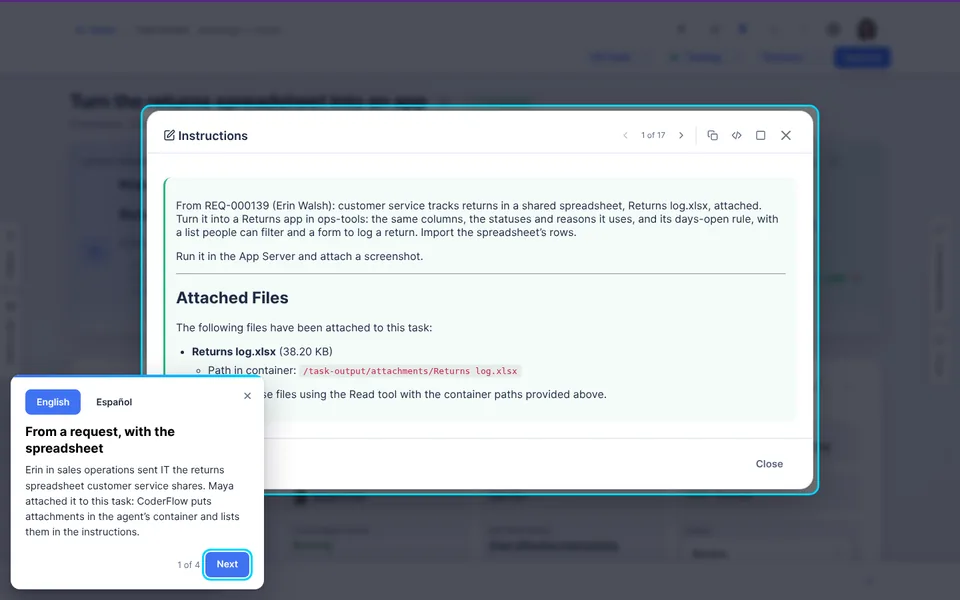
Customer service’s returns spreadsheet, attached to a request, becomes a Returns app with the same columns and rules, ready for IT to approve.
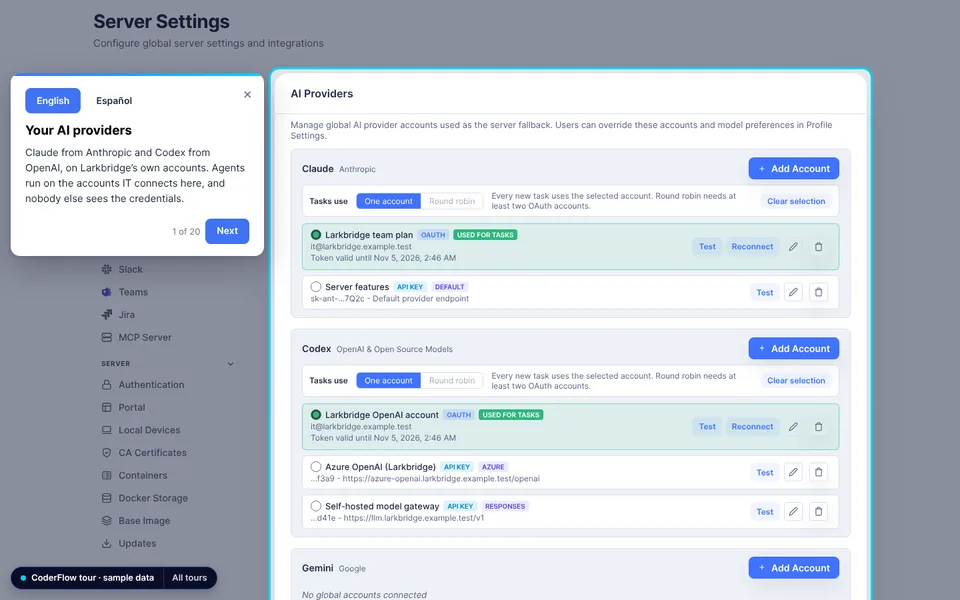
See what IT controls: AI providers, isolated containers, what each task can reach, sign-in, roles and a protected main branch.
Nothing matches these filters yet.
More walkthroughs are coming for spreadsheets, Access, .NET, Java and other systems. Want one for yours? Tell us.
Short on time? Take the 2-minute quick look: eight screens, no clicking around.
Talk to sales about your systems, or start with a Reimagine engagement.