Keep an Answer as a Report on Your Dashboard
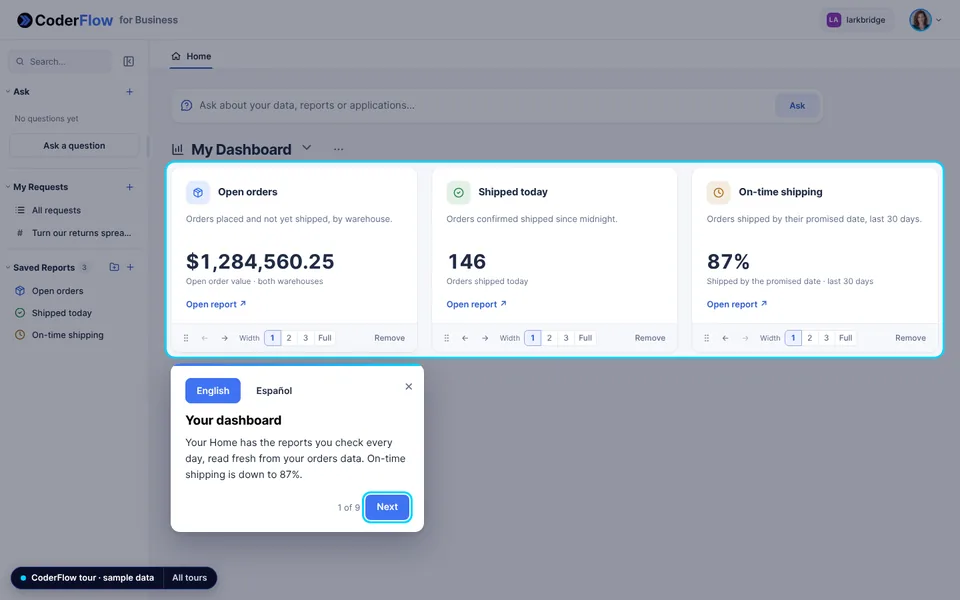
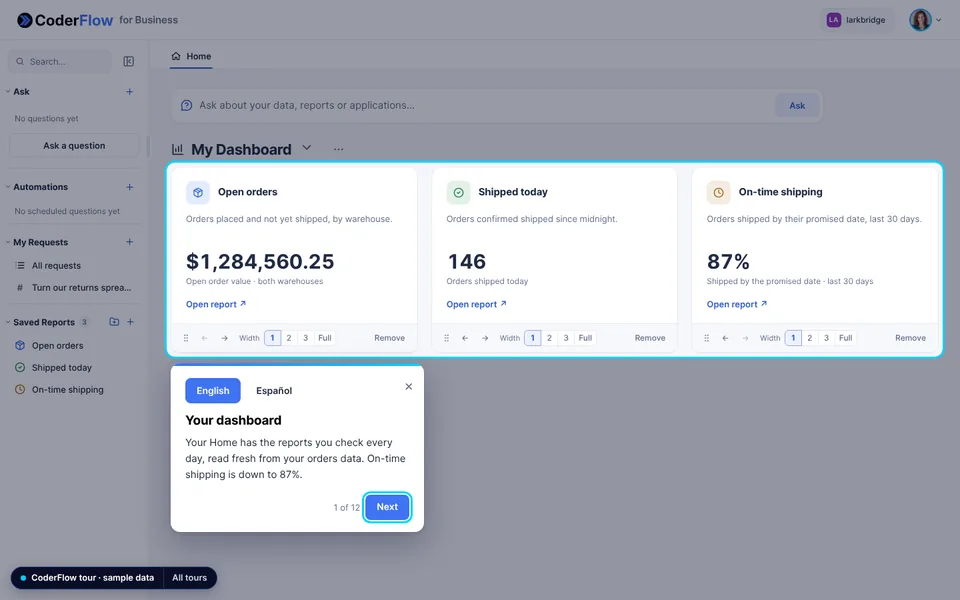
Ask a question in plain language, turn the answer into a saved report, check the version your report assistant builds, and pin it to your dashboard.
Ask which orders are late, get a chart with every source, and send IT a request with the answer attached.
Free to explore, no email needed. Get All 6 Walkthroughs →
The real CoderFlow app, with sample data from a fictional distributor, its customer portal and its order database.
Ask a question in plain language, turn the answer into a saved report, check the version your report assistant builds, and pin it to your dashboard.
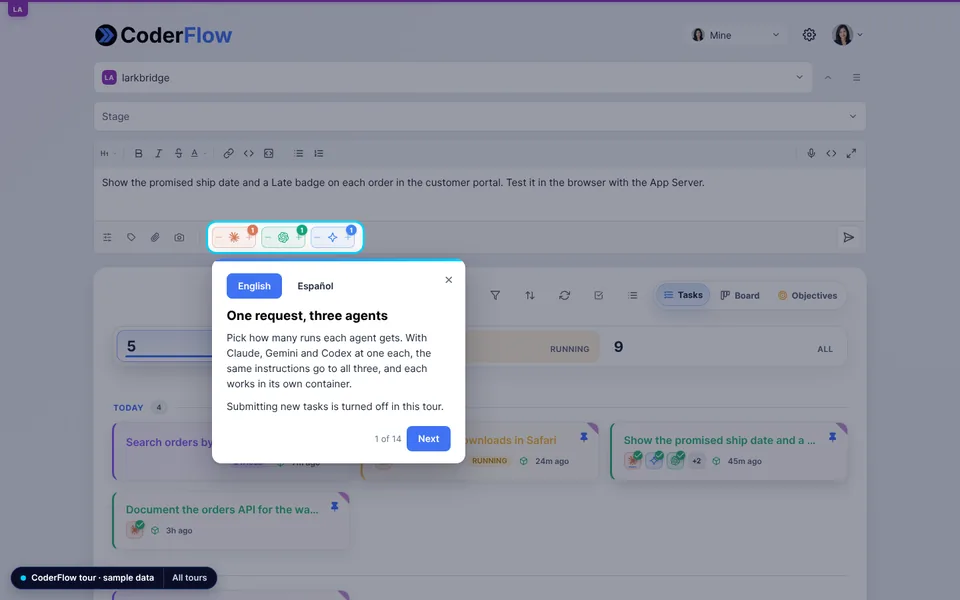
One change runs on three agents. Two AI judges compare the results blind, and IT approves the winner.
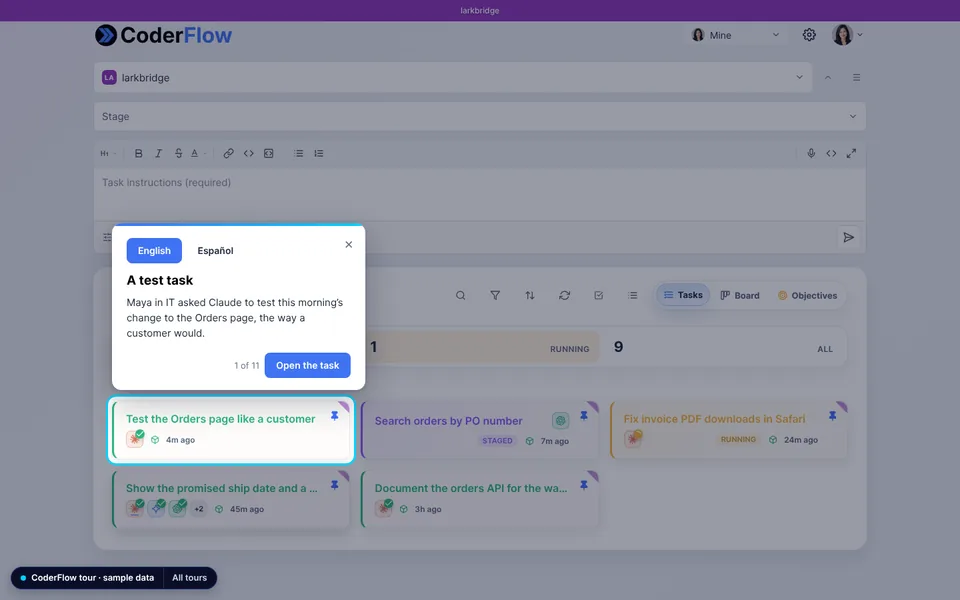
An agent checks a customer portal in a real browser, fixes what fails on a phone, and passes every check before review.
Yes. This 3-minute walkthrough runs the real CoderFlow web app in your browser, loaded with sample data from a fictional distributor, its customer portal and its order database. You click through the same screens your team would use. A few actions are turned off so it works the same way for everyone.
No. Everything you see is sample data, and nothing you click reaches a real system, Git repository or AI provider, so you can explore freely without breaking anything. To see CoderFlow work on your own code and data, talk to sales about your systems, or start with a Reimagine engagement.
No account, download, install or email. This walkthrough is free to explore. To unlock the other 5 walkthroughs, enter your work email once. This one takes about 3 minutes in a desktop browser. Short on time? Use "Email me a link" on this page to come back later. When you're ready to see CoderFlow on your own work, talk to sales and we'll walk through your systems.
Talk to sales about your systems, or start with a Reimagine engagement.