
Your Spreadsheet, Turned Into a Real App.
Describe the spreadsheet your team lives in, and CoderFlow builds a web app with the same data and rules. You try it and approve it.
Built from your spreadsheet: its data, its formulas, its rules. Not from a blank page.
Demonstration data · Fictional company
Transcript: Your spreadsheet, turned into a real app
[Erin's question in CoderFlow for Business, How does the returns log work out Days open?, with the workbook attached: Returns log.xlsx, 38.2 KB.]
Every return lives in one shared spreadsheet
[Create a report, opened from that conversation: Erin's own line at the end of the request, Make it an app the warehouse and customer service can use, and under it: Your report will stay private. Generation may take several minutes.]
so Erin builds an app from it herself.
[A few minutes later, the private preview: the Returns app on her spreadsheet's data. Open returns 23, Waiting on credit 9, Open over 10 days 5 (the Days open rule, column I), Credited 180.]
A few minutes later, she's trying a working app
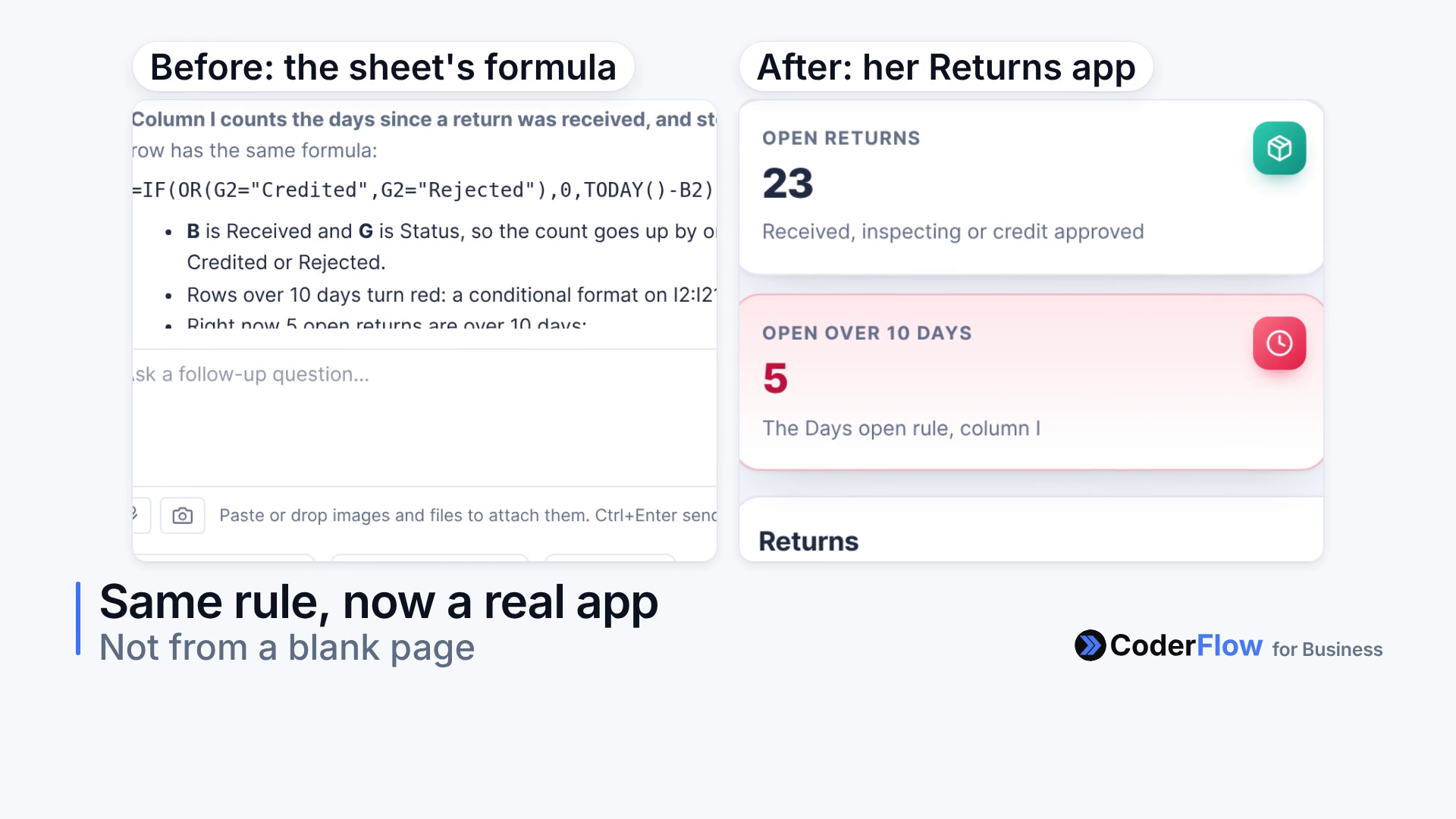
[Before and after, side by side. Left: the spreadsheet's Days open formula as the assistant read it, =IF(OR(G2="Credited",G2="Rejected"),0,TODAY()-B2), and the rule that turns rows over 10 days red. Right: the app's tiles, Open over 10 days 5 by the same rule, and the open returns with their days in red.]
with the same Days open rule as the sheet.
[The Returns app: Open over 10 days 5, the Days open rule, column I; Credited 180; the open returns with days open in red.]
[Beside the preview, Erin's next message, typed: Add a reason code next to each reason, as on our return labels: DMG, WRG, ERR, DEF, OVR, WAR, OTH.]
When she wants reason codes, she just asks
[Minutes later, the second preview: the list now has a Code column after Reason: Defective DEF, Wrong item shipped WRG, Damaged in transit DMG, Over-shipment OVR.]
and every return shows its code.
[Under the conversation: Discard preview, Delete draft and Use this version. Erin presses Use this version.]
When it looks right, she keeps that version
[The app as its own page in her Saved Reports: Returns, Every return from Returns log.xlsx: filter by status, and log new ones. Its tiles, then every column of the sheet plus Code.]
and it's her own app, the same morning.
[The same app on her phone: Returns, from Returns log.xlsx, with its tiles two a row: Open returns 23, Waiting on credit 9, Open over 10 days 5, Credited 180.]
And on her phone, it works too
[Further down on her phone, each return as a card: RMA-2291, Midstate Packaging Systems, Defective, code DEF, Credit approved, 16 days open.]
all within the data and connections IT set up.
[End card: CoderFlow for Business lockup, "Your Spreadsheet, Turned Into a Real App." and the disclosure.]
Your spreadsheet, now a real app.
How it's different: CoderFlow builds real software in your own repository, not inside a builder's platform. Agents test it in a real browser before you see it, you can compare several agents' attempts, it connects to the systems you already run, and IT or your partner approves every change.
Describe It the Way You Would to a Coworker
Explain what the spreadsheet tracks and share the file, and CoderFlow builds an app from its columns, formulas and macros.
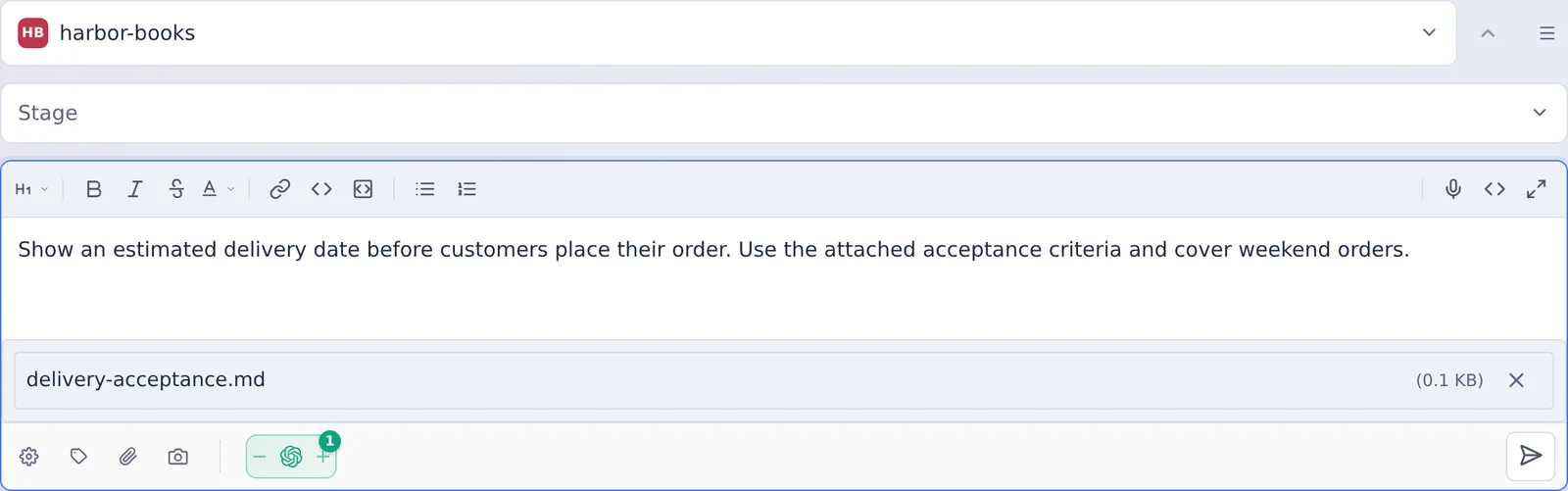
Try It Before Anyone Relies on It
Click through the new app and point at anything to change; nothing goes live until you approve it.
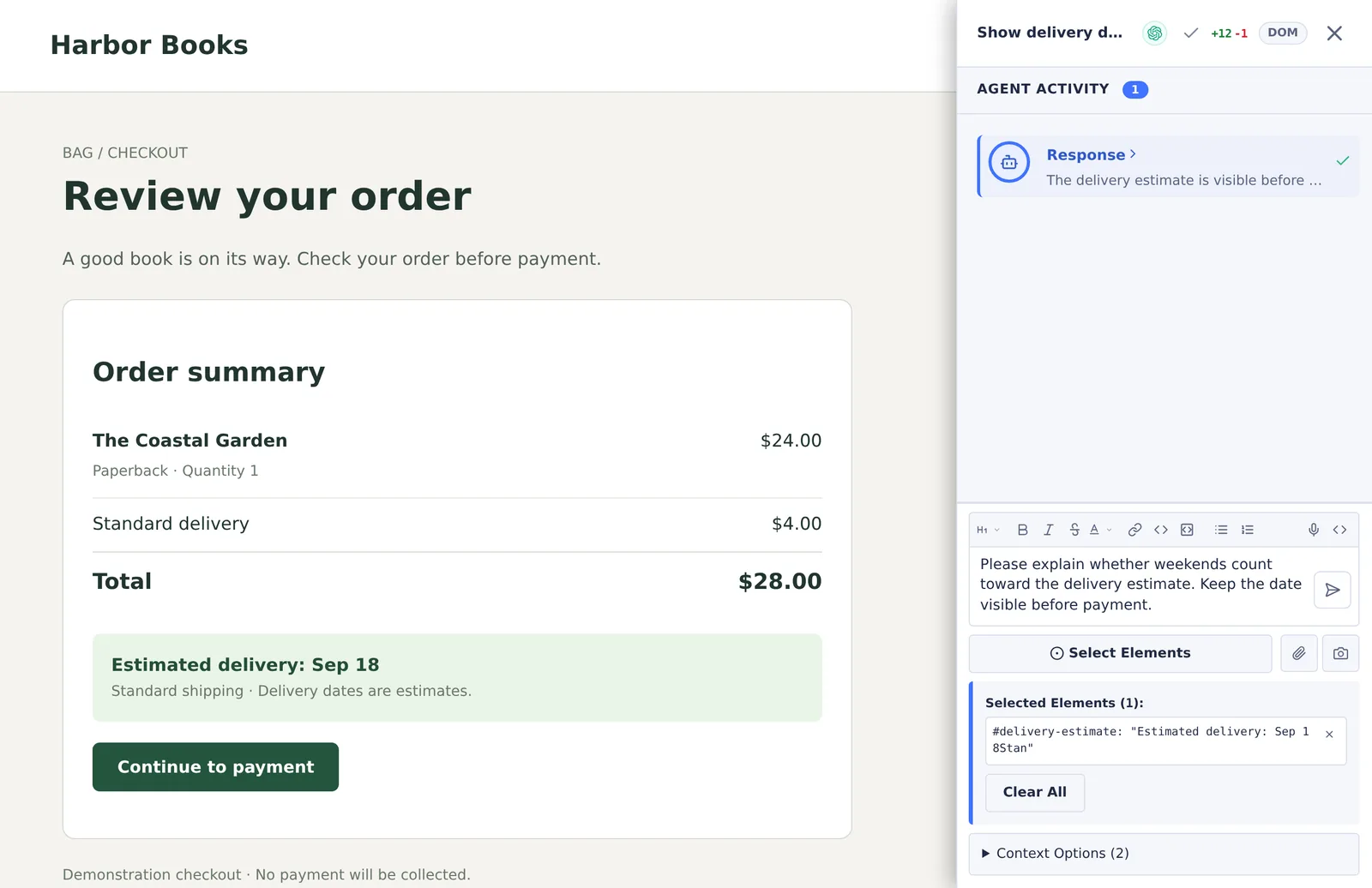
One Version of the Truth
Everyone works in one app with the same data, and it checks entries as they are made.
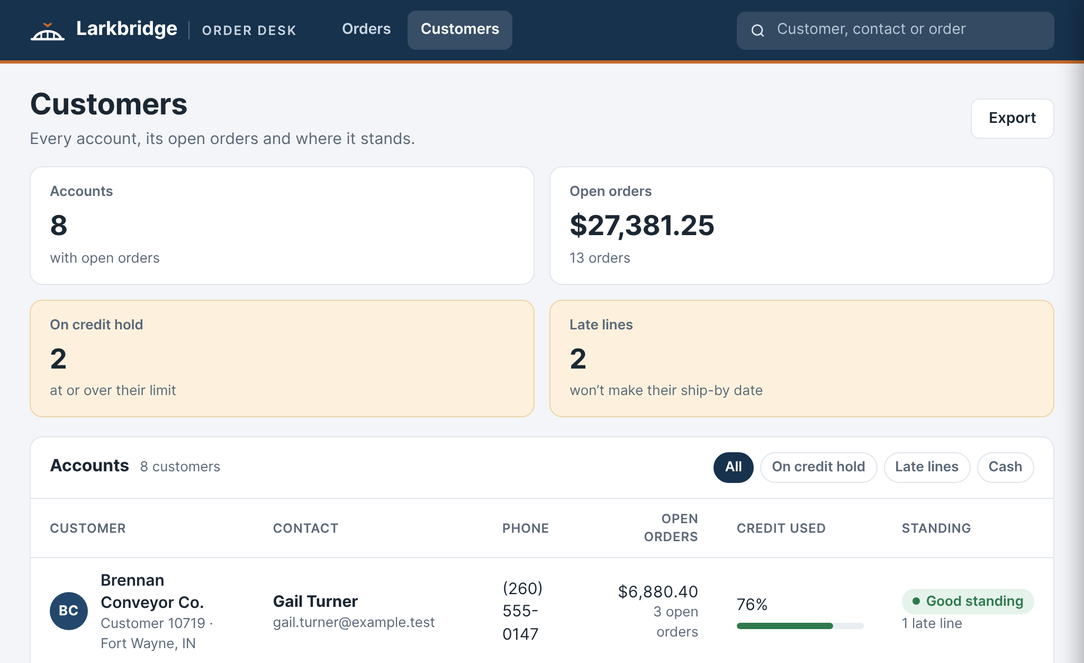
Ready for Phones and Tablets
Apps CoderFlow builds work in a browser on desktops, tablets and phones, from the warehouse floor to a job site.
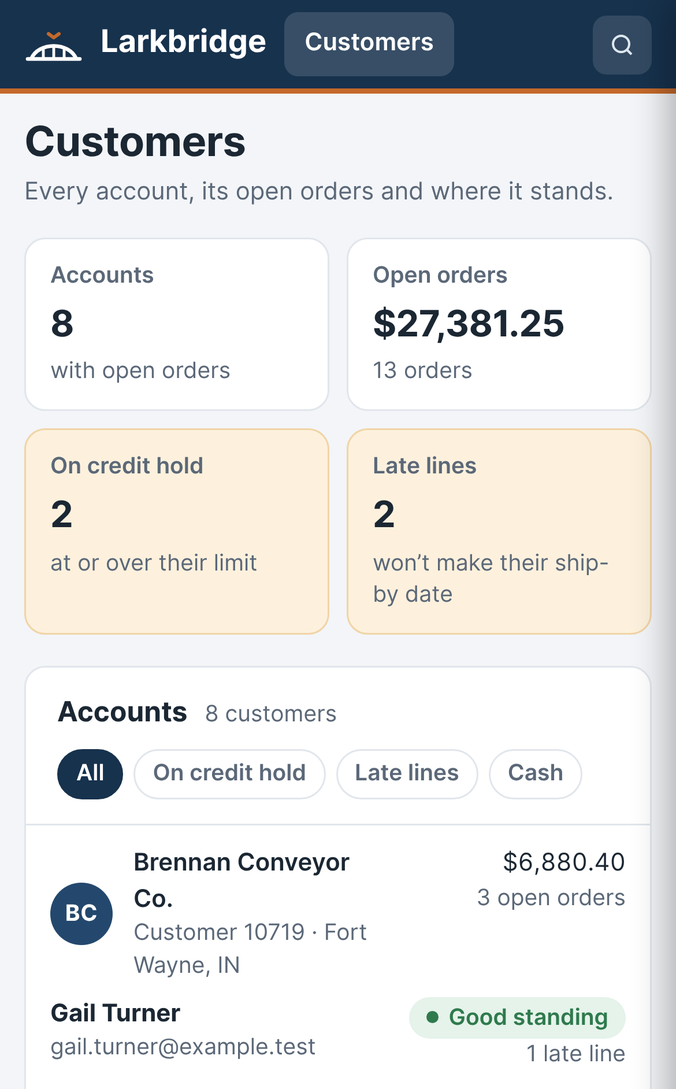
The App Your Team Keeps Asking For.
A job tracker, an approval workflow, a customer portal, a field check-in app. Describe the tool you wish you had, then try it and approve it.
Describe the Tool You Wish You Had
Explain who uses it and what they need, and CoderFlow builds the screens, data and rules.
Try It and Shape It
Point at anything to change; nothing reaches anyone until you approve it.
Connected to What You Already Run
Tools connect to your systems through APIs, databases or exports, so a portal shows real order status.
On the Desk and in the Field
Staff, field crews and customers use it on desktops, tablets and phones.
Before and After
Before
- Several copies of the same spreadsheet
- Formulas break when someone edits a cell
- One person knows the macros
- Updates emailed back and forth
With CoderFlow
- One app everyone shares
- Checks that catch mistakes as they happen
- Rules built in and written down
- Changes you request and approve
From a Shared Workbook to an App.
CoderFlow builds apps that replace spreadsheets and manual processes, from the spreadsheet you already have.
A 12-person heating and air company ran its jobs from an Excel workbook only the office manager understood. CoderFlow built a web app from it, keeping its customers, price rules and job history, and the office manager approved it after two changes.
We're early with small teams. Talk to us about yours. Talk to Sales →
Works With the Spreadsheets, Databases and Tools You Use
Try It Yourself.
Get hands-on with the real CoderFlow app and sample data, in about 2 minutes. Nothing touches real code.
Everything to Explore →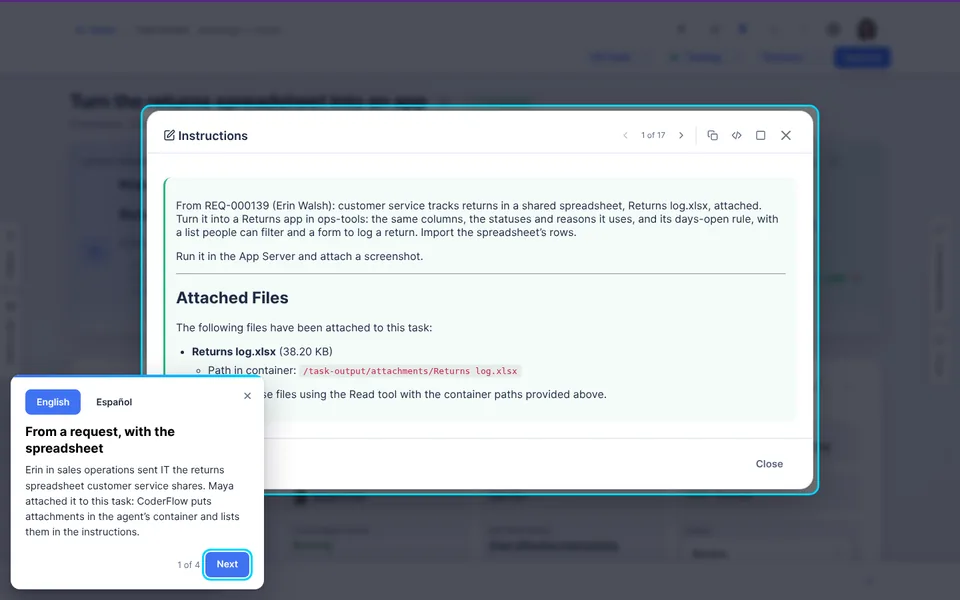
Questions
Can CoderFlow Turn Our Excel Spreadsheet Into an App?
Yes. CoderFlow builds a web app that does the same job with forms, shared data and your checks, including logic from formulas and VBA macros, and you approve it before your team uses it.
Do We Need an IT Team to Turn a Spreadsheet Into an App With CoderFlow?
The owner or anyone on the team can describe what they need, then try and approve the app. Profound Logic can host it on CoderFlow Cloud, so there are no servers to manage.
What Happens to the Data Already in Our Spreadsheet?
CoderFlow can build the app with a one-time import of your existing rows, so your records are in place on day one. You check the data while trying the app and decide when to switch.
Can CoderFlow Build a Customer Portal?
Yes. CoderFlow can build a portal where customers or partners check orders, download documents or submit requests, connected to your systems. You decide what each person can see and approve it before customers get access.
Retire the Spreadsheet Everyone's Afraid to Touch.
Tell us about the spreadsheet and we'll show you how CoderFlow would turn it into an app, or start with a Reimagine engagement.