
Google Sheets and Apps Script With CoderFlow
Shared sheets, forms and scripts that run scheduling, job tracking, orders and reminders.
Built from your spreadsheet: its data, its formulas, its rules. Not from a blank page.
// Reminders.gs - 4 PM daily: email tomorrow's crews
function sendJobReminders() {
  const ss = SpreadsheetApp.getActive();
  const sheet = ss.getSheetByName('Jobs');
  const rows = sheet.getDataRange().getValues();
  const day = new Date(Date.now() + 864e5).toDateString();
  rows.slice(1).forEach((row, i) => {
    const [id, cust, addr, crew, date, status] = row;
    if (status === 'Cancelled' || !crew) return;
    if (new Date(date).toDateString() !== day) return;
    MailApp.sendEmail(crew, 'Job ' + id + ' tomorrow',
      cust + ', ' + addr);
    sheet.getRange(i + 2, 7).setValue('Reminded');
  });
}Every crew with an email address on a job dated tomorrow gets one at 4 PM, unless the job is Cancelled. Jobs marked On hold still send reminders, and jobs with no crew email are skipped without telling anyone.
Illustrative example with synthetic code.
Running on Google Sheets Today
Everyone edits the same sheet, and one wrong paste can undo a week of work.
Reminder emails and reports depend on a script one person wrote and nobody else reads.
The sheet has outgrown itself: it is slow, hard to search and hard to lock down.
What CoderFlow Does for Google Sheets
Documentation and Q&A
Plain-language documentation of your Google Sheets and Apps Script tools, and answers with sources for anyone on your team.
Built for You, Approved by You
Describe what you need. CoderFlow builds and tests the app, and you try it before anyone relies on it.
One App Instead of One Big Sheet
CoderFlow builds a web app with a real database, logins and roles, so people see and edit only what they should, and every change is tracked.
Reminders and Reports That Keep Working
Scheduled emails, reports and checks are built into the app and tested before you approve them, instead of living in a script only one person reads.
Answers About Your Spreadsheet, in Plain Language
Ask how a formula, script or automation works and get an answer that shows where it came from.
Explore CoderFlow for Business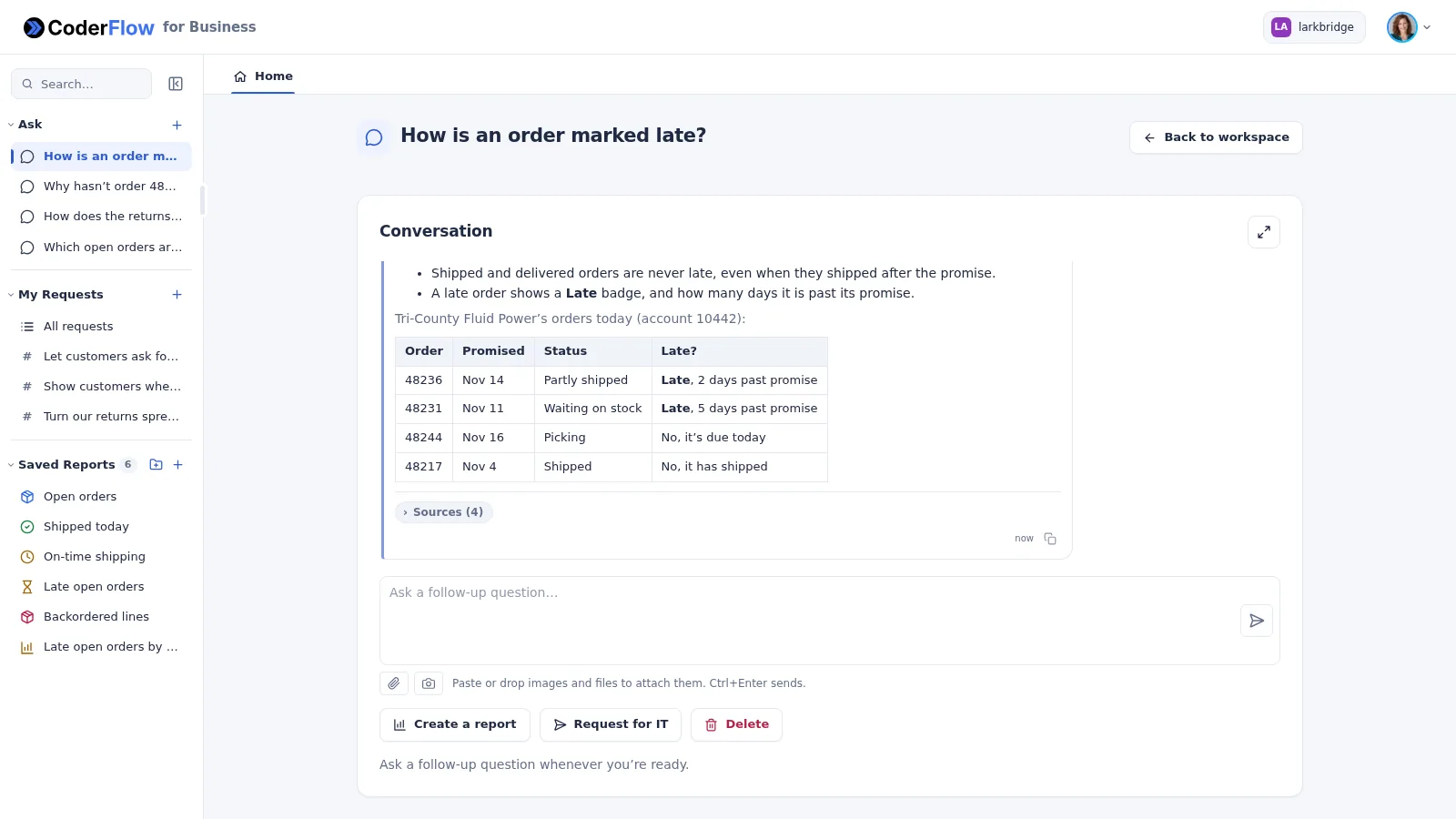
How It Connects
Share or export the sheet with its Apps Script code, and CoderFlow builds and tests the new app in its own workspace. With access you set up, the app can also read or update Google Sheets through the Sheets API.
Keep It, or Move Forward
Keep Google Sheets for quick lists and analysis. Move the process that has outgrown the sheet into an app, and export back to Sheets whenever you want.
From Job Sheet to Scheduling App
A landscaping company schedules crews in a shared Google Sheet with a reminder script. The owner describes how scheduling works, CoderFlow builds a scheduling app with crew logins and daily reminders, and the office tries it for two weeks before approving. Profound Logic hosts it on CoderFlow Cloud.
Try It Yourself.
Get hands-on with the real CoderFlow app and sample data, in about 2 minutes. Nothing touches real code.
Everything to Explore →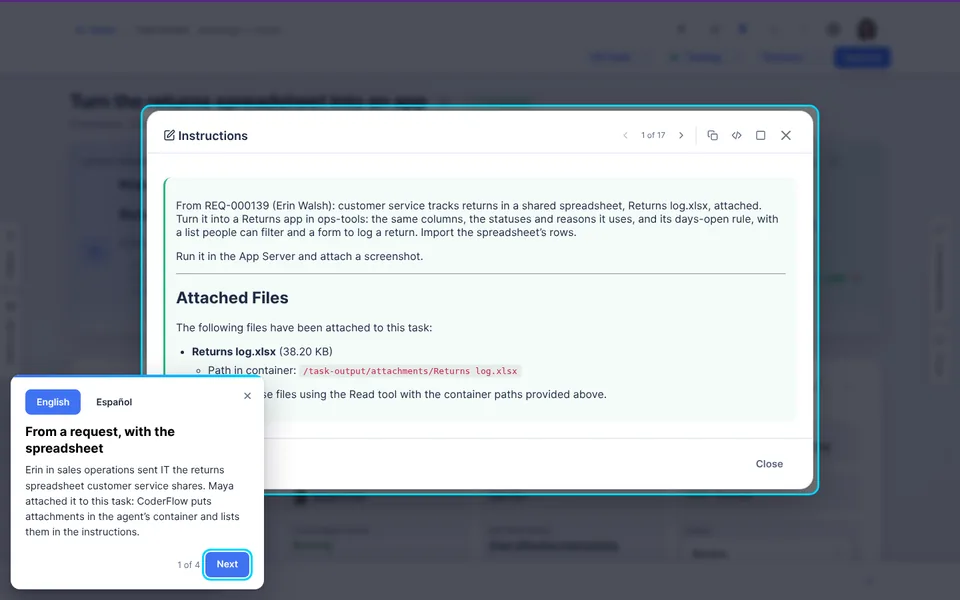
Google Sheets Questions
Can CoderFlow Replace a Google Sheet With a Real App?
CoderFlow builds a web app with a real database, logins, roles and a history of changes, starting from your columns, formulas and Apps Script. You try it with your own data and approve it when it works.
Can CoderFlow Explain Our Google Apps Script Code?
CoderFlow reads the Apps Script with its sheet and explains what each script does, when it runs, who it emails and which cells it changes. It also points out gaps, such as reminders that ignore an On hold status.
Do We Need IT to Build an App From Our Google Sheet With CoderFlow?
CoderFlow works from a plain-language description by the owner or anyone on the team, then builds the app for you to try and approve. Profound Logic can host it on CoderFlow Cloud, and if you have IT, they can review every change.
Can an App Built With CoderFlow Still Work With Google Sheets?
CoderFlow can build exports to Google Sheets or CSV, and with access you set up, the app can read or update a sheet through the Google Sheets API. Many teams keep Sheets for quick lists and move the process itself into the app.
What Happens to Our Google Sheets Data When We Switch to a CoderFlow App?
CoderFlow builds an import into the app's database and tests it with your real rows, so counts, dates and statuses match before anyone switches. Most teams run both side by side briefly, then retire the sheet or keep it as a read-only archive.
How Do We Get Started Turning a Google Sheet Into an App With CoderFlow?
Start with the Google Sheet your team updates every day, along with any Apps Script behind it. Talk to sales and we'll show you how CoderFlow would turn it into an app, hosted by Profound Logic on CoderFlow Cloud.
Related systems
Industries where we often see Google Sheets
Take the Manual Work off Your Plate.
Tell us what you need and we'll show you how CoderFlow would build it, or start with a Reimagine engagement.