
Power Apps and Power Automate With CoderFlow
Canvas apps, flows and lists that grew from a quick fix into a business process.
Built from your app: its data, its formulas, its rules. Not from a blank page.
// btnSubmit.OnSelect - save and route for approval
Set(varAmt, Value(txtAmount.Text));
If(
    IsBlank(txtAmount.Text) || varAmt <= 0,
    Notify("Enter an amount", NotificationType.Error),
    Patch(ExpenseRequests, Defaults(ExpenseRequests), {
        Title: txtPurpose.Text,
        Amount: varAmt,
        Approver: If(varAmt > 2500, varDirectorEmail,
            User().Email),
        Status: If(varAmt > 2500, "Needs director",
            "Needs manager")
    });
    Navigate(scrThanks, ScreenTransition.Fade)
)Requests over 2,500 go to the director. Everything else is marked Needs manager, but the approver field is set to the person who submitted it, so the approval flow sends small requests back to the requester.
Illustrative example with synthetic code.
Running on Power Apps Today
Formulas and flows are spread across screens, controls and connections that are hard to see in one place.
Licensing, connector limits and delegation warnings shape the app more than the business does.
The person who built it moved on, and nobody is sure what breaks if a flow changes.
What CoderFlow Does for Power Apps
Documentation and Q&A
Plain-language documentation of your Power Apps and Power Automate solutions, and answers with sources for anyone on your team.
Built for You, Approved by You
Describe what you need. CoderFlow builds and tests the app, and you try it before anyone relies on it.
Every Screen, Formula and Flow, Explained
CoderFlow explains what each screen, formula and flow does in plain language, so you know what you have before you change it.
Improve It or Rebuild It as a Web App
Keep improving the Power Apps solution with prepared changes, or have CoderFlow rebuild it as a tested web app with its own database.
Answers About Your App, in Plain Language
Ask how a formula, screen or flow works and get an answer that shows where it came from.
Explore CoderFlow for Business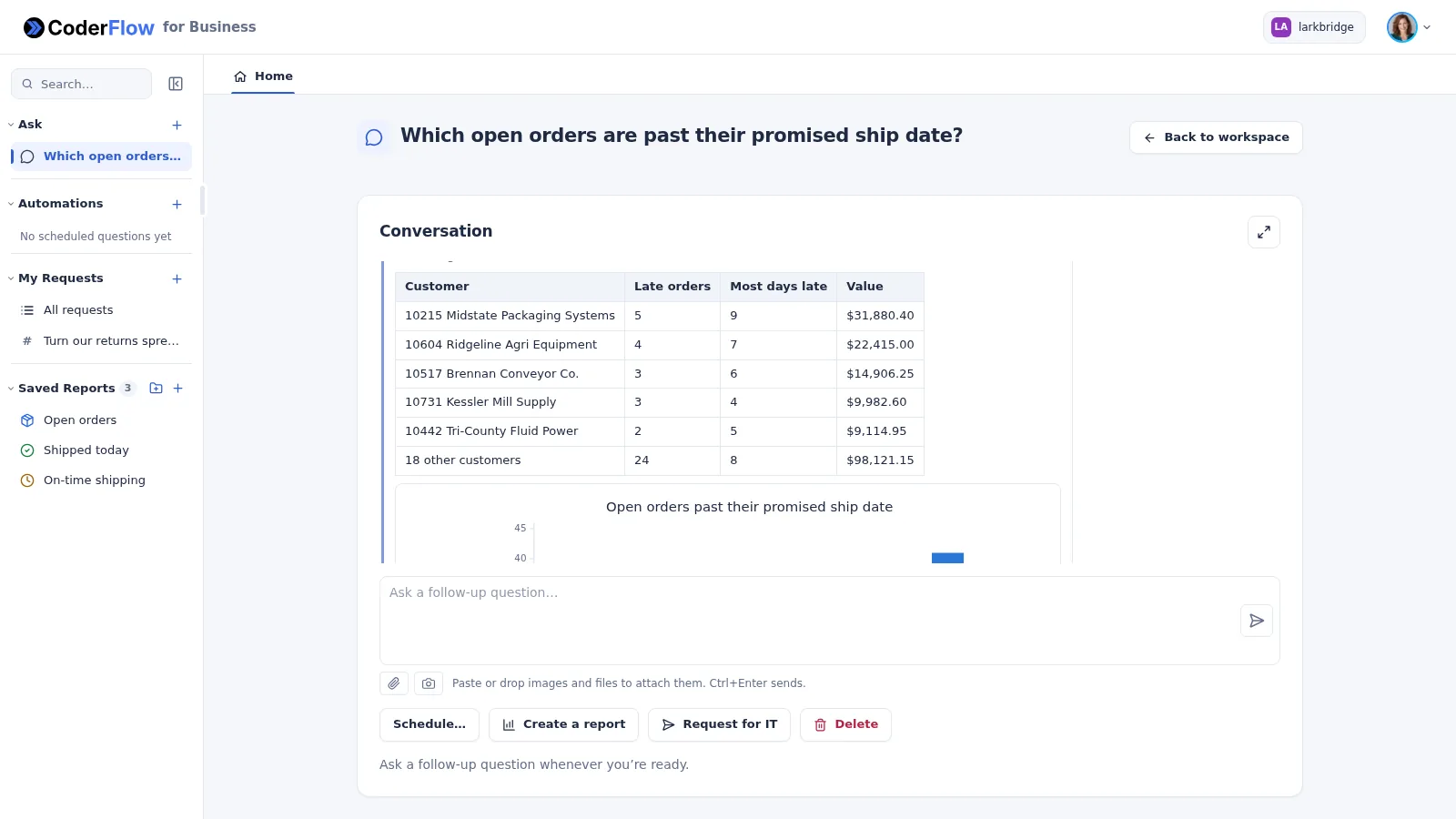
How It Connects
CoderFlow works on exported solution source in its own workspace. Changes to Power Apps and flows go back through your normal Power Platform import process. Rebuilt web apps are built and tested inside CoderFlow.
Keep It, or Move Forward
Keep the Power Apps solutions that work well and make them easier to maintain. Rebuild the ones that have outgrown their limits as web apps, one at a time.
Approvals That Route Correctly
Finance notices small expense requests being approved by the people who submitted them. CoderFlow traces it to one formula, prepares a fix and documents the approval rules. Later, the team has CoderFlow rebuild the app as a web app with its own database, and approves it after a trial month.
Walkthroughs for your system are coming. Meanwhile, explore CoderFlow on a web app, or see how it works in the 2-minute quick look.
Power Apps Questions
Can CoderFlow Read and Explain a Power Apps App and Its Flows?
CoderFlow works from exported source: export the solution and unpack it to text with the Power Platform CLI. CoderFlow then explains each screen, Power Fx formula and Power Automate flow in plain language, including who gets which approvals and what each flow changes.
Can CoderFlow Change Our Power Apps App Directly?
CoderFlow prepares changes to the exported source, and your team imports them through your normal Power Platform process, tests them and approves. CoderFlow can't open Power Apps Studio or run flows in your Microsoft tenant, but it builds and tests rebuilt web apps itself, including in a browser.
Why Would We Rebuild a Power Apps Solution as a Web App With CoderFlow?
Usually because it has outgrown its limits: delegation warnings on large lists, licensing for outside users, or logic too tangled to change safely. CoderFlow rebuilds it with its own database and the same rules, and you approve it before anyone switches.
Do We Need Developers to Use CoderFlow With Power Apps?
CoderFlow works from a plain-language description by a business owner or analyst, then builds the app or prepares the change for you to try and approve. When IT manages your Microsoft environment, they review changes before anything is imported back.
Where Do Our Power Apps Source and Data Go When CoderFlow Works on Them?
Exported source and sample data stay in CoderFlow, on CoderFlow Cloud hosted by Profound Logic or on your own Linux server, and each task runs in its own isolated workspace. AI requests go only to the providers configured for your account, and every approval is recorded.
How Do We Get Started With CoderFlow for Power Apps?
Export the solution for one app or flow, or simply describe what it does and who uses it. Talk to sales and we'll show you how CoderFlow would build it, hosted by Profound Logic on CoderFlow Cloud.
Related systems
Industries where we often see Power Apps
Take the Manual Work off Your Plate.
Tell us what you need and we'll show you how CoderFlow would build it, or start with a Reimagine engagement.