
Change Management Built for Agents Doing the Work.
Your change process was built for one change at a time. CoderFlow tests and traces every agent change, from the business request to the approver.
Demonstration data · Fictional company
Transcript: Change management in CoderFlow
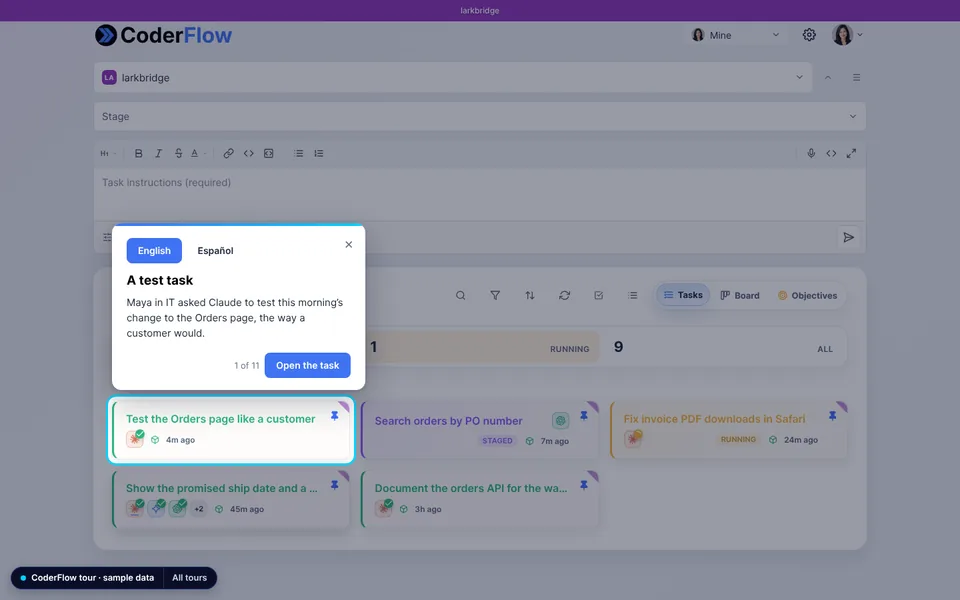
[IT's board on CoderFlow: several changes in flight at once, each its own task; then a push into one of them, the Orders page fix.]
When agents make many changes at once, each one needs a clear path to approval
[That change's own task: its own container (Container State Running), the agent that did the work (Claude), and the instructions naming the request it came from, REQ-000142.]
so each change gets its own task and container.
[Before review, its browser checks run in that container: e2e-orders, Completed (exit code: 0), 5 passed.]
Its tests run in that container before review
[Then its unit tests, in the same container: unit, Completed (exit code: 0), Tests 38 passed.]
five browser checks and thirty-eight unit tests, all passing
[Changed Files: 3 files, 84 lines added, 6 deleted; then the CSS itself, short enough to read: on phones each order is a card.]
and the review is the diff itself: three files, short enough to read.
[Approve Changes: a person presses Commit Changes, with pull and push to the remote checked (the pointer is drawn at the point the capture clicked).]
Then it reaches main only when a person approves it
[The task record after approval: the agent (Claude) did the work; Approved by Maya Chen · now.]
and the task records who did the work, and who approved it.
[Git History: the change's own commit, Make the Orders page readable on phones; add Playwright checks, tagged CoderFlow task.]
And in Git History, the change's own commit
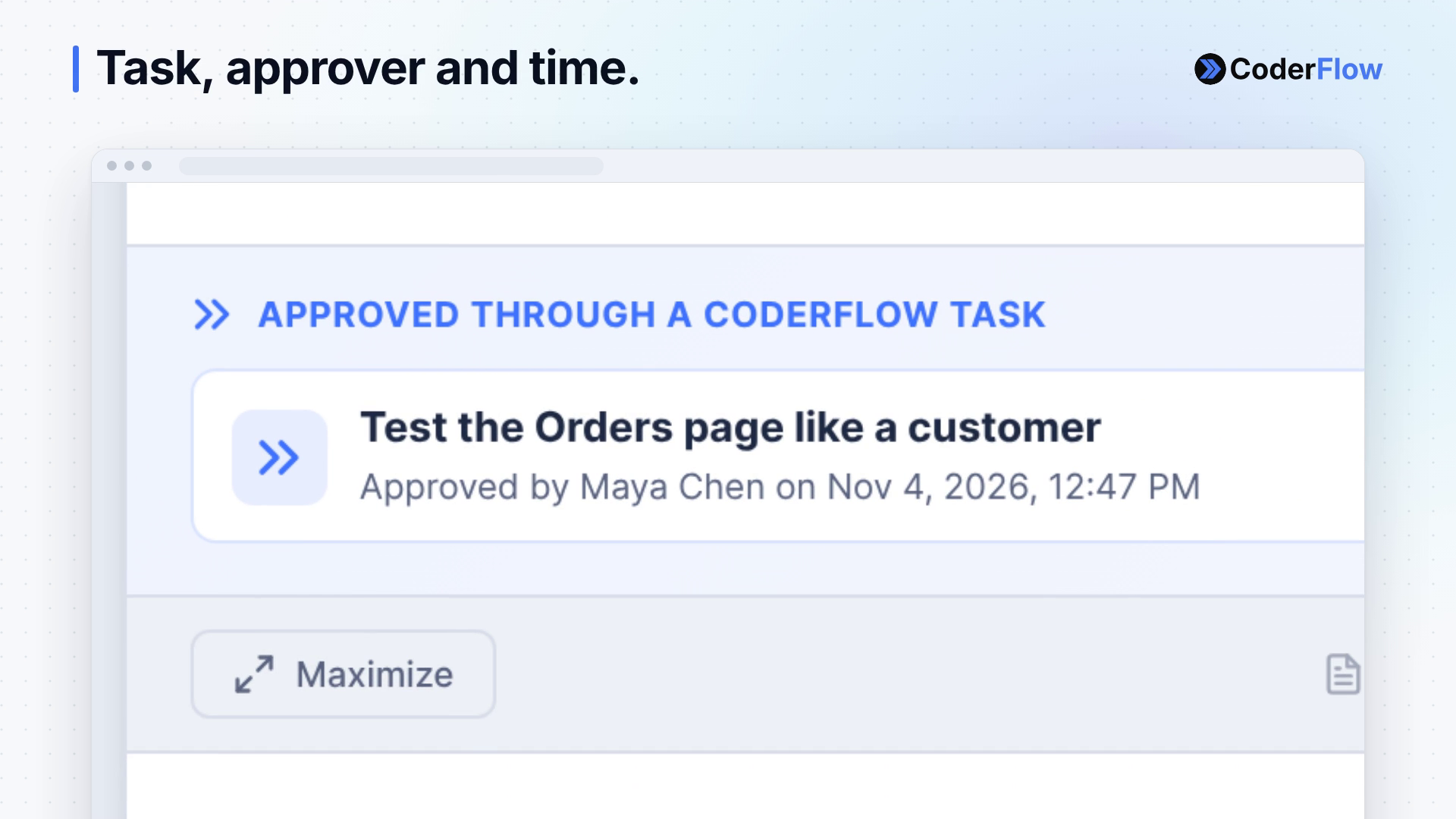
[Its record: approved through a CoderFlow task, Test the Orders page like a customer, Approved by Maya Chen on Nov 4, 2026, 12:47 PM.]
leads back to its task, its approver and the time
[The result: order 48236 on the portal at phone width, a readable card with its promised date, status and LATE.]
with the result to show for it: every order, readable on a phone.
[End card: CoderFlow logo, "Change management built for agents doing the work.", "Talk to sales" and "Start with Reimagine", and the disclosure.]
Change management, built for agents doing the work.
How It Flows
Why Tools Built for Humans Don't Fit Agents
They assume one person works on one change and never throws work away. Agents run many attempts in parallel and discard the losers, and you need to know which agent did the work, what it was told and who approved it.
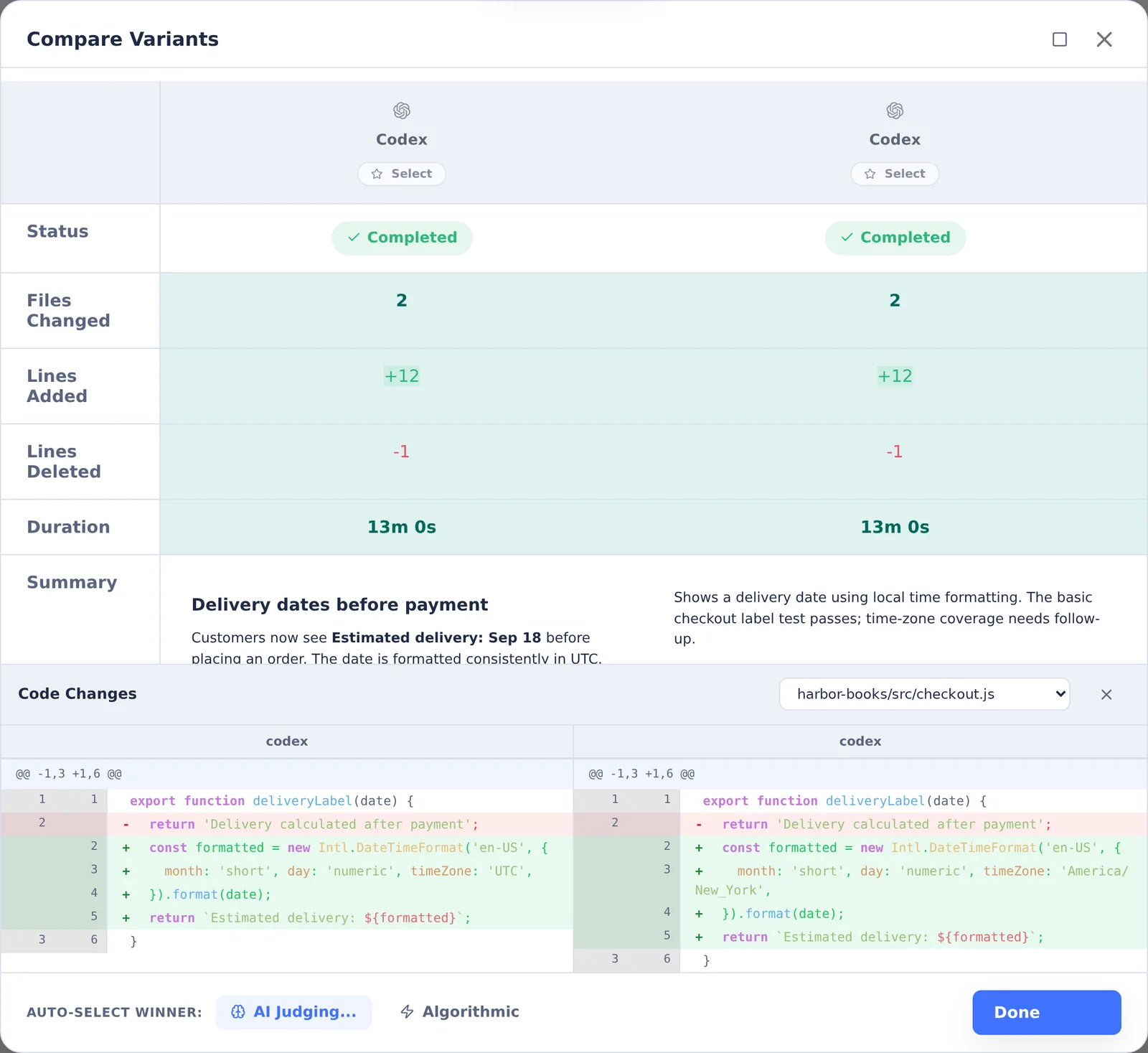
Git-Native, With a Way In for Existing Source
Use GitHub, Azure DevOps, CoderFlow-hosted Git or another HTTPS Git host. Source that has never been in version control comes in incrementally, with no big-bang migration.
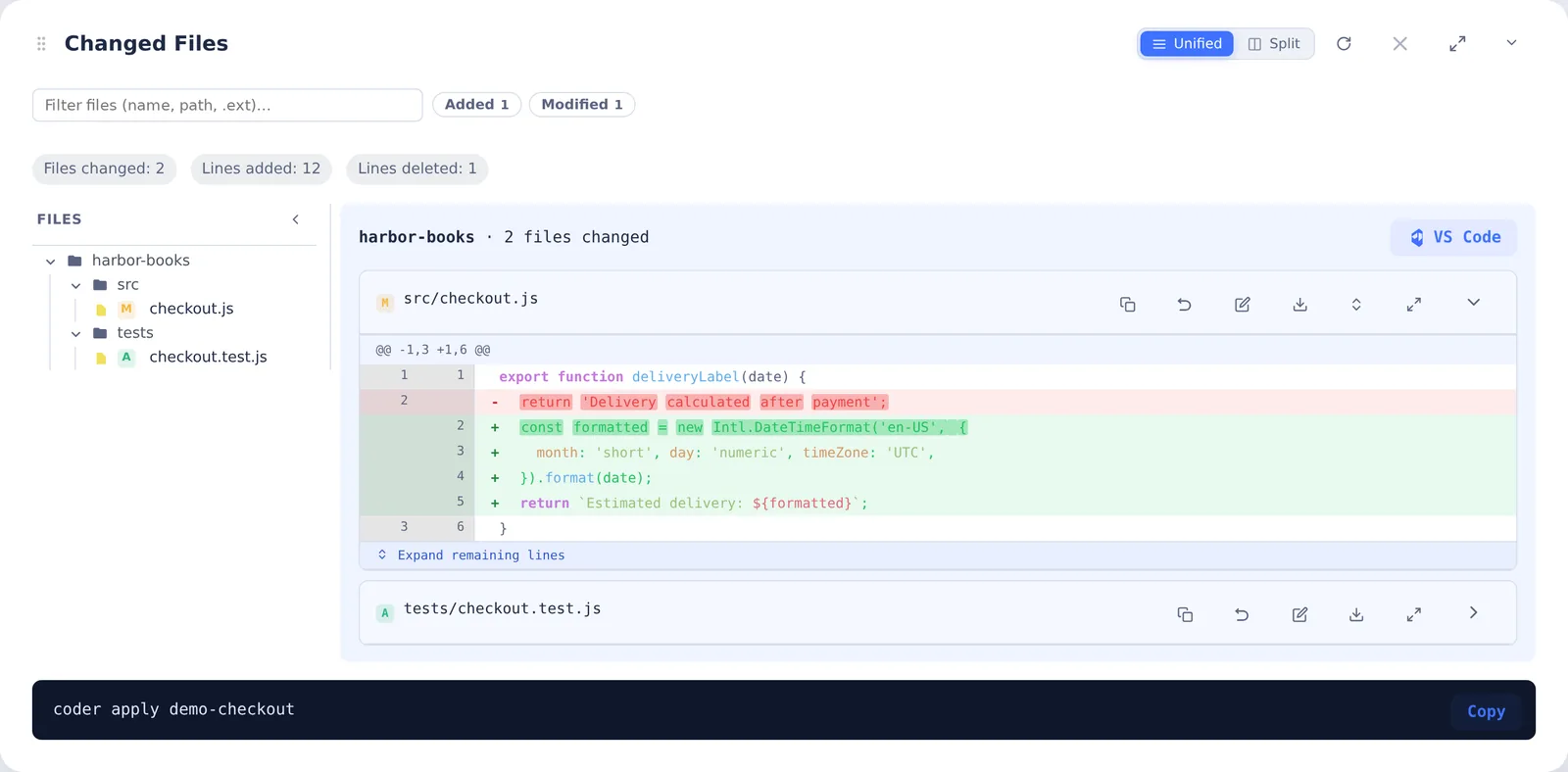
Approval and Deployment
Nothing ships without review. Deployment profiles run your release scripts in a separate deploy container with deploy-only secrets, and every run is recorded.
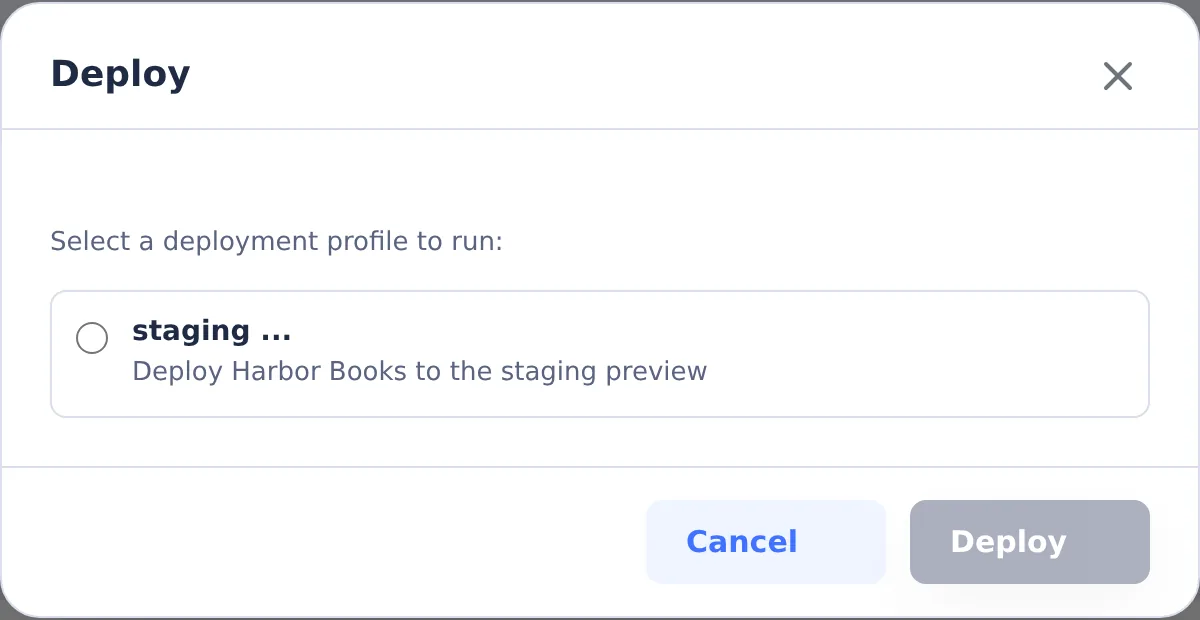
Before and After
Before
- One developer checks out code and promotes it by hand
- Changes tracked by who typed them
- Testing depends on the person
- No link back to the business request
With CoderFlow
- Many agents work in parallel, isolated tasks
- Every change linked to the request, agent and approver
- Builds and tests run automatically before review
- IT Requests connect the business user who asked
Works With the Systems You Run
Try It Yourself.
Get hands-on with the real CoderFlow app and sample data, in about 5 minutes. Nothing touches real code.
Everything to Explore →
Questions
Can CoderFlow Replace Our Change Management System?
CoderFlow covers the core of change management for AI work: source in Git, an isolated task for every change, build and test before review, human approval and deployment profiles. How it fits alongside an existing system depends on your process, so talk to us about it.
Our Existing Code Isn't in Source Control. Can We Still Use CoderFlow Change Management?
CoderFlow brings source into Git incrementally, starting with the parts you change most. Commit exported text source with normal Git tools or upload plain-text source; see Get into Git.
Do Humans Still Approve Every Change in CoderFlow?
A person reviews the diff, test output and screenshots before approving a commit, branch or pull request, every time. Protected branches block direct pushes, and roles decide who can approve in each environment.
How Does CoderFlow Show Who Changed What, and Why?
CoderFlow records who approved, when, the commit message and push status, and keeps the full task history after the container is removed. IT Requests link each change back to the business user who asked.
Can CoderFlow Deploy and Roll Back Changes?
CoderFlow deploys through deployment profiles that run your scripts with deploy-only secrets, and every run is recorded. Rollback follows your own release scripts and Git history.
Bring Change Management Up to Agent Speed.
Talk to sales about your systems, or start with a Reimagine engagement.