
Direct AI Agents on the Systems You Use Every Day.
Ask about your data, keep answers as reports and send IT requests when something needs to change, all within the access, security and approvals IT sets.
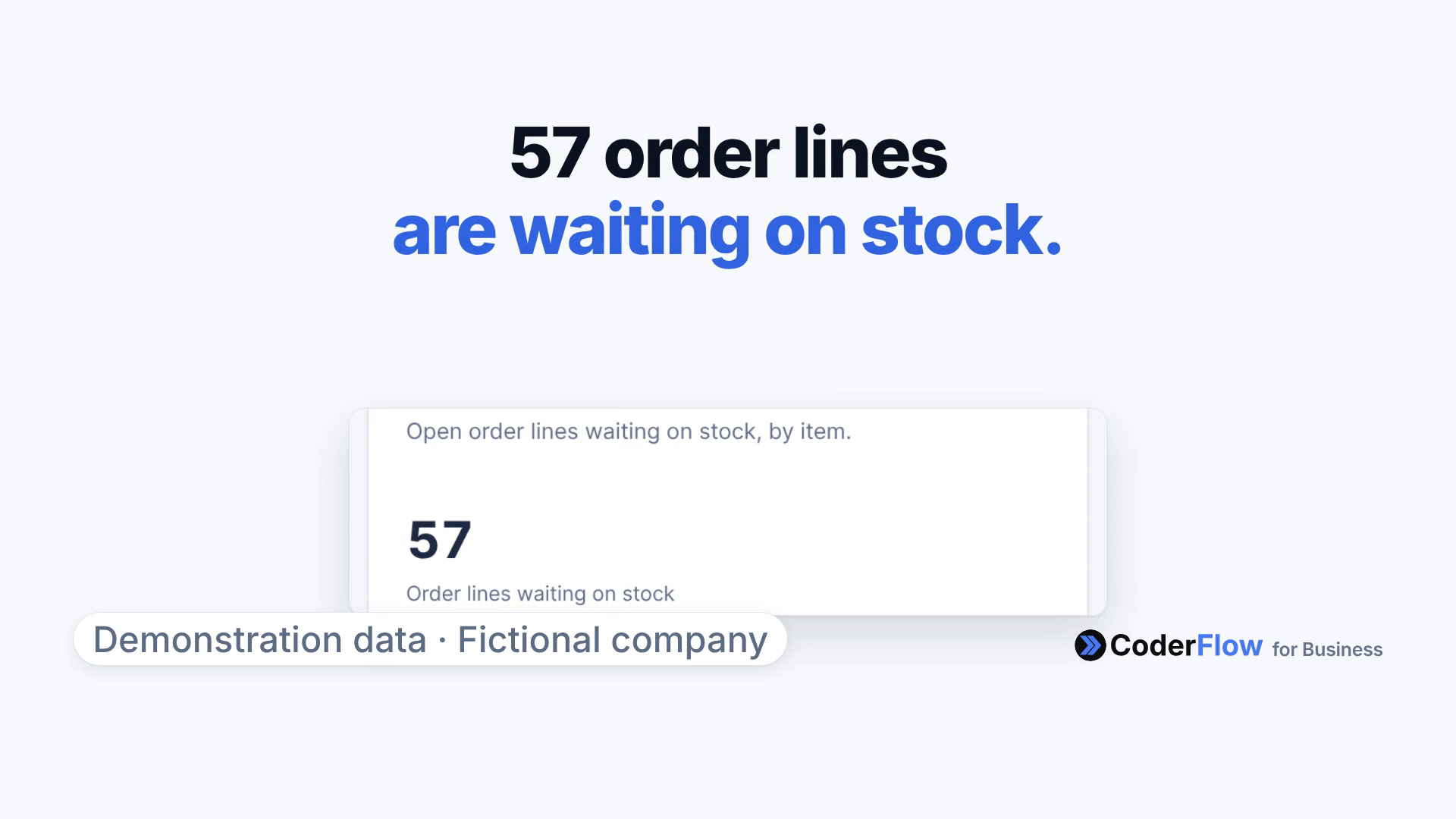
Demonstration data · Fictional company
Transcript: A business user's morning in CoderFlow for Business
[Erin's dashboard in CoderFlow for Business on Thursday morning, close on one number in its Backordered lines tile: Open order lines waiting on stock, by item. 57. Order lines waiting on stock.]
On Erin's dashboard this morning, 57 order lines are waiting on stock
[Erin types a question into the Ask bar at her own pace: Why hasn't order 48231 shipped yet?]
so she asks why one order hasn't shipped,
[The answer, cropped to its conclusion and large enough to read on a phone: Conversation; Order 48231 is waiting on two bearings.]
and gets a specific answer — two bearings, due this week,
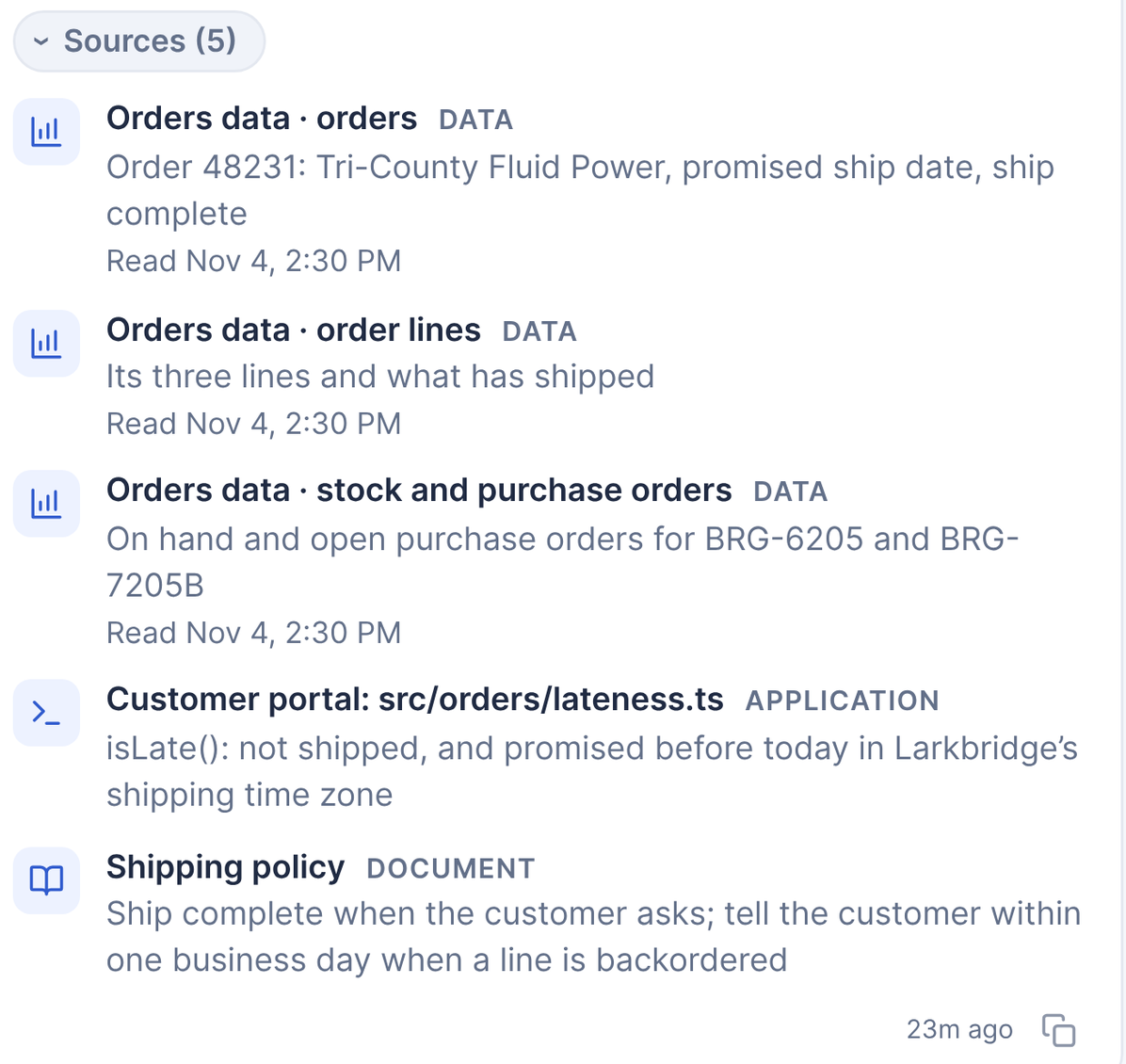
[Sources (5), open under the answer; its first entry, whole, as the camera slowly closes in: Orders data, orders: Order 48231: Tri-County Fluid Power, its promised ship date and ship-complete flag, through the orders API IT set up (the last six words ringed); read Nov 5, 8:03 AM.]
with every source listed, through the connection IT set up.
[Under the answer, the action row: Schedule…, Create a report, Request for IT. Erin presses Create a report.]
From there, she turns the answer into a report,
[The report assistant's private preview, marked Draft, with the Home tile it would add: Orders waiting on stock, 46.]
checks a private preview,
[Erin types a change into the report conversation's message box: Split it by warehouse.]
asks to split it by warehouse,
[The second private preview of the Home tile: Waiting on stock 46, next purchase order Nov 5, and a bar for each warehouse: Columbus, OH 29; Reno, NV 17.]
and when the second preview looks right,
[Under the report conversation: Discard preview, Delete draft, Use this version. Erin presses Use this version.]
chooses Use this version,
[The saved report's buttons, large: Edit report, Pin to My Dashboard, Request a change. Erin presses Pin to My Dashboard and the button turns to Unpin from My Dashboard.]
and pins it to her dashboard,
[My Dashboard with the report Erin pinned: Orders waiting on stock, open orders waiting on stock, by warehouse. Then the camera closes in on its numbers: Waiting on stock 46, next purchase order Nov 5, Columbus, OH 29, Reno, NV 17.]
where it's current whenever she opens it.
[The released New scheduled question form, at its own default. First When to ask: Repeats, On chosen days; Days, with Mon, Tue, Wed, Thu and Fri selected. Then the time, 07:00 AM, America/Chicago, where Erin turns on Email me after each run; the form's hint: The email links to the answer here. It never contains the answer itself.]
She schedules a question for weekdays,
[The saved scheduled question's page: Which open orders are waiting on stock? On. Monday–Friday at 7:00 AM. Next Fri, Nov 6, 7:00 AM.]
with an email that links to the answer.
[The answer's last note: Your shipping policy says to tell the customer within one business day when a line goes on backorder. Nothing in the order's notes says Tri-County was told. Then the action row under it: Erin presses Request for IT.]
What only IT can change, she sends to IT,
[The Request for IT dialog as Erin wrote it: Send this request to IT for larkbridge; the title Tell customers the same day a line goes on backorder.]
with the conversation attached.
[The same dialog, lower: Included with your request, her Ask conversation, recorded by CoderFlow; and Send to IT, which she presses.]
[Thursday afternoon, the request on Erin's side: Tell customers the same day a line goes on backorder, REQ-000148, Ready to try, assigned to Maya Chen; under it the Ready for you to try note from Maya Chen (IT): what changed and where to try it.]
By the afternoon it's ready to try,
[What to check, large: Open order 48231: both bearings show Backordered, expected Nov 5 and Nov 6, over the Accept button. Erin presses Accept, and the note changes in place: You accepted the result. Recorded by CoderFlow: The requester accepted the result.]
so she checks it, and accepts.
[The same request's history, on Erin's side, IT's lines only: Maya Chen (IT) took this request; changed the status to In progress: Started on this. AI agents are building it in a copy of the customer portal, and I'll test and review their work before anything changes for customers (I'll test and review their work is ringed).]
Behind it, agents did the building, and IT reviewed it first.
[End card: CoderFlow for Business lockup, "You Direct the Agents. IT Approves Every Change." and the disclosure.]
IT set it up, and approves every change.
CoderFlow for Business Puts Agents in the Hands of Every Team.
Your business users work with your data and processes themselves, under the security and governance IT sets.
Ask
Plain-language answers from your data, with sources.
- Questions in plain language
- Answers that show their sources
- Dashboards
- An explanation of any screen
- Shared definitions for your numbers
- Questions across systems
Delegate
Hand work to IT with the screen and data attached.
- IT requests with context
- One thread with IT
- Progress you can follow
- Accept or reopen the result
- Investigations
- Recurring work handed off
Build Apps
Build your own tools and reports, reviewed by IT.
- Spreadsheets to apps
- Reports
- Internal tools and portals
- Mobile apps
- Document generation
- Forms and data capture
Automate
Recurring work that runs on its own and reports back.
- Scheduled questions
- Recurring reports
- Alerts
- Data entry
- Connections between systems
- Email processing
Where to start: with the people already building workarounds in spreadsheets and AI chat tools. They know the questions, the reports and the requests, and they're already doing the work by hand, so they know exactly what an agent should do.
Five Things Business Users Do, on the Systems You Already Run.
Build Automations Yourself, Just as IT Does
- Describe the work in plain language and choose when it runs
- It runs with the data and connections IT allows, and every run is recorded
- Turn any answer into a report, an automation or an IT request in one click
Ask a Question About Your Business in Plain Language, and Get an Answer That Shows Its Sources
- Answers list their sources: data with when it was read, documents, code and attachments
- Explains how applications and business rules work, from the source
- Turn any answer into a report, an automation or an IT request in one click
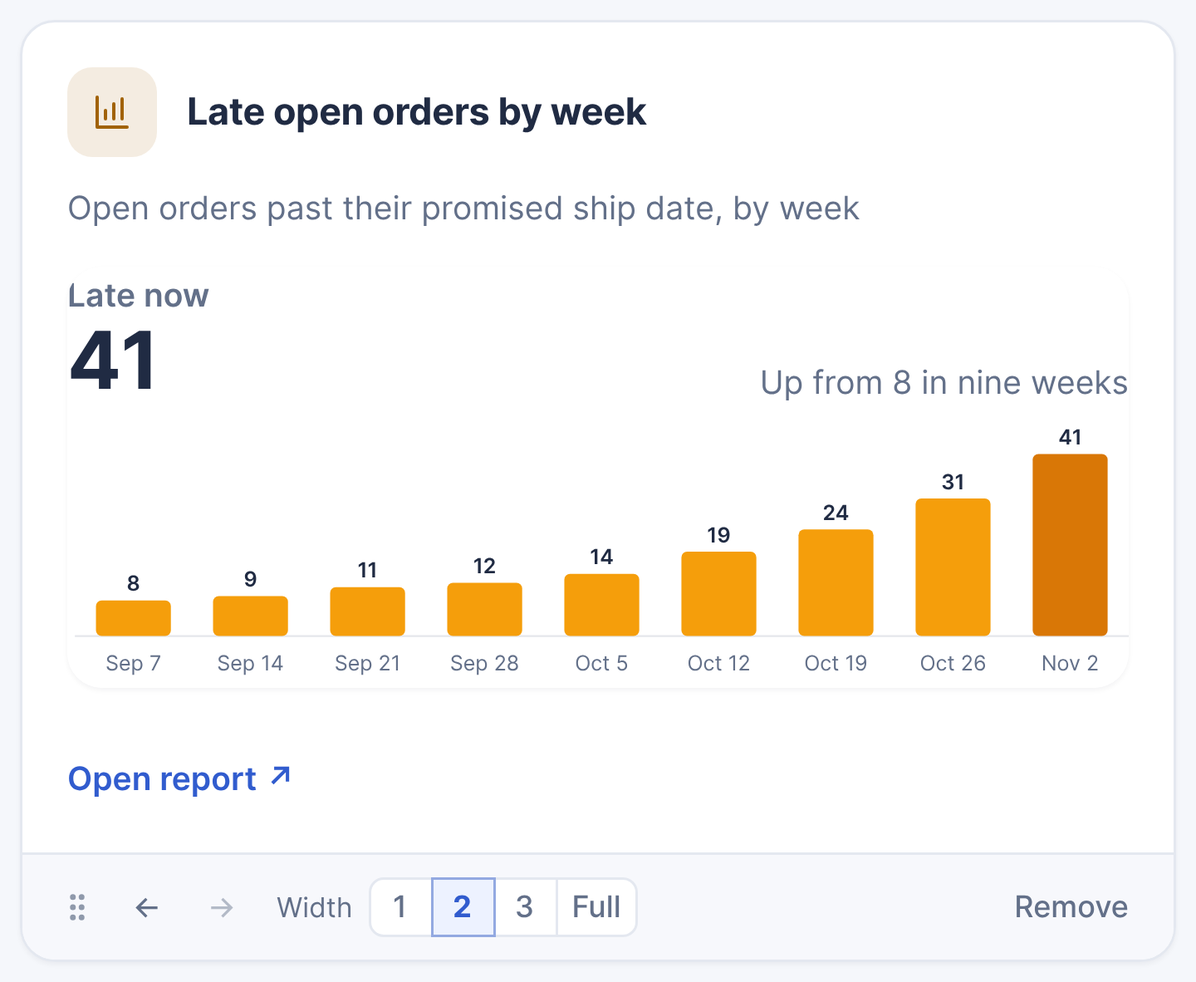
Describe the Report You Need. AI Builds It, You Refine It, and Once It's Saved It Runs on Live Data Without AI
- Preview privately and refine by conversation
- Filters, tables, charts and a dashboard tile
- Share with everyone in the environment when IT allows it; each viewer sees only the data their own login allows
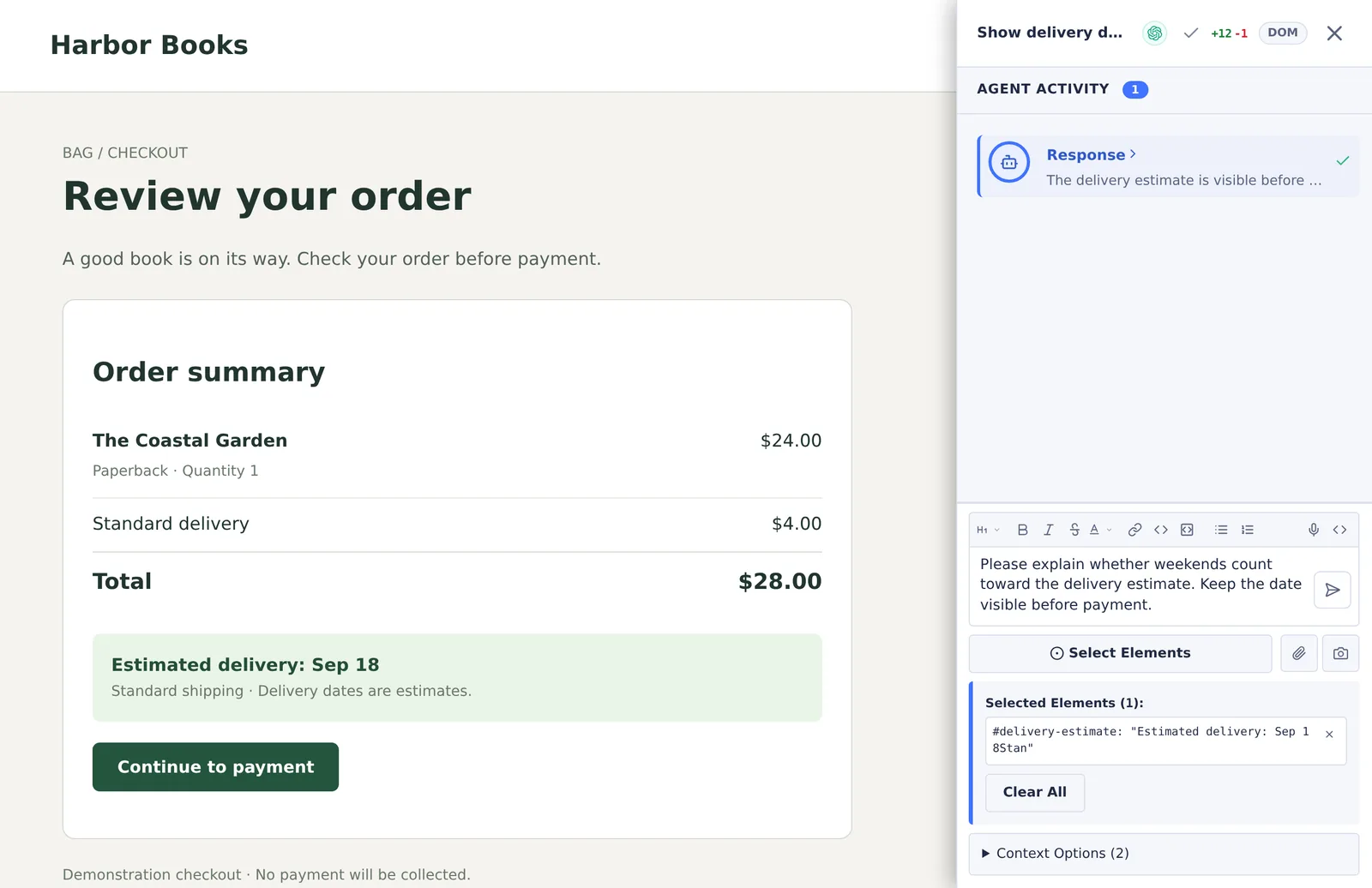
Open the Applications You Use Every Day From One Place, and Get an Explanation of What's on the Screen When You Need One
- An application catalog IT publishes for each team
- An assistant beside the app explains the screen; it never presses keys
- Applications behave exactly as they do today
Tell IT What You Need From the Screen You're on, and Follow It Through to Delivery
- The screen, filters and selected record come with the request
- A shared conversation with IT and clear status
- Accept, reopen or withdraw when it's Ready to try
Direct the Work. Refine the Result.
Real Power for Business Users. IT Stays in Charge.
CoderFlow for Business doesn't let business users do whatever they want. They get real power over their own work, and IT decides what's on, what each role can reach and what needs approval.
Self-Service With Guardrails
- Automations you build yourself
- Answer more of your own questions
- Reports on current data, not exported copies
- Requests that reach IT with everything needed
- Follow progress and try the result
Fewer Vague Tickets. Full Control
- Self-service without developer tools or extra data access
- Requests become agent work without retyping
- IT chooses the AI providers and models
- Every business-user AI run is visible to IT
- Sharing reports takes a permission IT grants
Your Access Rules, Unchanged.
Where a connection supports personal logins, CoderFlow for Business reads live data and opens applications with the person's own login. It never borrows a shared login and never adds authority. IT decides what else each team's environment includes.
- Data is read with each person's own login where the system supports it, and through connections IT controls everywhere else
- On personal-login connections, the data path is read-only by construction: single SELECT statements in read-only transactions
- Business users' logins are encrypted, write-only and never reach the AI
- Saved reports run without AI
- Nothing is on until IT turns it on, per environment and per capability
Try It Yourself.
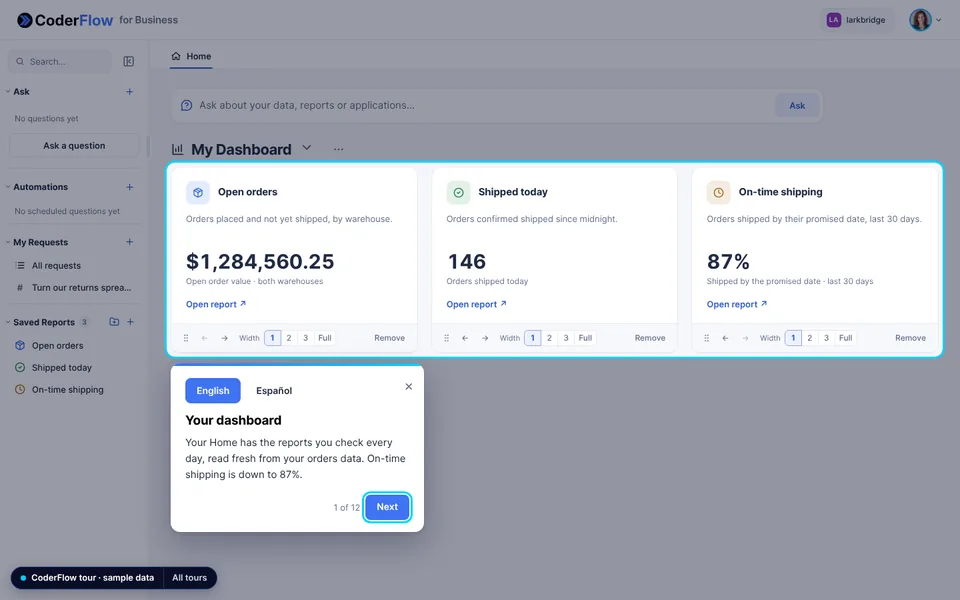
Get hands-on with the real CoderFlow app and sample data, in about 3 minutes. Nothing touches real code.
Everything to Explore →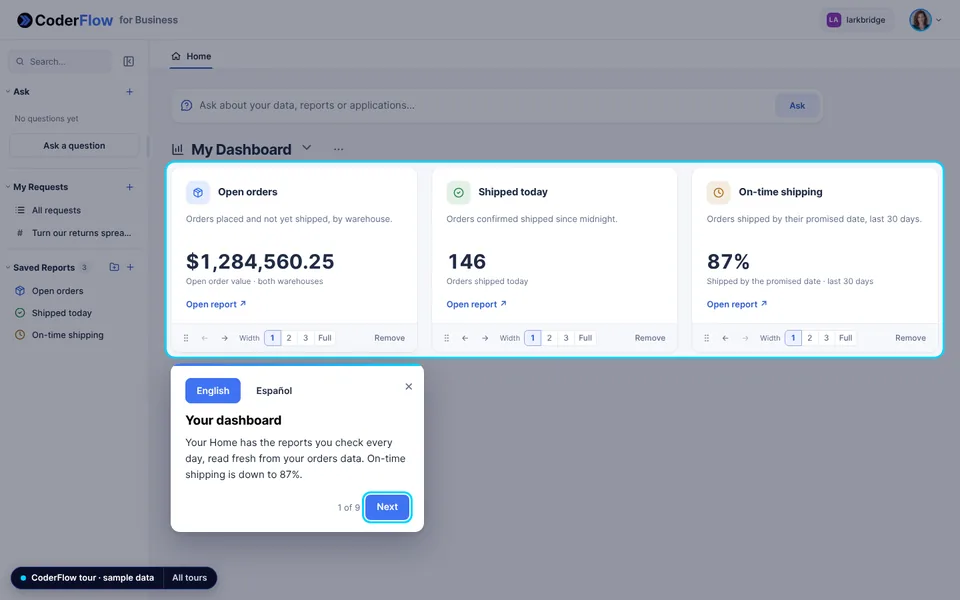
IT Sets Up Once
- Turn it on and add your logo and name
- Prepare an environment for each business team
- Connect business data and at least one AI provider
- Create roles and assign them
- Choose what agents can reach, and publish applications
Business Users Do the Rest
- Save their own logins
- Ask, build and refine reports, and arrange dashboards
- Open published applications with the assistant
- Create and track requests
- Build their own automations
Questions
Is CoderFlow for Business a Separate Product?
No. It's the experience inside CoderFlow designed for non-IT business users, on the same server, sign-in and environments IT already uses. It's off by default, and IT turns it on for the whole server and then for each environment it wants to offer to business users.
What Can Business Users Do With It?
They can direct agents themselves: give instructions, ask follow-up questions, refine reports and set up recurring work. CoderFlow brings the applications and data available to their team into that work. When they need help from IT, they can send a request with the context attached.
Can Business Users Do Whatever They Want?
They get real power over their own work, always under IT's supervision. That's by design. IT turns it on for each environment, decides which data, applications and AI providers each role can use, and can see every business user's AI run. Sharing a report with others takes a permission IT grants, and every software change goes through review and approval before it's committed. See security and governance.
What Data Can Reports and Answers Use?
Answers can draw on the environment's source code, documentation, attached files and business data. Reports read live data through the connections and APIs your IT team makes available, and where a system supports personal logins, each person's own login. Contact us to talk about your data sources.
Will Users See Data They Shouldn't?
Where a connection supports personal logins, data is read with each user's own login, never a shared one, so users see only what their access already allows. IT also decides which environments each team can use and what those environments include. A dedicated environment for each business team is the recommended setup.
Can the AI Change Our Data?
Business answers and reports read data only: single SELECT statements in read-only transactions that are never committed, with parameters bound. The application assistant only explains screens and never presses keys. Agent tasks and integrations have their own permissions. Business users can direct the work their roles allow; software changes follow the configured review and approval process.
Does Our Data Go to an AI Provider?
While building a report or answering a question, the data the assistant reads is processed by the AI provider IT configured. Viewing a saved report doesn't involve AI at all: it runs saved queries against current data. IT chooses the providers and can use its own accounts or gateways.
Your Systems. Your Agents. Your Team Directing the Work.
Talk to sales about your systems, or start with a Reimagine engagement.