
Custom Work Around Your ERP With CoderFlow
The integrations, extensions, custom reports and spreadsheet tools your team built around a packaged ERP.
Start with one defined workflow on the systems you already run, then expand as it proves itself.
# sync_shipments.py - nightly ERP shipments to portal
import os, requests
ERP = os.environ["ERP_API_URL"]
PORTAL = os.environ["PORTAL_API_URL"]
SYNC = f"{PORTAL}/sync/last-run"
since = requests.get(SYNC).json()["shipments"]
rows = requests.get(f"{ERP}/shipments",
    params={"modifiedSince": since}).json()
for s in rows:
    if s["status"] in ("SHIPPED", "DELIVERED"):
        url = f"{PORTAL}/orders/{s['orderNo']}/tracking"
        requests.put(url, json={"carrier": s["carrier"],
            "tracking": s["trackingNo"]})
last = rows[-1]["modifiedAt"] if rows else since
requests.post(SYNC, json={"shipments": last})The nightly sync copies only shipments marked SHIPPED or DELIVERED in the ERP, changed since the last run. Partial shipments carry a different status, so their tracking numbers never reach the portal.
Illustrative example with synthetic code.
Running a Packaged ERP Today?
Key numbers still get copied from ERP exports into spreadsheets every week.
Integrations with the warehouse, web store or bank were built years ago, and few people know how they work.
Requests for a new report or a small tool wait behind bigger ERP projects.
What CoderFlow Does for the Work Around Your ERP
Documentation and Q&A
Self-maintaining documentation of your ERP integrations, reports and extensions, and plain-language answers with sources for business users and developers.
Impact Before Change
See which programs, files and screens a change will touch before anyone starts.
Agents That Build and Test
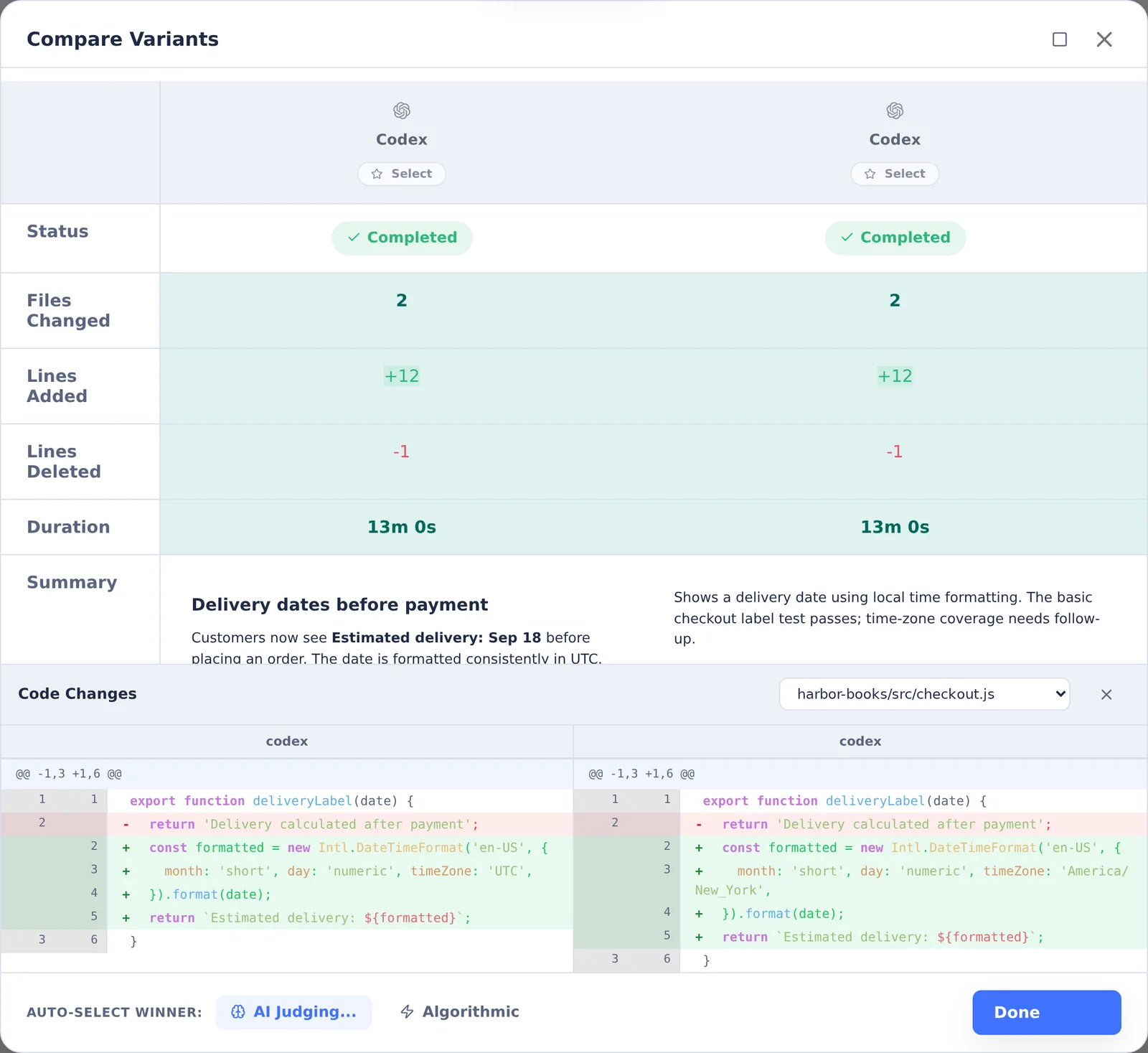
Agents change the code, build it and run it with your toolchain, and fix failures before anyone reviews it.
Into Git, Reviewed Forever
Integration scripts, report definitions, extension code and spreadsheet macros go into Git, so the work around your ERP gets history and review.
Spreadsheets and Copy-Paste, Turned Into Tools
Agents build the report, small app or automation that replaces a weekly export-and-paste routine, and you try it before you approve it.
Your ERP Stays on Its Upgrade Path
The core ERP stays standard and on its vendor's upgrades, while CoderFlow builds and maintains the work around it through its APIs, exports and reports.
Answers About the Work Around Your ERP, Without a Ticket
With CoderFlow for Business, people in operations, finance and customer service ask how the system works and get answers drawn from its source code and documentation, with sources. Reports can pull data through web APIs your IT team makes available, and requests reach IT with the context attached.
Explore CoderFlow for Business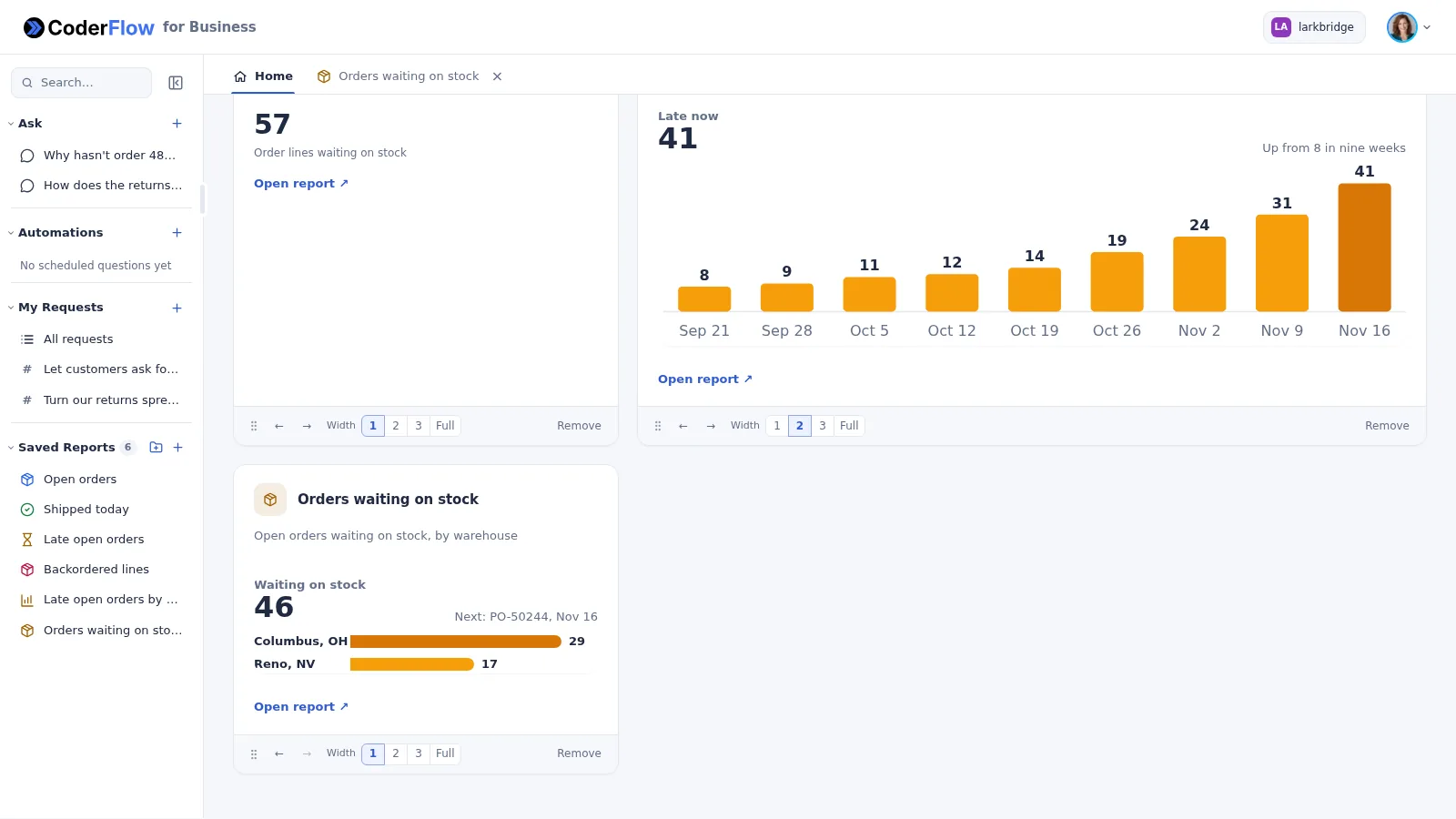
How It Connects
Agents work in a CoderFlow environment with your integration code and toolchain, and reach test systems through the APIs, SSH and SQL Server connections IT makes available.
Keep It, or Move Forward
Keep your ERP as it is and keep it current. CoderFlow takes on the work around it: new integrations, reports and small apps, and the upkeep of the extensions you already have.
Tracking Numbers, Without the Phone Calls
A distributor's customer service team fields daily calls about missing tracking numbers, and CoderFlow points to partial shipments skipped by the nightly portal sync. An agent updates the sync and tests it against the ERP's test API, and a developer reviews and approves the change.
Walkthroughs for your system are coming. Meanwhile, explore CoderFlow on a web app, or see how it works in the 2-minute quick look.
Questions About the Work Around Your ERP
Can CoderFlow Help If We Run on a Packaged ERP?
CoderFlow builds and maintains the custom work around your ERP, while the core stays on its vendor's upgrades: integrations, custom reports, extensions and spreadsheet tools. Agents build and test that work, and your team approves every change before it goes live.
Can CoderFlow Replace the Spreadsheets We Build From ERP Exports?
CoderFlow builds a report or small app that pulls the same data through your ERP's API or exports and does the math the same way as your spreadsheet. You compare the results, try it and approve it before anyone switches over.
Does CoderFlow Change Our ERP Itself?
Most CoderFlow work happens around the ERP, using its APIs and exports, which keeps the core standard and easy to upgrade. When you have extension code in the ERP's own language, agents document it and prepare changes for your team to review, test and approve.
We're a Small Company on a Packaged ERP With No IT Team. Can CoderFlow Help?
CoderFlow builds the tool you describe, such as a report you rebuild by hand every week, and you try it and approve it. Profound Logic hosts it on CoderFlow Cloud, so there's no infrastructure to manage.
Can Business Users Ask CoderFlow Questions About Our ERP Data?
Ask in CoderFlow for Business explains how your integrations, reports and extensions work, from their code and documentation, with sources listed. ERP data can feed reports through data scripts that call web APIs your IT team makes reachable, or agents can build a dedicated report app.
How Does CoderFlow Keep ERP Integrations and Data Under IT Control?
IT decides which ERP test systems, APIs and connections agents can reach, which AI providers CoderFlow uses and who approves changes. Each task runs in its own isolated container, and every approval is recorded.
Related systems
Industries where we often see custom work around an ERP
Bring AI to Your ERP Integrations, Reports and Extensions.
Talk to sales about your setup, or start with a Reimagine engagement.