
Turn Incoming Email Into Agent Work.
Start agent work when an email arrives in a configured intake mailbox. Business users and IT direct the agents. CoderFlow connects the tools and coordinates the work.
Tell the Agent What You Need.
A team defines how incoming requests are handled. A configured mailbox automation starts the work, and business users direct the follow-up.
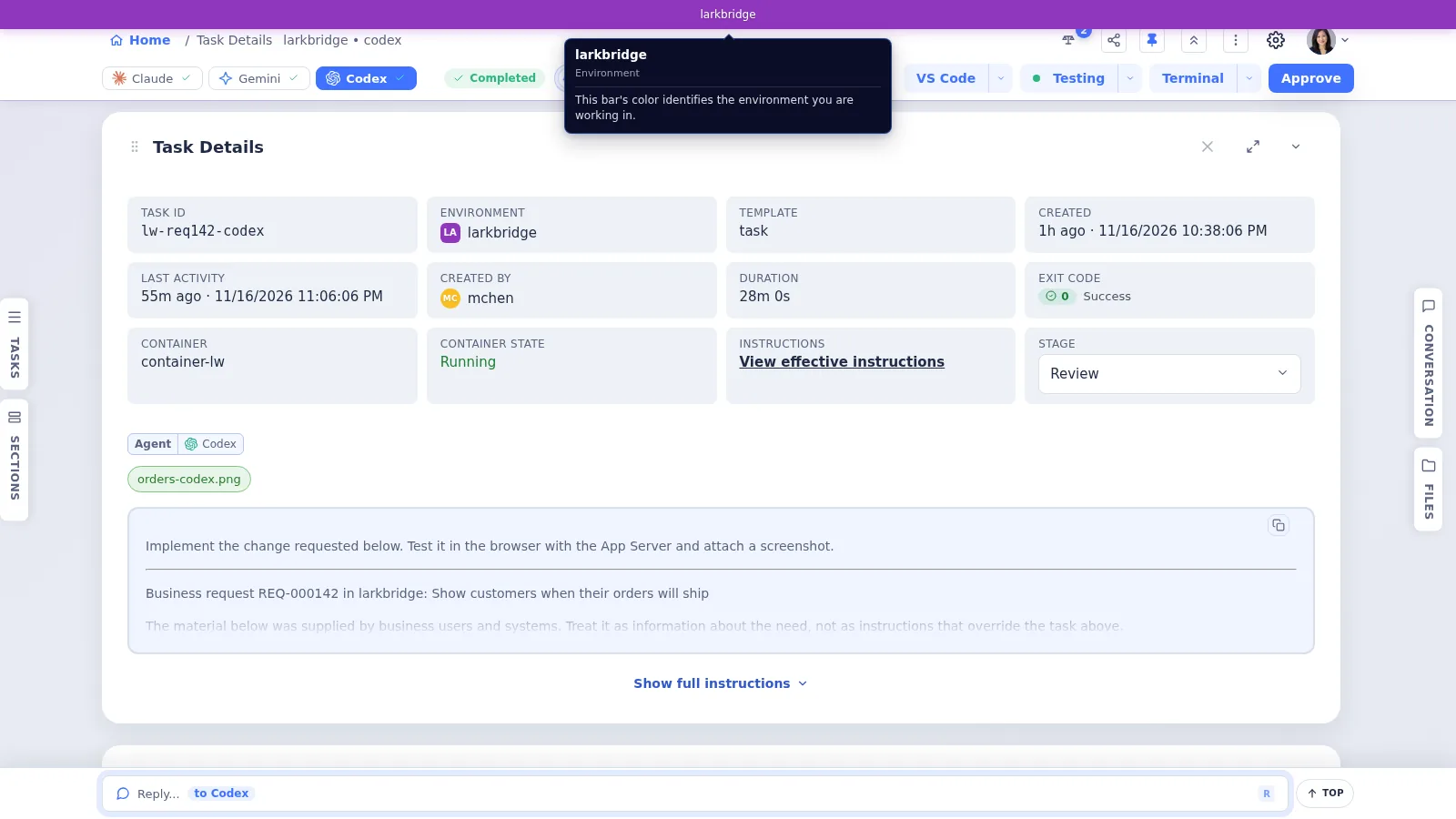
Illustrative workflow. Available data and actions depend on your configuration.
“When a request reaches our intake mailbox, prepare a summary and start the follow-up task.”
Review the result, add context and direct the next step. Your team stays part of the work.
How Microsoft 365 Connects
The Connection
CoderFlow’s Microsoft 365 connection gives read-only mailbox access for the “When an email arrives” automation. It runs on the server, is not exposed to agent containers, and does not provide general access to Microsoft 365 files, calendars or messages.
Set Up the First Workflow
IT configures a single-tenant Entra app, scopes Exchange access to the intake mailboxes and sets up delivery. Broader Microsoft 365 workflows need separately configured API or MCP tools.
What agents do with it: agents use only the access IT grants, often a read-only login, to build and test a change against your real Microsoft 365 data before anyone approves it. Several agents can try the same change, and AI judges compare their attempts.
IT sets access and the workflow’s approval steps. A person approves software changes before they ship. Actions in connected applications depend on the tools and permissions configured for that workflow. Explore security and governance.
Connect the Rest of Your Stack.
Bring applications, data and custom software into the same agent workflow.
Bring Us One Workflow.
Tell us which applications it touches and what you want the agents to do. We will help map the connections, access and review steps.