
Turn the Next Request Into a Tested Change.
Direct agents to improve your JavaScript and TypeScript applications. Business users and IT direct the agents. CoderFlow connects the tools and coordinates the work.
Tell the Agent What You Need.
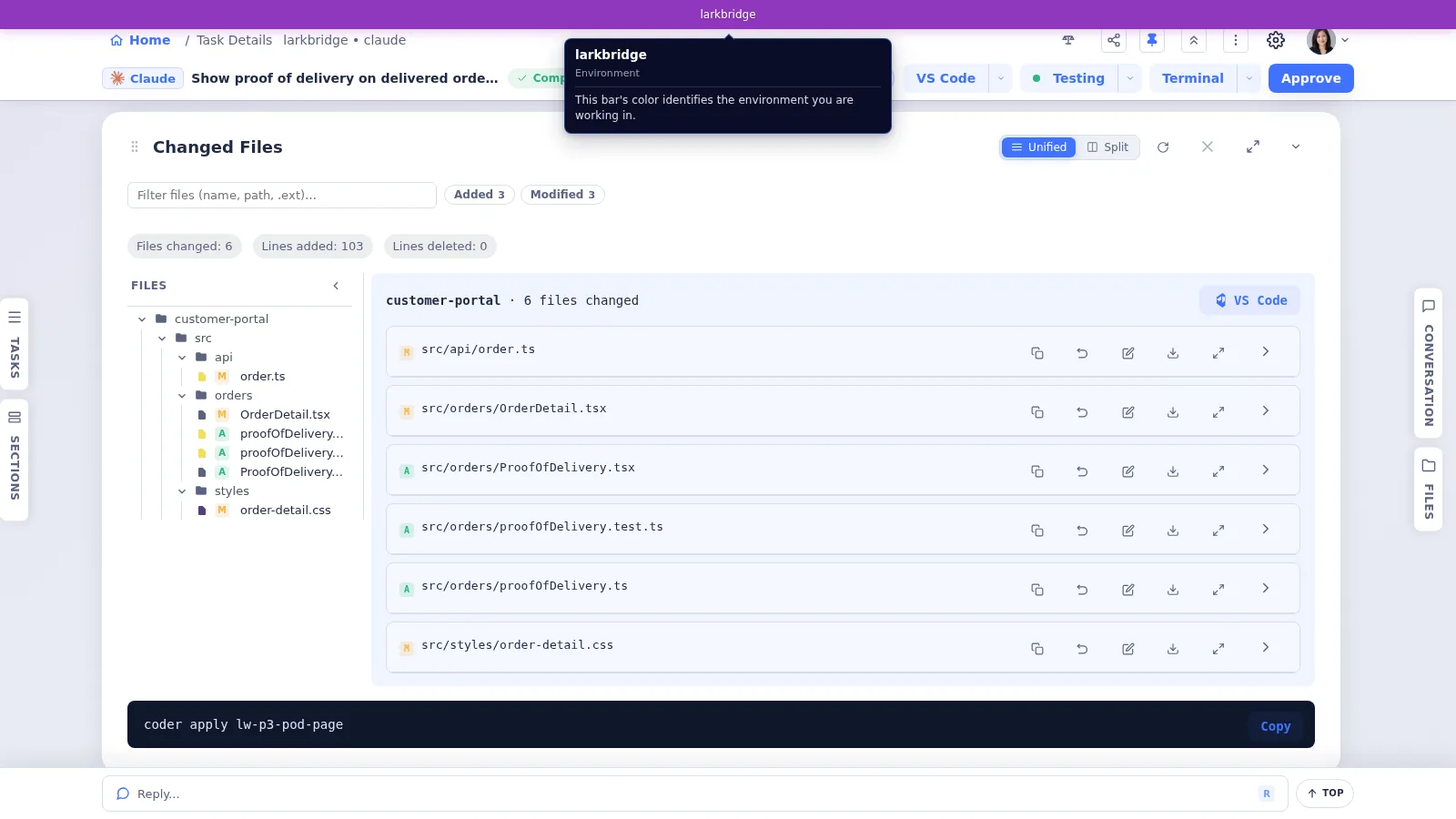
Business users describe the outcome and review the result, while agents work on the repository with the build and test tools IT configures.
Illustrative workflow. Available data and actions depend on your configuration.
“Add an order-status filter to our customer portal. Test the flow and show me the change.”
Review the result, add context and direct the next step. Your team stays part of the work.
How Node.js Connects
The Connection
Connect the repository and configure the Node.js version, dependencies, build commands and tests in an environment, and agents use that toolchain in isolated task containers. APIs or MCP tools provide separate access to running applications and data.
Set Up the First Workflow
Supply the package manager and build instructions, test data, and review and deployment rules. Browser testing requires a runnable application in the task environment.
What agents do with it: agents use only the access IT grants, often a read-only login, to build and test a change against your real Node.js data before anyone approves it. Several agents can try the same change, and AI judges compare their attempts.
IT sets access and the workflow’s approval steps. A person approves software changes before they ship. Actions in connected applications depend on the tools and permissions configured for that workflow. Explore security and governance.
Connect the Rest of Your Stack.
Bring applications, data and custom software into the same agent workflow.
Bring Us One Workflow.
Tell us which applications it touches and what you want the agents to do. We will help map the connections, access and review steps.