Watch an Agent Fix a Failed IBM i Compile
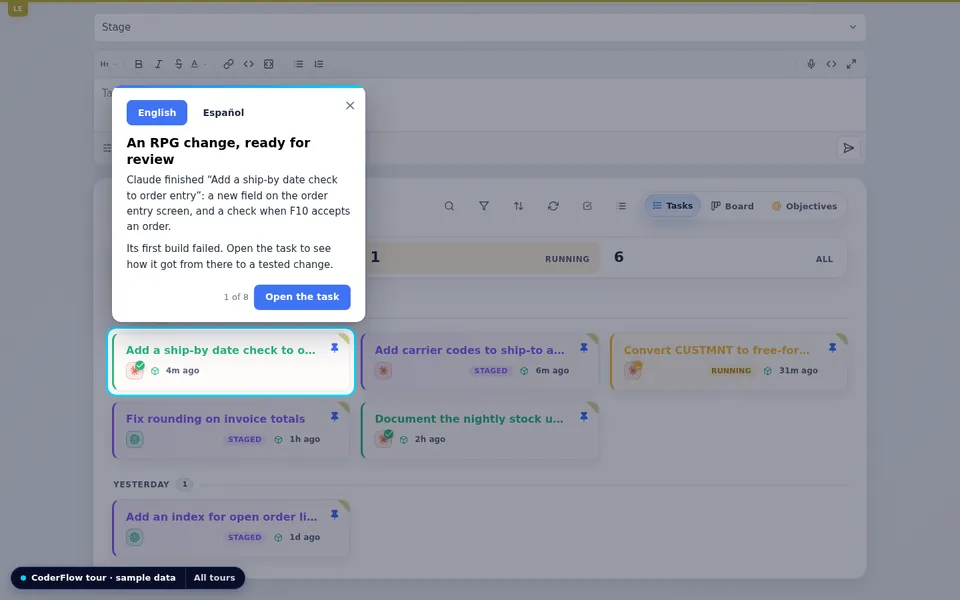
An RPG change fails its first build. Follow the agent as it reads the compile listing’s errors, fixes the RPG, rebuilds cleanly into its task library and tests the screen in a browser 5250 session.
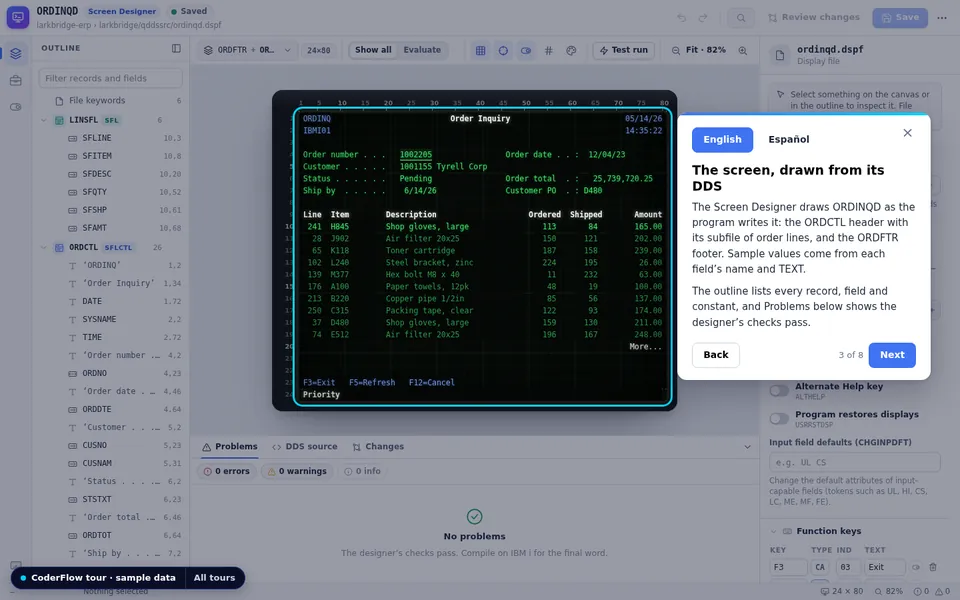
Open an AI agent’s display file change in the visual Screen Designer: move a field on the 5250 canvas, try indicators and a test run, and see the one DDS line your move changed.
Enter your work email and this walkthrough starts right away. The same email opens all 42, with no account or download.
You’re in. Every walkthrough is open. Start Exploring
The real CoderFlow app, with sample data from a fictional distributor whose order management runs on IBM i.
An RPG change fails its first build. Follow the agent as it reads the compile listing’s errors, fixes the RPG, rebuilds cleanly into its task library and tests the screen in a browser 5250 session.
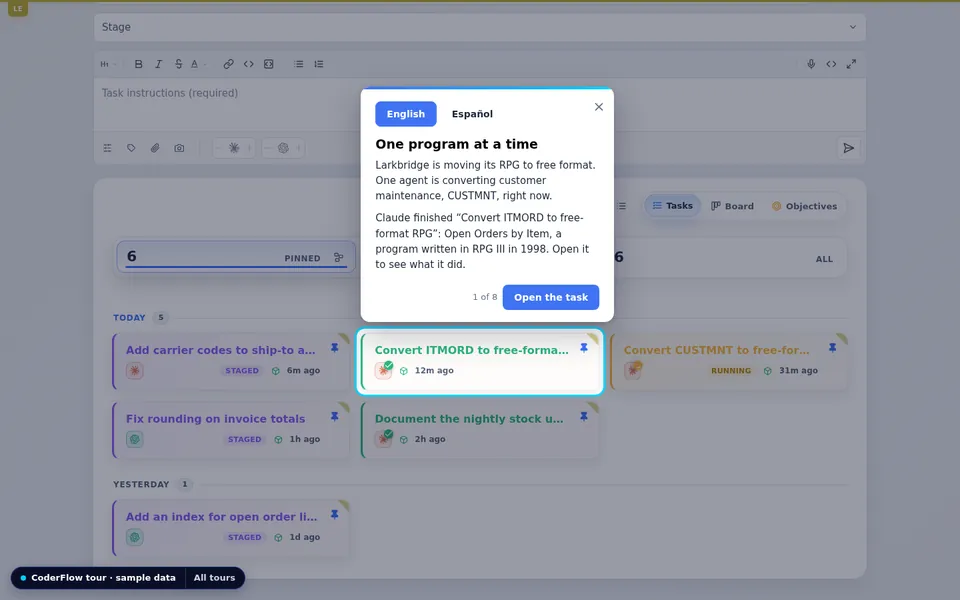
Watch an AI agent convert a fixed-format RPG program to fully free-format RPG, build it with codermake, and run the same 5250 test before and after.
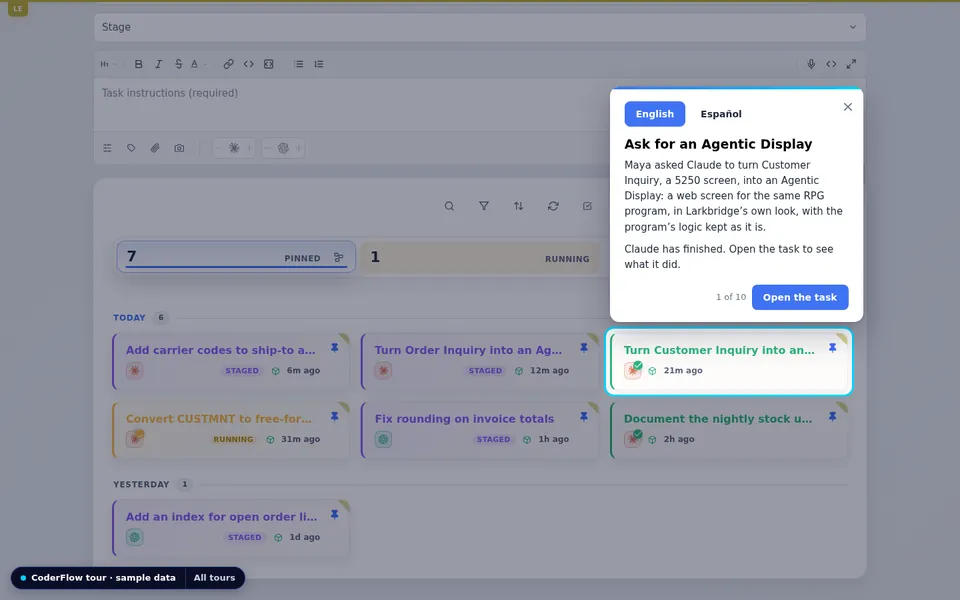
An agent turns a 5250 inquiry screen into a web screen for the same RPG program: the screen before and after, the templates and stylesheet it wrote, the unchanged RPG logic, and the deploy to IBM i.
Yes. This 3-minute walkthrough runs the real CoderFlow web app in your browser, loaded with sample data from a fictional distributor whose order management runs on IBM i. You click through the same screens your team would use. A few actions are turned off so it works the same way for everyone.
No. Everything you see is sample data, and nothing you click reaches a real system, Git repository or AI provider, so you can explore freely without breaking anything. To see CoderFlow work on your own code and data, talk to sales about your systems, or start with a Reimagine engagement.
No account, download or install. Enter your work email once to unlock every walkthrough. This one takes about 3 minutes in a desktop browser. When you're ready to see CoderFlow on your own work, talk to sales and we'll walk through your systems.
Talk to sales about your systems, or start with a Reimagine engagement.