Your Standards, Followed Every Time
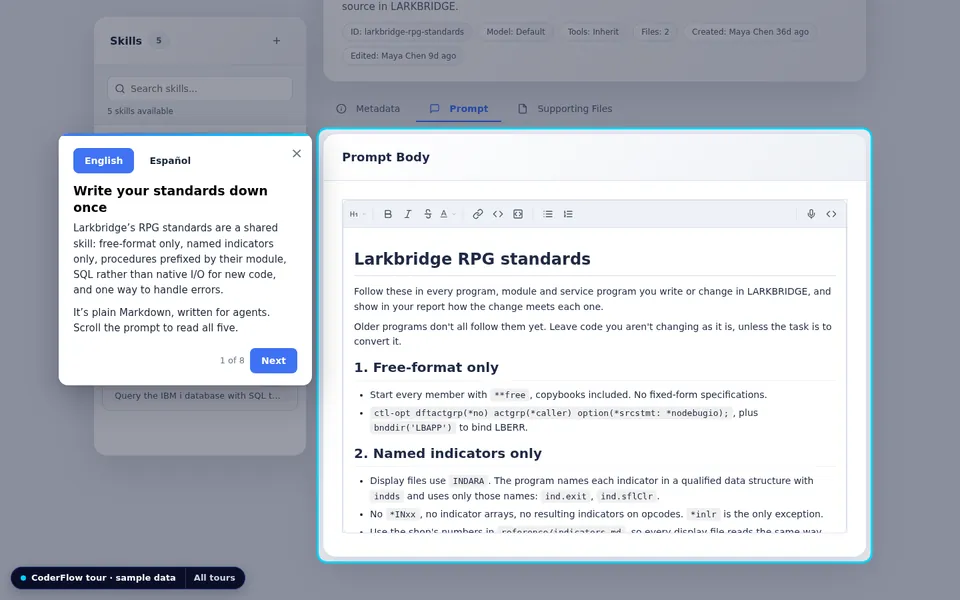
Write your RPG standards down once, as a shared skill and in the environment’s instructions, then see an agent follow them on a new program without being asked.
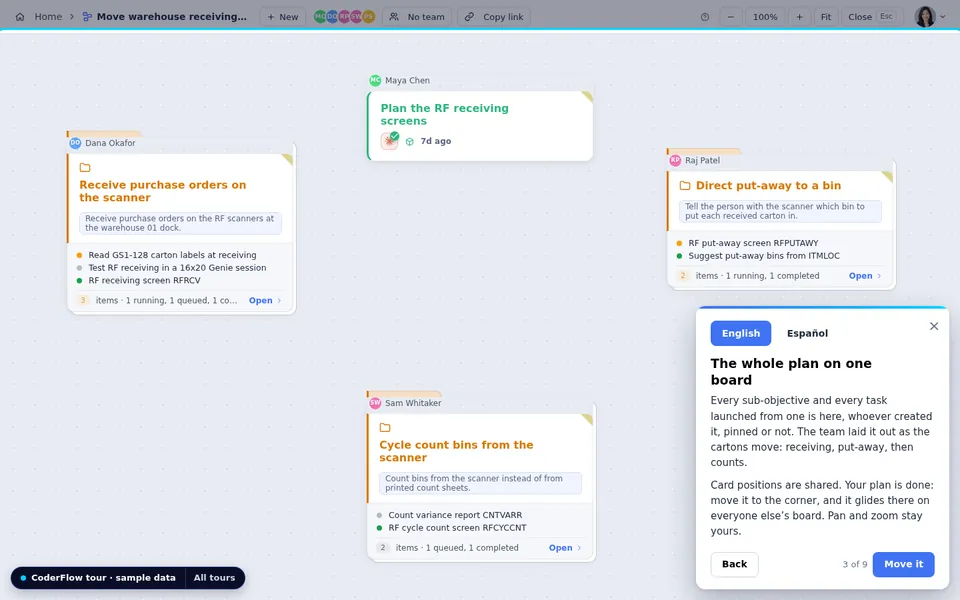
Plan an IBM i project with your team on one shared board: every sub-objective and task, whoever created it, with the team’s comments and a link to share.
Enter your work email and this walkthrough starts right away. The same email opens all 42, with no account or download.
You’re in. Every walkthrough is open. Start Exploring
The real CoderFlow app, with sample data from a fictional distributor whose order management runs on IBM i.
Write your RPG standards down once, as a shared skill and in the environment’s instructions, then see an agent follow them on a new program without being asked.
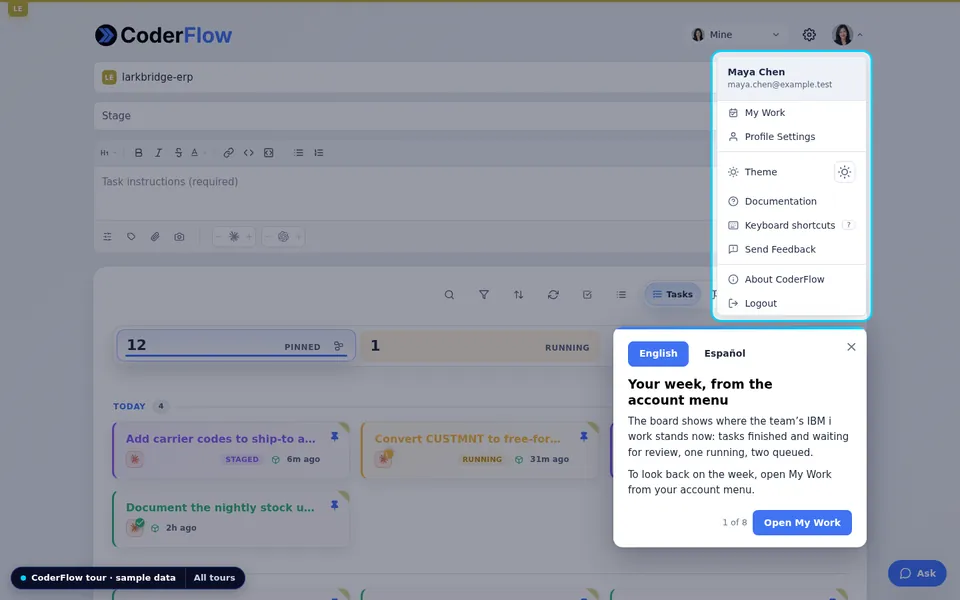
Look back on a week of IBM i work as Larkbridge’s development lead: task activity and time in My Work, a standup summary from Ask CoderFlow, CSV exports for reporting, and the team’s usage.
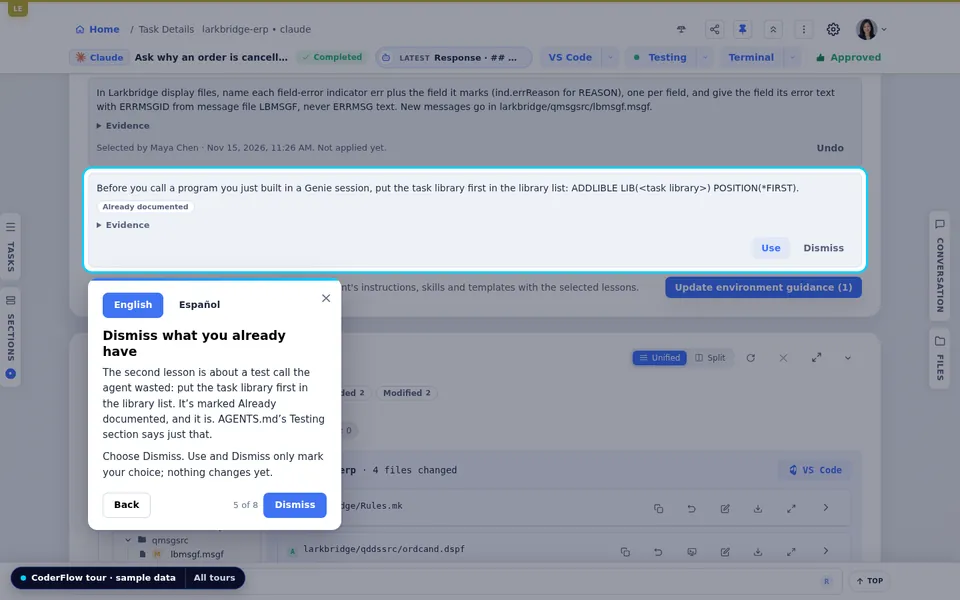
Approve an RPG task you had to correct twice, keep the lesson the agent drew from your corrections, and put it into the environment’s instructions, so the next task gets it right first time.
Yes. This 4-minute walkthrough runs the real CoderFlow web app in your browser, loaded with sample data from a fictional distributor whose order management runs on IBM i. You click through the same screens your team would use. A few actions are turned off so it works the same way for everyone.
No. Everything you see is sample data, and nothing you click reaches a real system, Git repository or AI provider, so you can explore freely without breaking anything. To see CoderFlow work on your own code and data, talk to sales about your systems, or start with a Reimagine engagement.
No account, download or install. Enter your work email once to unlock every walkthrough. This one takes about 4 minutes in a desktop browser. When you're ready to see CoderFlow on your own work, talk to sales and we'll walk through your systems.
Talk to sales about your systems, or start with a Reimagine engagement.