
You can automate a weekly report built from several exports by writing down where each number comes from, making the exports predictable, and having a tool combine them into the finished report the same way every week. CoderFlow builds that report tool from your description and your current spreadsheet, and you approve it once its numbers match yours.
Why Does the Weekly Report Take So Long?
The math is rarely the slow part. The time goes into downloading exports, matching codes and checking that last week's formulas still point at the right cells. And when the one person who knows the report is out, it is late.
What Can Be Automated, and What Should Stay With a Person?
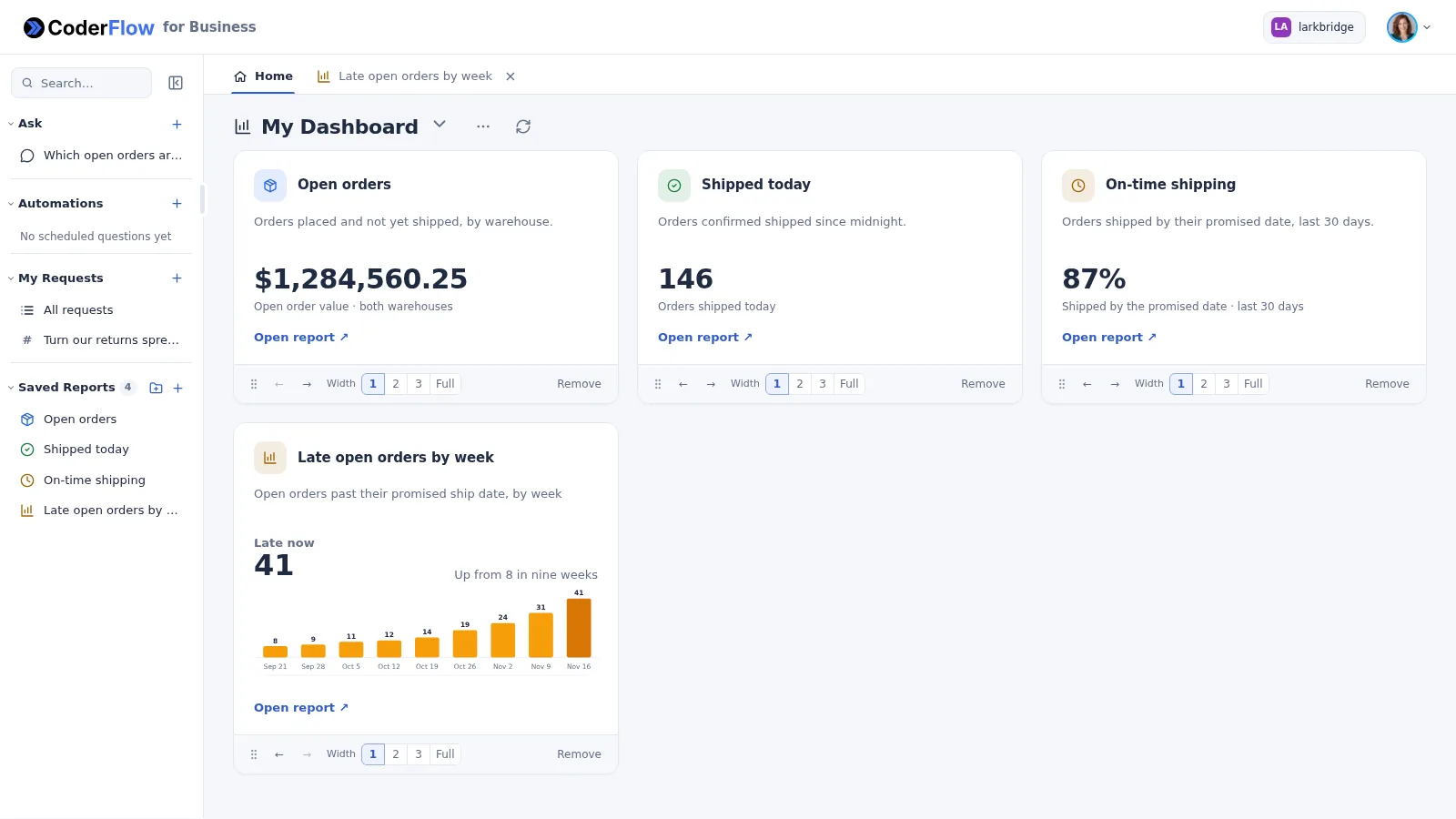
Collecting the exports, matching the data, doing the calculations and producing the finished file or dashboard all follow rules, so a tool can do them. Judgment stays with a person: why a number jumped and what to do about it.
How Do You Automate a Weekly Report From Multiple Exports?
- Map every number. Note the file, column, filter and calculation behind each figure.
- Settle the definitions. Agree on what a week is and whether sales are booked or invoiced.
- Make the inputs predictable. Save each export the same way each week, or let the tool read a database or API directly.
- Run old and new side by side. Compare both for two to four weeks and fix every difference.
- Flag problems. A missing export, a changed column or an unusual total should stop the report and tell someone.
How CoderFlow Helps
Describe the report as you would to a new team member, and share your spreadsheet and a few exports. CoderFlow builds a report tool that reads exports, spreadsheets, databases or systems with an API and lays the report out as a file or a dashboard.
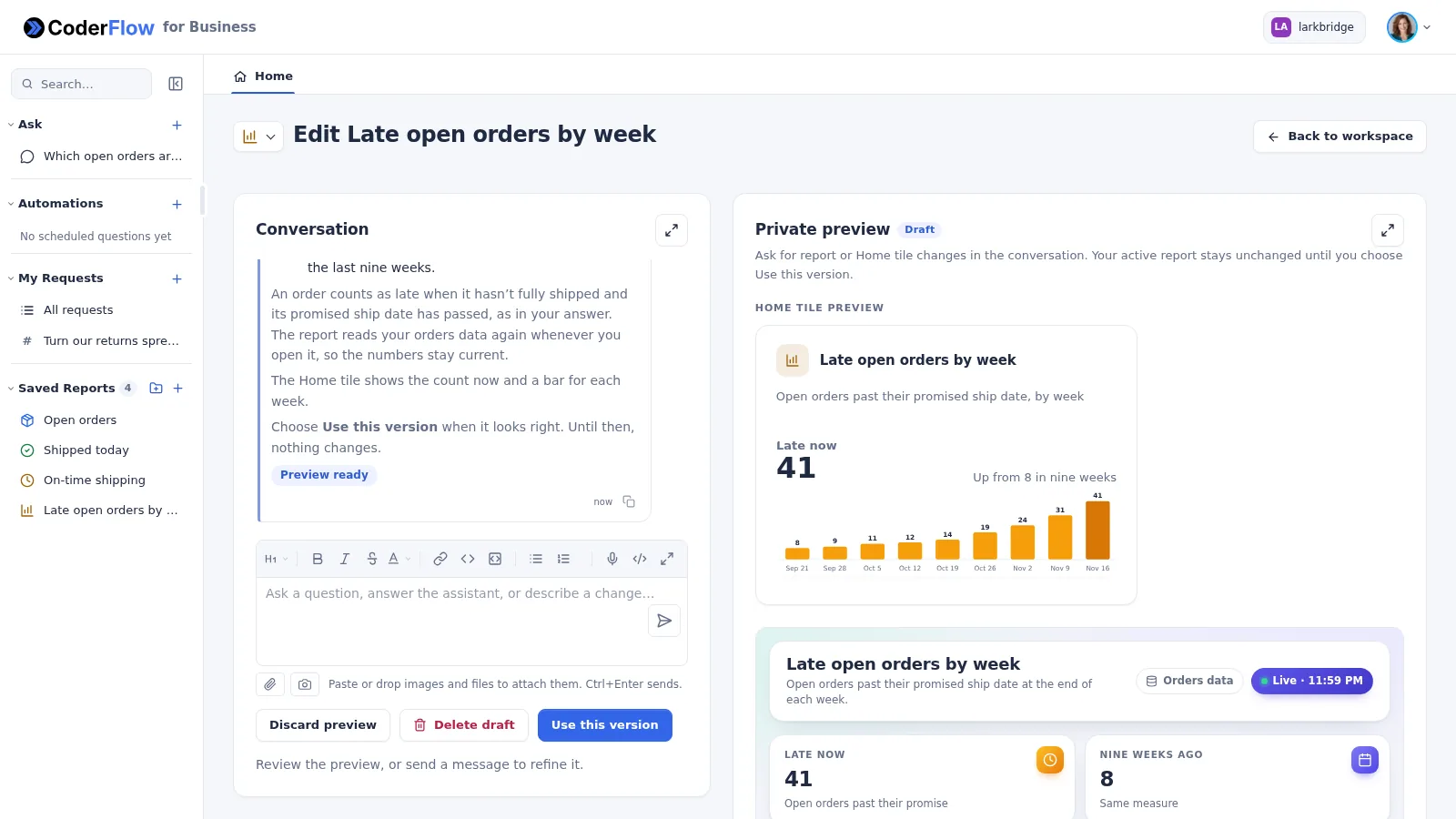
Check it against your manual report. If a total doesn't match, point at it, and CoderFlow fixes the calculation and tells you what it changed. Once approved, it runs the same way every time without AI; see reports without copy and paste.
For example, a 25-person wholesale supplier's tool builds its Monday report from an accounting export, an order export and an inventory spreadsheet in one step, and warns when an export is missing. The operations manager approved it after three weeks of matching numbers.
It works whichever systems the exports come from (see the supported systems), and Profound Logic can host it on CoderFlow Cloud. If the same data is also retyped between systems, see connect your systems.
What to Watch out For
- Reports nobody reads. Ask who uses the report first; sometimes a smaller report is the right move.
- Access to your data. The tool should use only the access you grant, such as a shared folder or a read-only login.
Where to Start
Pick the report that takes the longest each week, and save one week of its exports with the finished version. That is enough to show what a report tool would do; the spreadsheet behind it may be worth turning into an app too. Talk to sales about your report, or start with Reimagine, a custom engagement with our team.
Questions
Can CoderFlow Automate a Weekly Report Built From Several Exports?
CoderFlow builds a report tool from your current report and the exports behind it, which does the calculations and produces the finished report or dashboard. You run it alongside your manual version and approve it once the numbers match.
Does a CoderFlow-Built Report Use AI Every Time It Runs?
CoderFlow uses AI to build the report tool and to change it when you ask. Once approved, the report runs on your data the same way every time, without AI, which keeps results consistent.
What Happens If an Export Changes and Breaks a CoderFlow Report?
A CoderFlow-built report tool can check each file and warn you when a column is missing, renamed or out of the usual range, instead of producing a wrong total. Describe the change in plain language, and CoderFlow updates the tool for you to try, then approve.