
Business users get answers from IT systems without filing a ticket when they can ask questions in plain language, see where each answer came from, build the reports they need and send IT a request only when something has to change. CoderFlow for Business does all of this. Where a connection supports personal logins, reports read data with each person's own login, read-only.
Why Do So Many Simple Questions Become IT Tickets?
A lot of tickets are really questions, such as why an order is on hold. The answer lives in code and data only IT can reach, so the question waits in a queue, or the asker builds a spreadsheet from an export.
What Can Business Users Answer on Their Own?
How the system works. In Ask, people type a question in plain language and get an answer with its sources listed: code, documentation, data and attachments. This works on any platform whose source is in the environment.
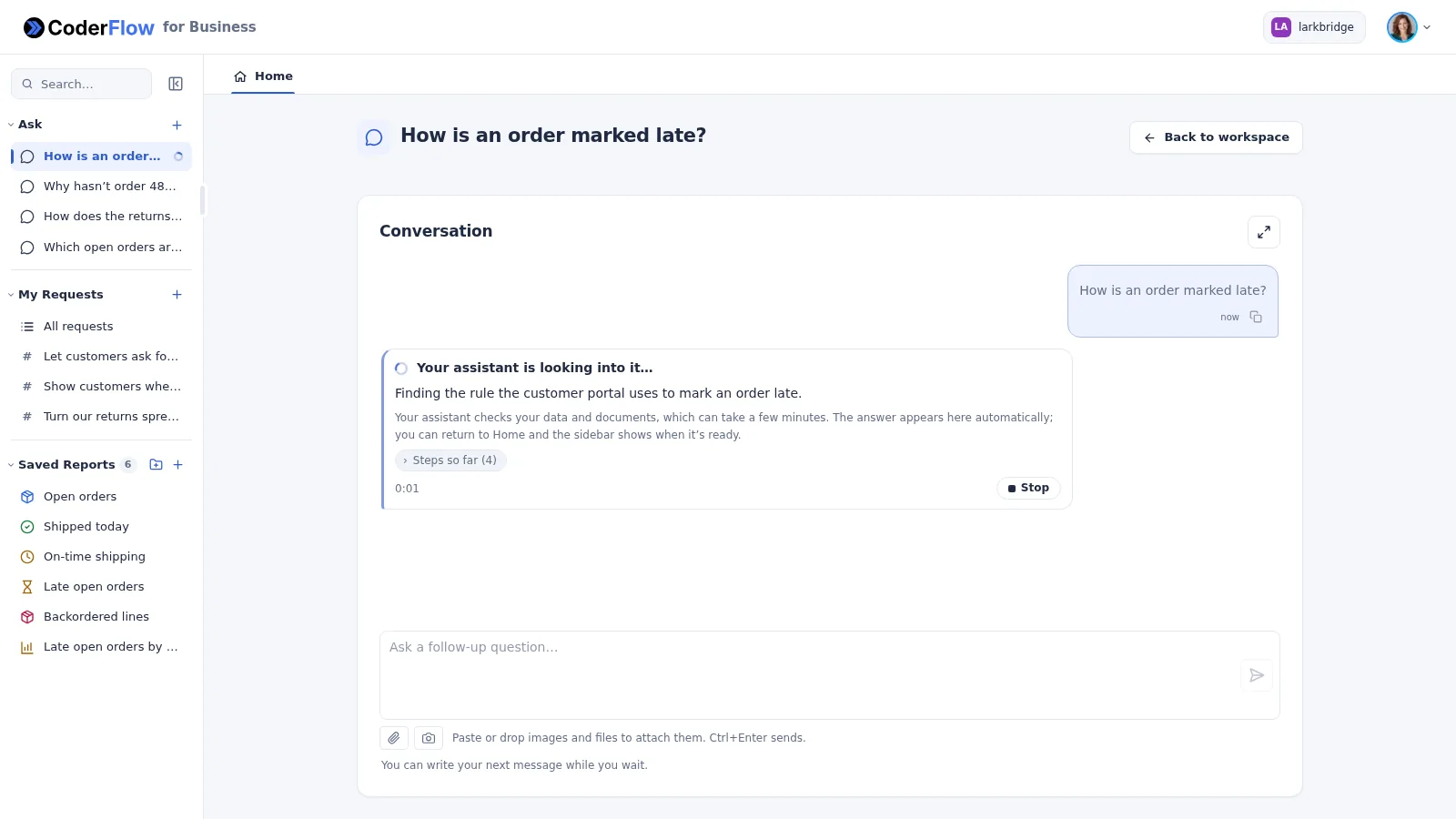
Live data. Where a connection supports personal logins, reports use each person's own login, read-only. Elsewhere, reports can use web APIs IT makes available, or CoderFlow builds the report or app the team needs; see supported systems.
Reports and dashboards. Users describe the report they want, and an agent builds it with saved queries, filters and a dashboard tile. Saved reports run on current data without running AI again; see reports without copy and paste.
How Does a Business User Hand Off to IT When Something Needs to Change?
A user can turn an Ask answer, an application screen or a report into an IT request. The screen, filters and selected record come with it, and the user reviews that context before sending.
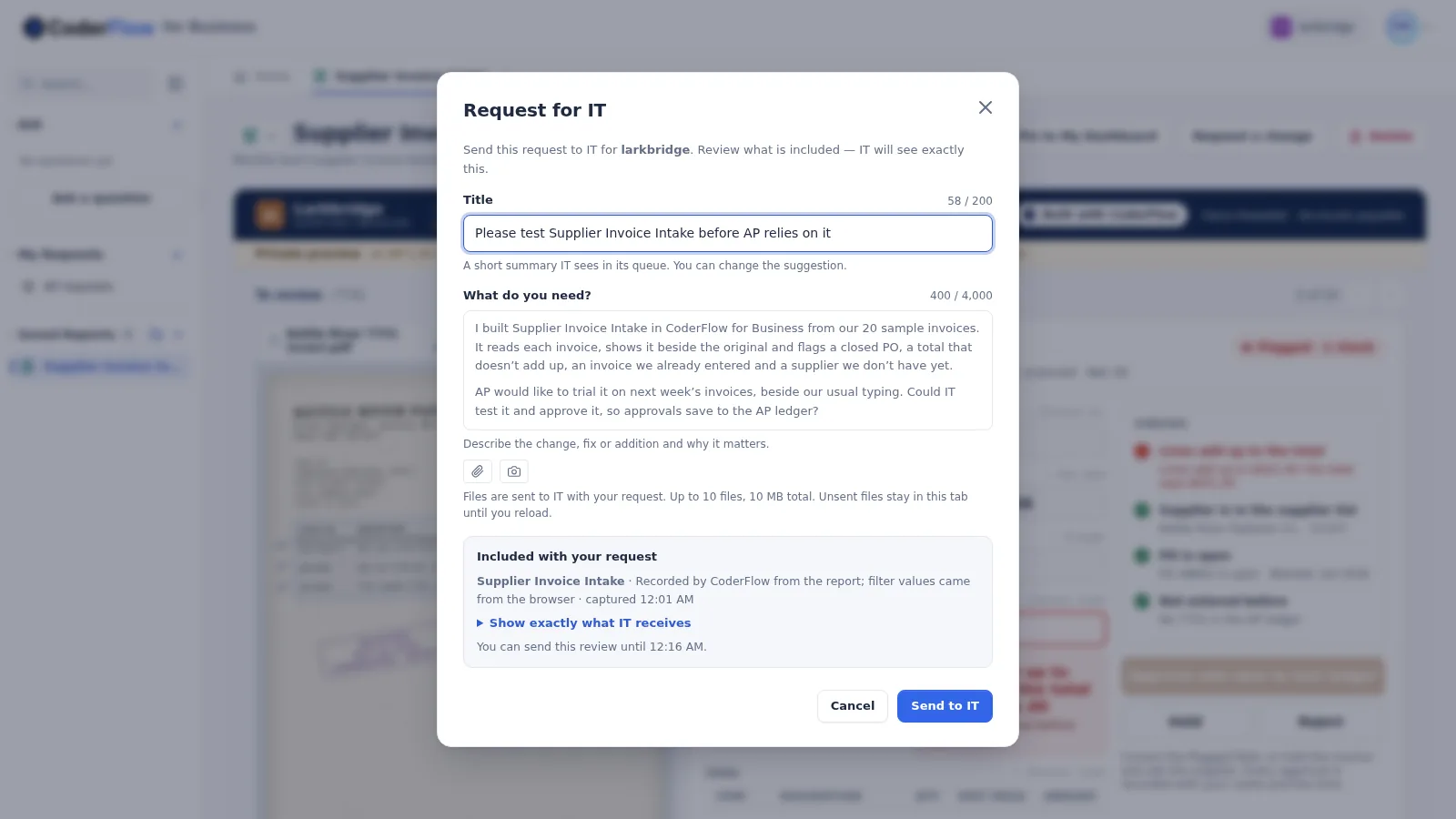
IT sees it in a queue with a drafted triage summary and acceptance criteria. IT can launch agent work straight from the request, and the requester accepts the result or reopens it. See IT requests.
How to Set Up Self-Service Answers Without Losing Control
- Turn it on for one team. CoderFlow for Business is off by default.
- Add the right sources. Repositories are mounted read-only for business users.
- Choose the AI models and grant permissions by role.
- Connect personal logins where supported. Each login is stored encrypted and never shown to the AI.
- Test with real questions, then review: IT can see every business-user AI conversation as a read-only task.
What to Watch out For
- Answers depend on sources. Thin documentation means thinner answers.
- Sharing is environment-wide. Sharing with one person or team is not available today.
- Changes still go through IT review and approval.
How CoderFlow Helps
Read more about CoderFlow for Business and CoderFlow for IT, or try the business-user walkthroughs in Explore CoderFlow.
What do your teams ask IT every week? Talk to sales.
Questions
Can Business Users Query Live Data With CoderFlow for Business?
CoderFlow for Business reads live data with each user's own login, read-only, where a connection supports personal logins. For other systems, CoderFlow builds the report or app the team needs, and reports can pull data through web APIs IT makes available.
How Does CoderFlow Reduce IT Tickets From Business Users?
CoderFlow answers many questions before they become tickets: users ask how applications work, see the sources and build their own reports. When something must change, they send IT a request with the context attached.
Does IT Stay in Control of Business-User AI in CoderFlow?
CoderFlow for Business stays off until IT turns it on per environment, and IT chooses the AI models, roles and sources. Every business-user AI conversation is visible to IT, and any system change still goes through review and approval.