
CoderFlow's Auto model selection picks the right AI model for each task so your developers don't have to. Set the model to Auto, and CoderFlow sends the task instructions to an inexpensive model whose only job is to rate how complex the work is. That rating maps to a low, medium or high tier, and each tier runs a specific model: a fast, low-cost model for a routine fix, or a heavyweight model for a genuinely hard problem.
A one-line config fix in a COBOL batch job does not need the same model as a multi-file change to the pricing logic in a PowerBuilder order entry system. Without a consistent answer, most teams point everything at the top-tier model "just in case," and that habit is expensive.
The Problem With Picking a Model by Hand
Manual selection asks every developer to keep a working map of which tier fits which problem and to apply it consistently, all day. In practice, some under-select and spend extra review cycles, and far more over-select, until the top-tier model handles even typo fixes. It's a coordination problem, and Auto is built to solve it.
How Auto Model Selection Works
With the model set to Auto, CoderFlow sends the task instructions, not your code, to a model for rating. The rating maps to one of three tiers, each with a specific model for the agent running the task:
- Low: typo fixes, config tweaks, one-file edits and simple questions. Claude runs Haiku.
- Medium: a well-defined feature or bug fix, a routine refactor or tests. Claude runs Sonnet.
- High: multi-file or multi-repo work, architecture, security-sensitive changes and murky bugs. Claude runs Opus.
Codex has a matching model for each tier. Auto rates only the instructions you give it, not your codebase or commit history, and it doesn't learn over time, so every task is rated fresh and routing stays predictable.
Some tasks will sit close to a tier boundary. What Auto gives you is a sensible default, applied consistently.
Transparent and Overridable by Design
CoderFlow already lets teams choose the agent and model for each task, and Auto extends that transparency to the routing decision. The tier-to-model mapping is documented and visible, and you can override it and pick a specific model for any task, any time.
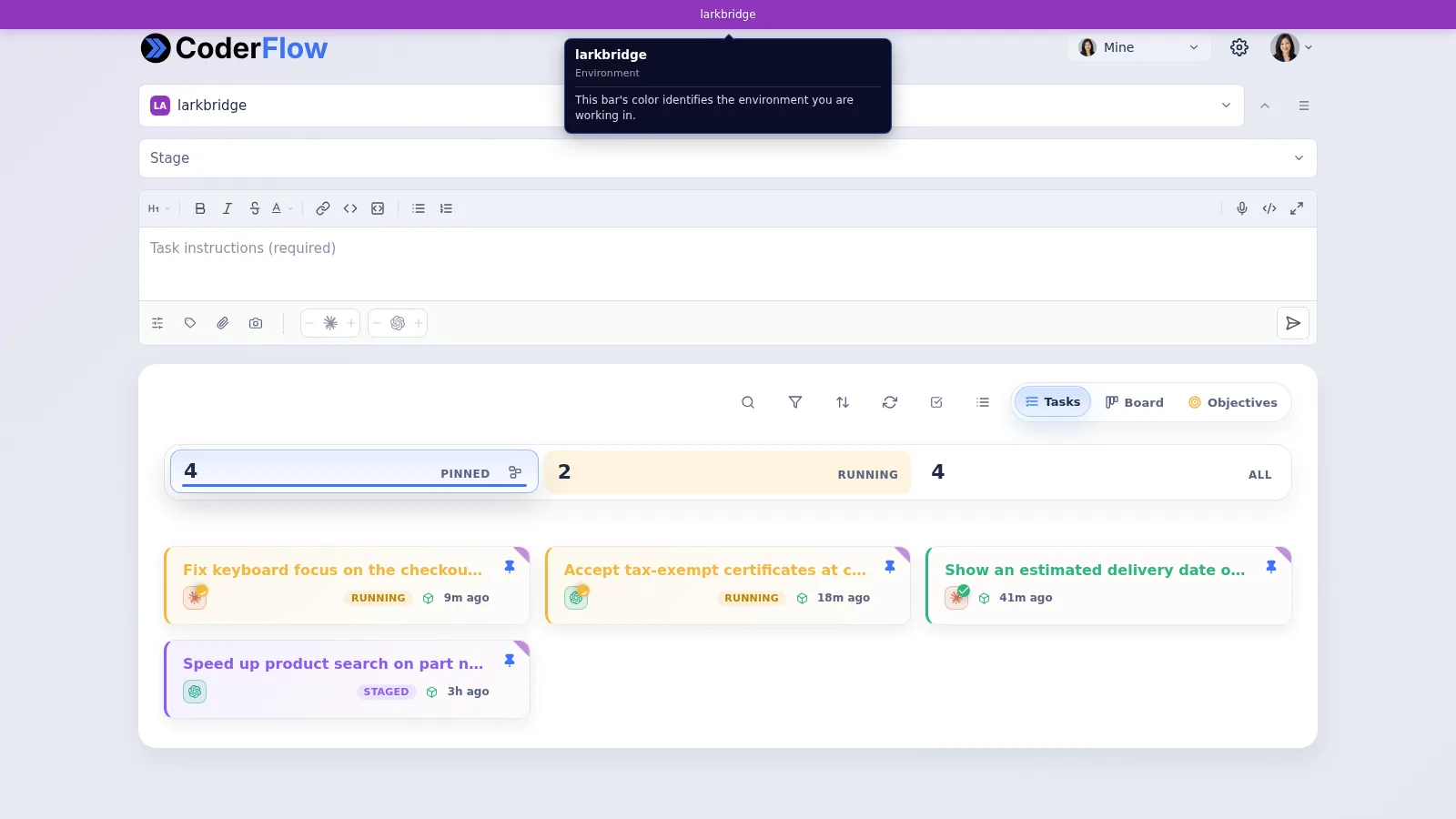
That's the opposite of routing buried inside a single opaque agent, with no tiers to inspect or override.
What It Means for IT Leaders and Developers
Auto removes the tax of over-caution: the safe choice and the right choice become the same choice by default.
- One default for everyone. An admin can set Auto as the org-wide or per-project default.
- One place to update. The tier-to-model mapping lives in central configuration, so adopting a new model is a single change.
CoderFlow does not measure or report savings from Auto mode. It gives you a consistent way to reserve premium-model spend for the work that justifies it. If a task fails to classify cleanly, it falls back to the medium tier and launches anyway, so Auto never blocks a task.
Where Auto Fits Today
Auto model selection is available today for Claude and Codex agents. For other agents, model selection works the way it already does. Setting Auto as your default takes one configuration change on the CoderFlow platform, and from then on every task in your agentic coding workflow is sized up on its own merits.
Want to see Auto model selection running against your own systems? Talk to sales or start with a Reimagine engagement.
Questions
How Does CoderFlow Decide Which AI Model to Use for a Task?
With the model set to Auto, CoderFlow has a classifier rate the task instructions (not your code) as low, medium or high complexity and runs the task on that tier's model, such as Haiku, Sonnet or Opus for Claude. If classification fails, the task falls back to the medium tier and launches anyway.
Can I Override or Change CoderFlow's Automatic Model Selection?
CoderFlow lets you pick a specific model on any individual task at any time, and admins can change which model sits in each tier in central configuration. An admin can also make Auto the default for an environment.
Does CoderFlow's Auto Model Selection Reduce AI Costs?
CoderFlow designs Auto to reserve premium models for work that needs them instead of defaulting to the top tier for everything. It doesn't measure or report a savings percentage, but the usage dashboard shows per-task token usage so you can judge the effect on your own workload.