
AI agents find security weak spots by reading the code, running the analyzers and tests you already use, and checking how each part handles input, access and secrets. In CoderFlow, agents do this on a schedule or whenever new code lands, explain each finding with the file and line, and prepare fixes. A person approves every one before anything is committed.
Why Weak Spots Pile Up in Custom Software
Software that keeps changing for a decade or more collects weak spots: a query assembled from a form field, a password left in a configuration file, a permission check a newer front end skips. Meanwhile, Verizon's 2026 Data Breach Investigations Report found that exploiting software vulnerabilities, at 31% of breaches, has passed stolen credentials as the most common way in (Verizon, 2026 DBIR). Most teams can't review everything by hand.
What Agents Add to the Tools You Already Have
Analyzers and dependency auditors are good at what they check. An agent explains each result in plain language and reads what those tools don't cover well, such as how an older program builds SQL from screen input or where an authorization check is missing. In CoderFlow, it runs your tools in an isolated container with your builds and tests, and returns findings sorted by severity with sources.
Three Jobs to Hand to Agents First
- Sweep a whole system once, or monthly or quarterly with an automation. See security sweeps.
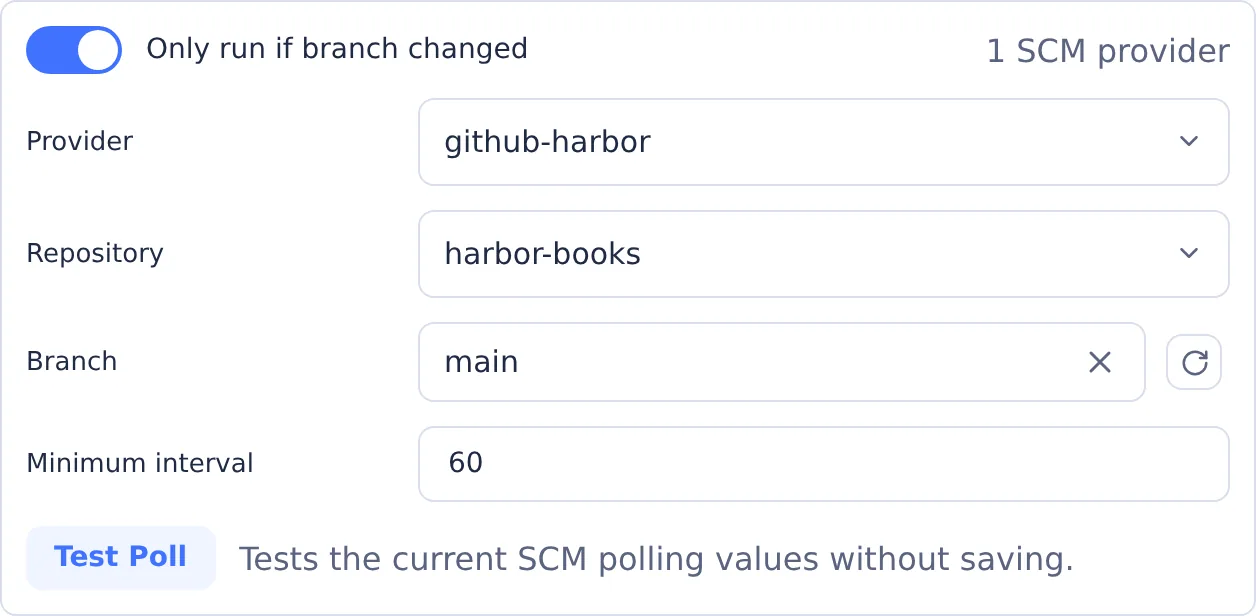
- Check every code change when new commits land on a GitHub or Azure DevOps branch. See checks on every change.
- Apply urgent security updates for Node.js, PHP, Java, .NET or a library: agents update each affected application, rebuild it and run your tests. See urgent security updates.
The application security page has ready-to-use instructions for each.
Keep People in Charge of Every Fix
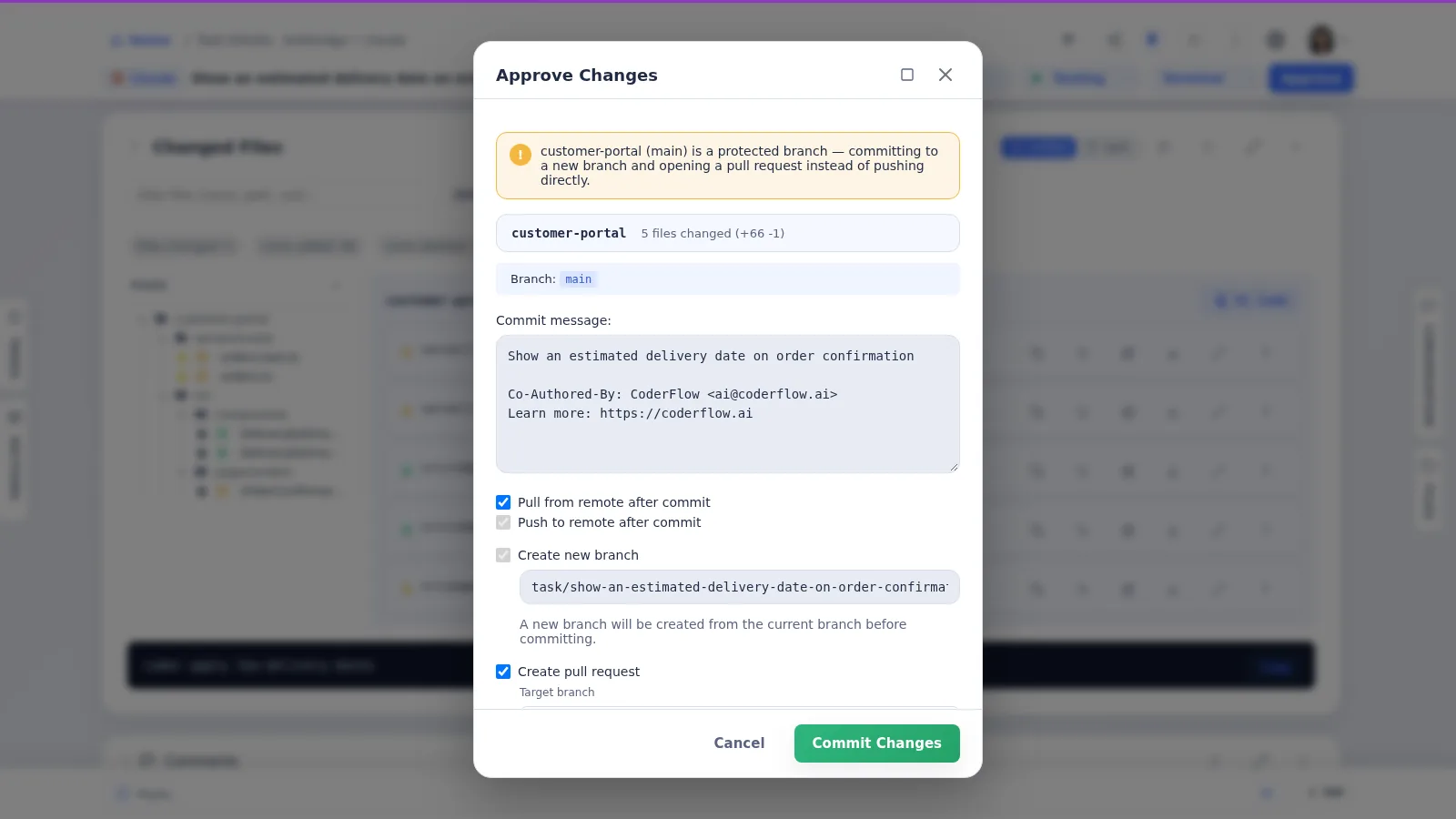
Every CoderFlow task runs in its own container with short-lived Git access, and every change waits for a person to approve it as a commit, branch or pull request. For a second opinion, an AI judge can review the change for security problems, but judges never approve anything themselves.
Agents can miss issues or flag things that are fine, so treat their report as a strong first pass, not a verdict.
Where to Start
Start with code that faces the outside world: web portals, APIs, file uploads and integrations. Pick one application, run one sweep, and review the findings with the people who know the code. Then schedule it.
Questions
Can AI Agents Replace a Vulnerability Scanner?
CoderFlow agents work alongside your scanners and dependency auditors: they run those tools, explain each result in plain language and check what the tools cover less well, such as how queries are built from input. A person reviews every finding and approves every fix.
How Often Should AI Agents Review Our Code for Security Problems?
Many teams check every code change as it lands and run a full sweep monthly or quarterly. CoderFlow automations can run on a schedule, on demand, from an inbound webhook or only when a GitHub or Azure DevOps branch changes.
Is It Safe to Let AI Agents Change Code for Security Fixes?
CoderFlow runs each agent in its own isolated container with short-lived Git access, and every change waits for a person to approve it as a commit, branch or pull request. Nothing is committed without approval, and every approval is recorded.