
You can build an internal tool or customer portal without a development team by describing what you need in plain language and letting CoderFlow build it. You try the working app, ask for changes and approve it before anyone else uses it, and Profound Logic can host it on CoderFlow Cloud.
What Kinds of Tools and Portals Can You Build Without Developers?
- Customer portals for order status, invoices, documents and requests
- Job trackers that replace the shared spreadsheet and the whiteboard
- Approval workflows for quotes, purchases, time off or expenses
- Inventory logs and scheduling apps for staff, crews and visitors
- Dashboards that replace reports built by hand
A good first tool is one where people already keep the information in a spreadsheet or email folder and spend time every week copying it. See internal tools and portals.
Why Not Just Use a Spreadsheet or an Off-the-Shelf App?
Spreadsheets struggle when many people edit them or customers need to see only their own records. Off-the-shelf apps often almost fit, and no-code builders leave you assembling the app yourself. CoderFlow builds the tool around how your business works (see CoderFlow and no-code app builders).
How to Build a Customer Portal Without a Development Team
- Write down who uses it and what they do.
- Gather what you already have, such as spreadsheets, forms and sample emails.
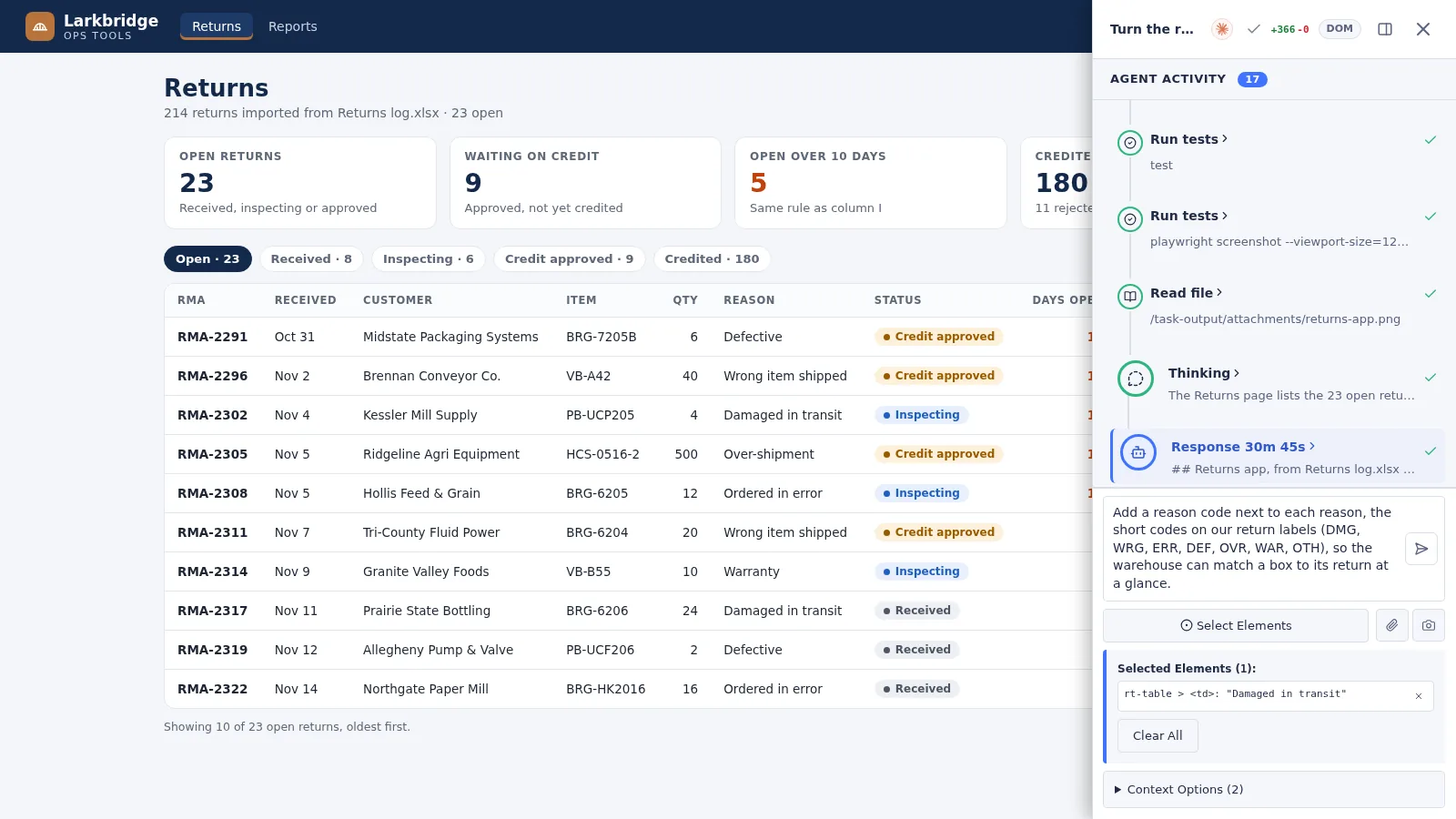
- Describe it in plain language, the way you would explain it to a new employee.
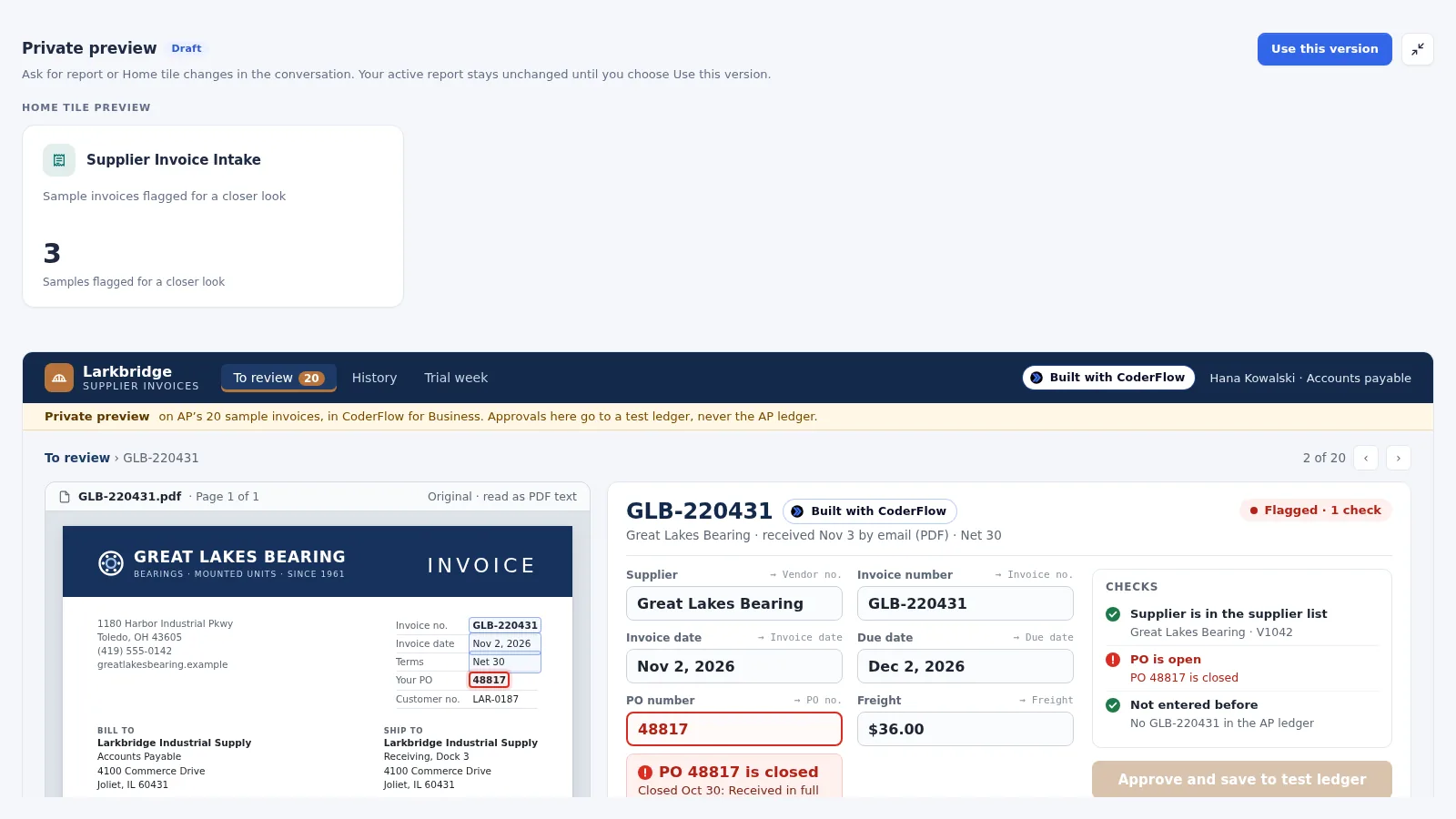
- Try the working app with test accounts, as a customer and as staff, and on your phone.
- Ask for changes by pointing at anything you want different and saying what to change.
- Check who sees what, then approve it. Nothing reaches your team or customers until you do.
What Does This Look Like for a Small Business?
Illustrative example. A 25-person property management company tracks maintenance requests in a shared spreadsheet. The owner describes a portal where tenants submit requests with photos, a board where the office assigns jobs, and a phone screen where the contractor marks a job done. CoderFlow builds it from the spreadsheet, and the office manager tries it and approves it.
Apps CoderFlow builds work in a web browser on desktops, tablets and phones. See mobile apps and CoderFlow for property management.
What to Watch out For
- Personal information. Check what each person can see before you approve.
- Payments. Plan to use an established payment provider.
- Other systems. Someone who can grant access may need to help connect them.
- Scope. Launch the one or two things customers ask for most.
How CoderFlow Helps
The owner or anyone on the team describes what they need, CoderFlow builds it, and they try it and approve it. With CoderFlow Cloud, Profound Logic hosts the app and runs the platform, so you don't need IT staff.
See CoderFlow for small business. Have a tool or portal in mind? Talk to sales, or start with a Reimagine engagement and get your first one built with our team.
Questions
Can a Small Business Build a Customer Portal Without Developers?
CoderFlow lets the owner or anyone on the team describe the portal in plain language, try it with test accounts and approve it before it goes live. Profound Logic can host it on CoderFlow Cloud, so no IT team is needed.
What Internal Tools Can CoderFlow Build for a Business Without IT Staff?
CoderFlow builds job trackers, approval workflows, inventory logs, scheduling apps, dashboards and customer or partner portals from the spreadsheets and data you already have. The apps work in a web browser on desktops, tablets and phones.
Do Apps Built With CoderFlow Need Servers or Infrastructure to Run?
Profound Logic can host apps built with CoderFlow on CoderFlow Cloud and runs the platform too, so a small business has no servers to manage. Companies with their own IT team can also run apps on their own infrastructure.