
You can replace a Microsoft Access database with a web app without losing data or rules if you treat the database as the specification. Write down what its forms, queries, macros and VBA do, move the tables to a server database, rebuild one piece at a time, and keep Access running until the new app matches. CoderFlow reads the Access design and builds the web app with the same rules, and you try each step, then approve it.
Why Do Businesses Move off Access?
Access is a desktop database: the file lives on a shared drive, and every user opens it on a Windows PC. That works for a few people in one office, but not as the team grows, works remotely or wants customers to see their own orders.
Microsoft's Access specifications also cap a file at 2 gigabytes and 255 concurrent users, and many teams hit locked records long before that.
What Does "Without Losing the Rules" Really Mean?
The data is the part everyone can see; the rules are the part that gets lost. A form event sets the price tier, and a query puts customers with invoices over 60 days on hold.
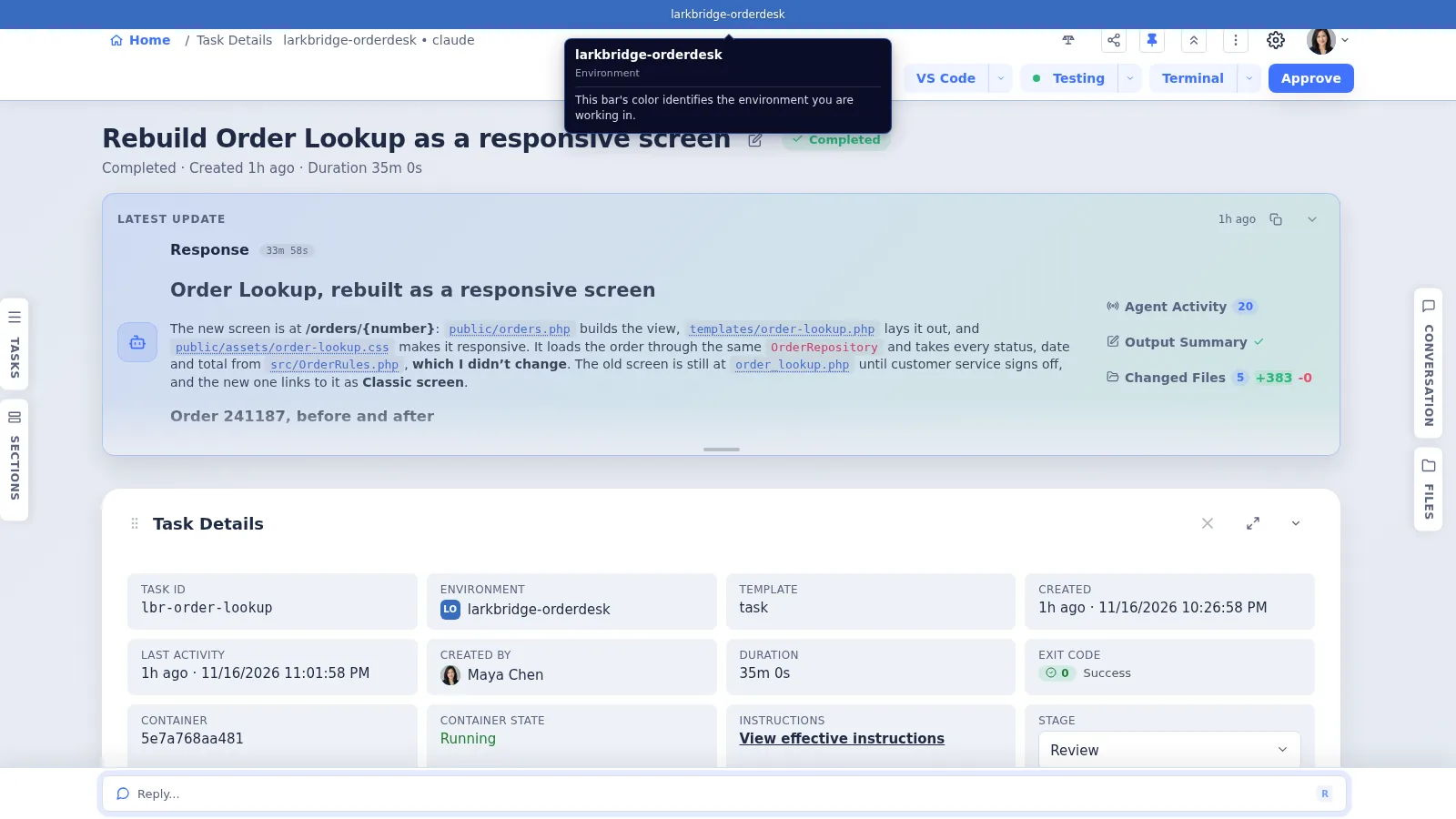
A rebuild that only copies tables and redraws screens can look finished and still be wrong, so write each rule down and test the new app against it with real data.
How Do You Replace an Access Database With a Web App?
- Back up and take inventory. List the tables, queries, forms, reports, macros and VBA people actually use.
- Write the rules down. Export the design to text, explain each rule in plain language, and have the database's expert confirm it.
- Move the tables to a server database. Copy them to SQL Server, PostgreSQL or similar, and compare counts and totals.
- Rebuild one process first. Make the form people rely on most, such as order entry, a web screen with the same rules and proper logins.
- Run both side by side. Enter the same orders in both and fix anything that differs.
- Switch over one piece at a time. Retire each part once it matches, keeping a read-only copy of the original.
How CoderFlow Helps
CoderFlow reads the exported tables, queries, forms, reports and VBA and explains each one in plain language, naming the form, query or module behind every answer. You get the rules on paper before anything changes.
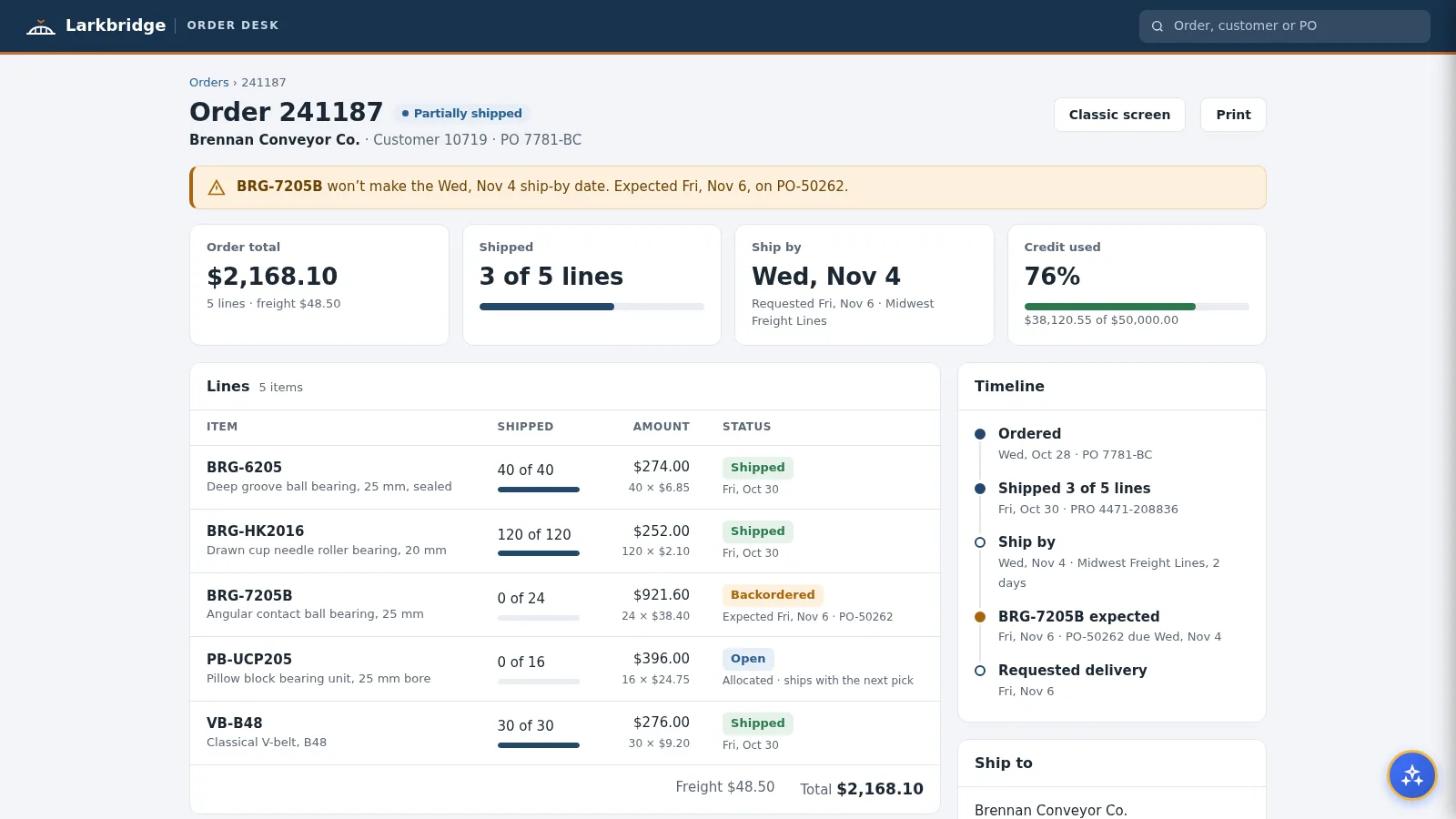
Then CoderFlow builds the web app over a server database, with the same pricing, holds and checks, and screens that work in any browser or on a phone. It tests the app with your real tables, and you try it, point at anything wrong, and approve it when it is right.
For example, a 40-person distributor runs order entry, pricing and credit holds in Access. CoderFlow documents the rules, moves the tables and rebuilds order entry first; after two weeks of matching totals, the owner approves the switch.
Profound Logic can host the app on CoderFlow Cloud, so a small business has no servers to manage; mid-size companies can self-host it. See CoderFlow for Microsoft Access.
What to Watch out For
- Access itself runs only on Windows. CoderFlow works on Linux, so it reads the exported design and prepares any Access changes for your team to try. The web app itself is built and tested in CoderFlow.
- Hidden connections. Inventory the Excel links, mail merges and scheduled jobs that use the database.
- Data quality. Clean up text dates, duplicate customers and blank fields before the move.
Does the Same Approach Work for FileMaker?
A FileMaker solution follows the same path, reading its data through the FileMaker Data API during the switch. Many teams also add a customer portal; see internal tools and portals.
Where to Start
Talk to sales about rebuilding your database, or start with Reimagine, a custom engagement with our team.
Questions
Can CoderFlow Replace a Microsoft Access Database With a Web App?
CoderFlow reads the Access tables, queries, forms, reports and VBA, explains the rules in plain language and builds a web app with the same rules over a server database such as SQL Server or PostgreSQL. You try it with your real data and approve it before anyone stops using Access.
Will We Lose Data When We Move From Access to a Web App?
CoderFlow tests the move with your real tables, comparing record counts, totals and statuses in the server database with the original, and shows you the results. Access can link to the new tables, so both share the same data while people switch over one process at a time.
How Long Does It Take to Replace an Access Database With CoderFlow?
With CoderFlow, the time depends on how many forms, reports and rules the database holds, and most of it goes into trying the new app with real work. Many teams start with the one process people use most, or with a Reimagine engagement, which solves a real business problem in days.