
When you hand a real development task to CoderFlow, you describe what you need in plain language, agents do the work in isolated containers, and you get back a verified result with a full git diff and a record of every step. Nothing is committed until a developer approves it. That holds for a planned feature, a quick request from a colleague, or documentation that produces no code at all.
Here are three task types from a real walkthrough against a customer management application, and what the developer sees at each stage.
Adding New Functionality to an Existing Program
A work-with-customers application had a display option but no edit option. The developer opens the CoderFlow dashboard in a browser, enters the requirement in plain language and launches it against several AI models at once. Claude, Gemini, Codex and Grok each work on it independently in their own Docker container, and judging agents are set to evaluate the results.
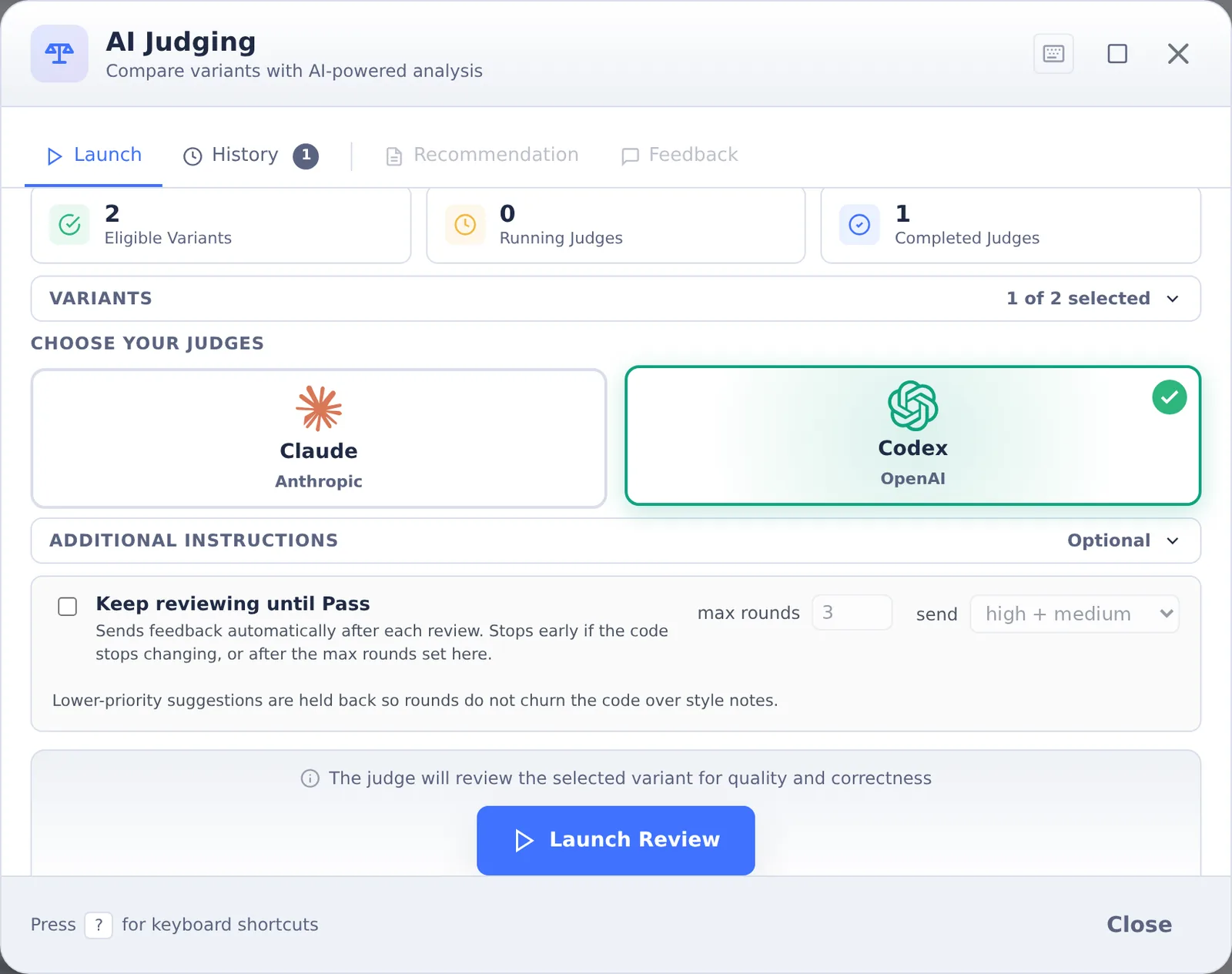
Then the developer moves on. That is the point. Where the toolchain runs in CoderFlow's Linux environments or on a build host IT connects, agents build and test the change themselves; otherwise they prepare changes your team builds and tests.
In this walkthrough, all three judges picked the same model's result, citing proper SQL error handling and a fix for a field truncation issue the other agents had missed. The developer checks the new edit option, sees that the agent left the calculated balance due field read-only, reviews the git diff and approves.
Handling an Ad Hoc Request on the Spot
A head of customer service wants a one-character status column on the customer list. In a normal queue, a request like that waits weeks. With CoderFlow, it doesn't have to.
The developer launches a task with a single agent and describes the change conversationally: add the status field after the customer number, shift the other columns right and change only this version of the screen. A few minutes later the column is in place, and the task output explains what the agent built, how it tested the result and what it confirmed.
The developer reviews the diff line by line, or opens VS Code in the container, before approving. The colleague gets her answer the same afternoon.
Generating Documentation Without a Separate Project
Documentation rarely gets done, so knowledge of systems in COBOL, PowerBuilder, Progress OpenEdge or Delphi stays in the code and in the heads of people nearing retirement. CoderFlow handles documentation through templates: reusable task definitions you write once and run against as many programs as you like.
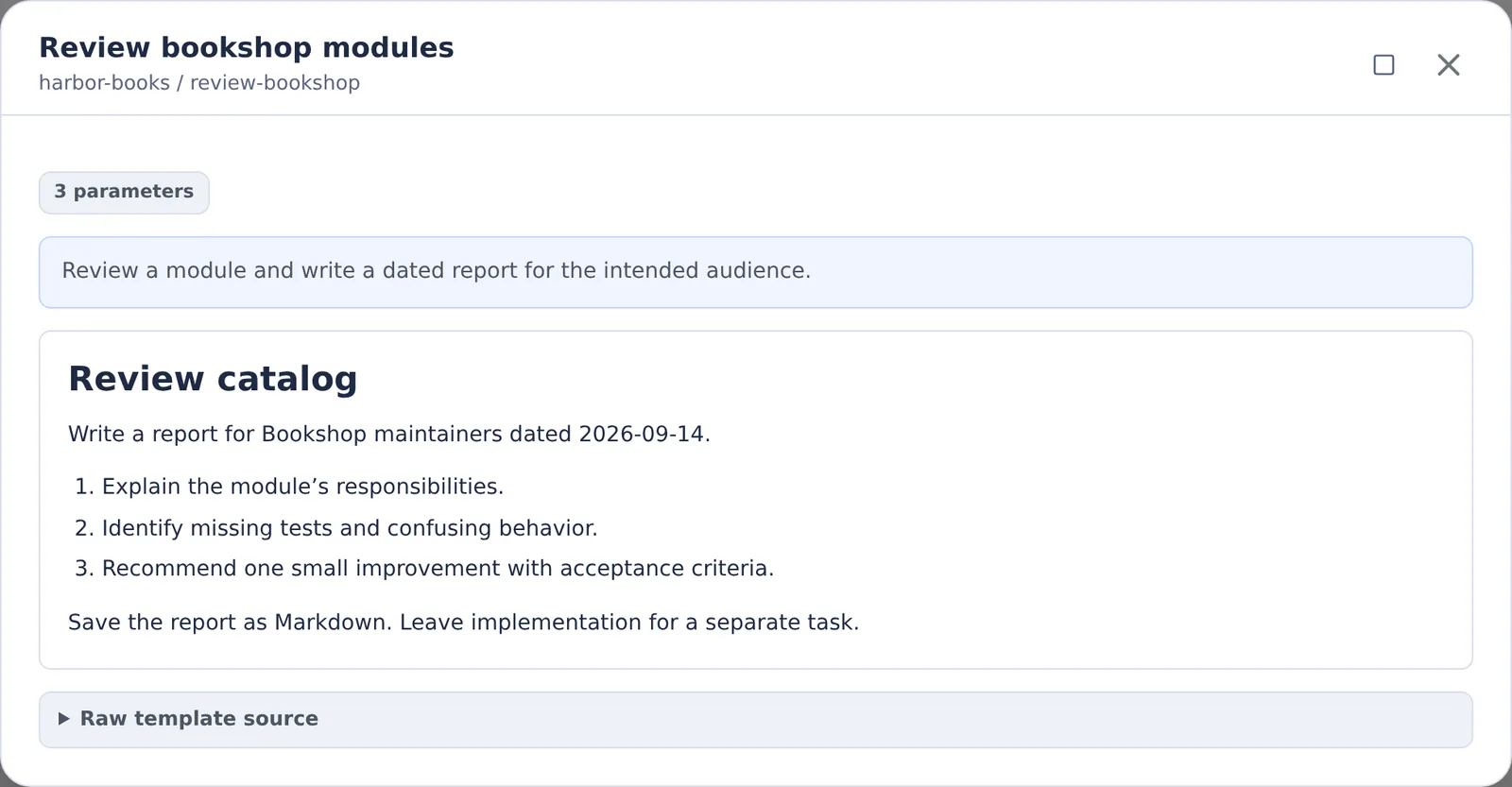
For the work-with-customers program, one template run produced a technical document, with dependencies, a dependency flowchart, the database schema and the program flow, plus a user guide for new employees. Update the template once and rerun it across a whole program library, and documentation becomes a task in the same queue as everything else.
A custom Skill can also research a program's dependencies and publish a structured page to a wiki such as Confluence, all from a single task launch.
What the Three Tasks Have in Common
- The developer describes the need in plain language.
- Agents handle the execution, including building, testing and validation where your toolchain supports it.
- What comes back is a checked result with a full record of what the agent did, not a rough draft.
- Nothing is committed until a developer approves it.
That consistency is what makes agentic coding practical on the systems that run your business. Want to see CoderFlow working on your own applications? Talk to sales or start with a Reimagine engagement.
Questions
What Does a Developer See When a CoderFlow Task Finishes?
CoderFlow returns a verified result: a summary of what the agent changed and how it built and tested the work, with every changed file as a git diff. You can open browser-based VS Code or a web terminal in the task container to inspect it before approving.
Can CoderFlow Run the Same Coding Task on Several AI Models and Pick the Best Result?
CoderFlow can launch up to 5 containers per agent per launch, across agents such as Claude, Codex, Gemini and Grok. AI judges then compare the anonymized variants and recommend a winner with reasons, and a developer approves the chosen result before anything is committed.
How Does CoderFlow Document a Whole Library of Existing Programs?
CoderFlow uses templates and batches: a template is a reusable task definition with parameters, and a batch launches one task per selected program. A scheduled automation can rerun it to keep documentation current, and a custom skill can publish the results to a wiki such as Confluence.