
Less Typing. Same Careful Review.
CoderFlow pulls the details from invoices, forms and emails into a review screen, so your team checks and approves instead of retyping.
Built around the documents, emails and systems you already use. Not from a blank page.
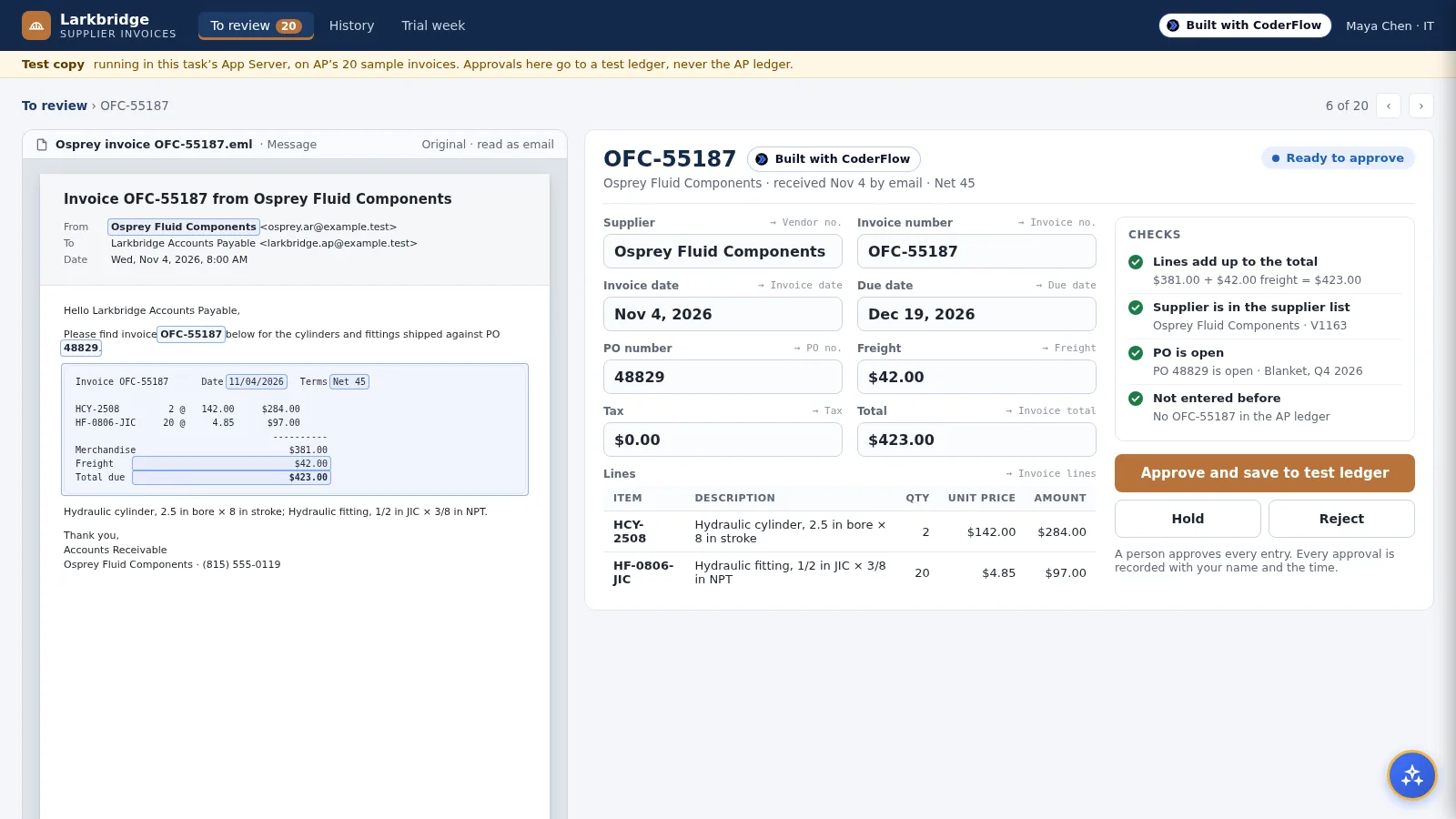
How it's different: CoderFlow builds real software in your own repository, not inside a builder's platform. Agents test it in a real browser before you see it, you can compare several agents' attempts, it connects to the systems you already run, and IT or your partner approves every change.
Built Around Your Documents
Share examples and the fields that matter; the tool fills a review form beside the original and flags anything uncertain.
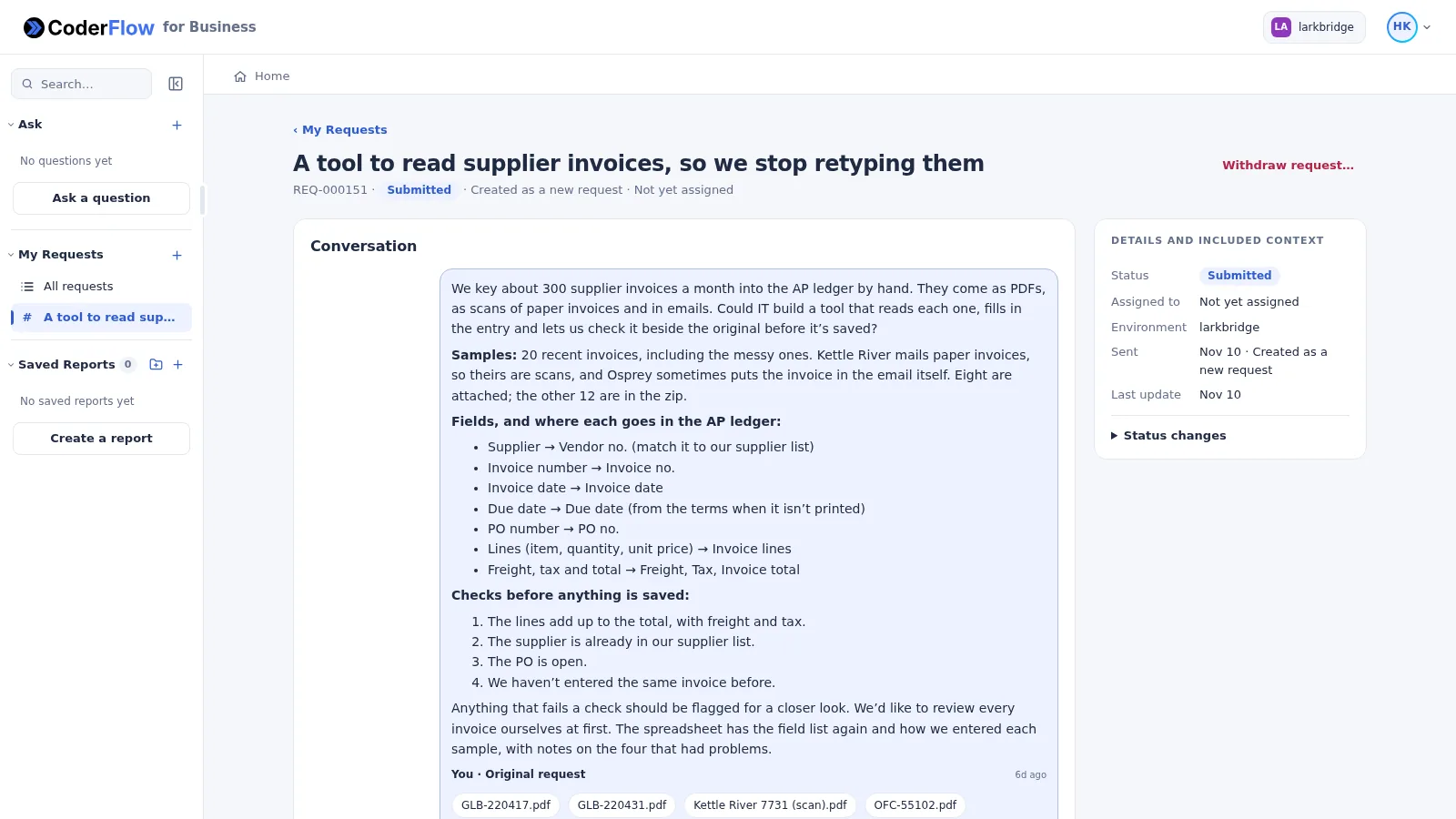
Tried on Your Real Paperwork
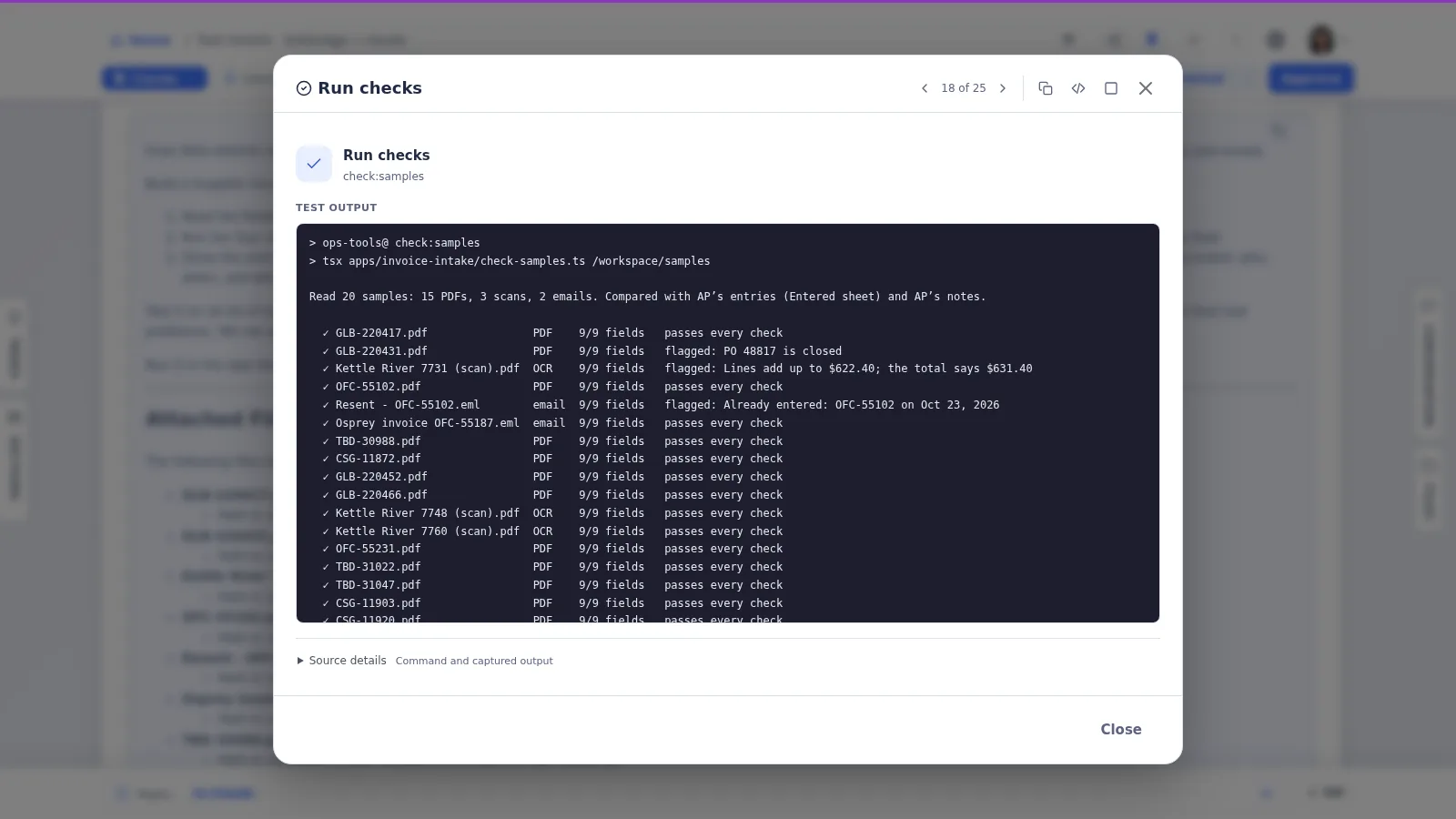
Run it on real documents, point at any field it gets wrong, and approve it when the results are right.
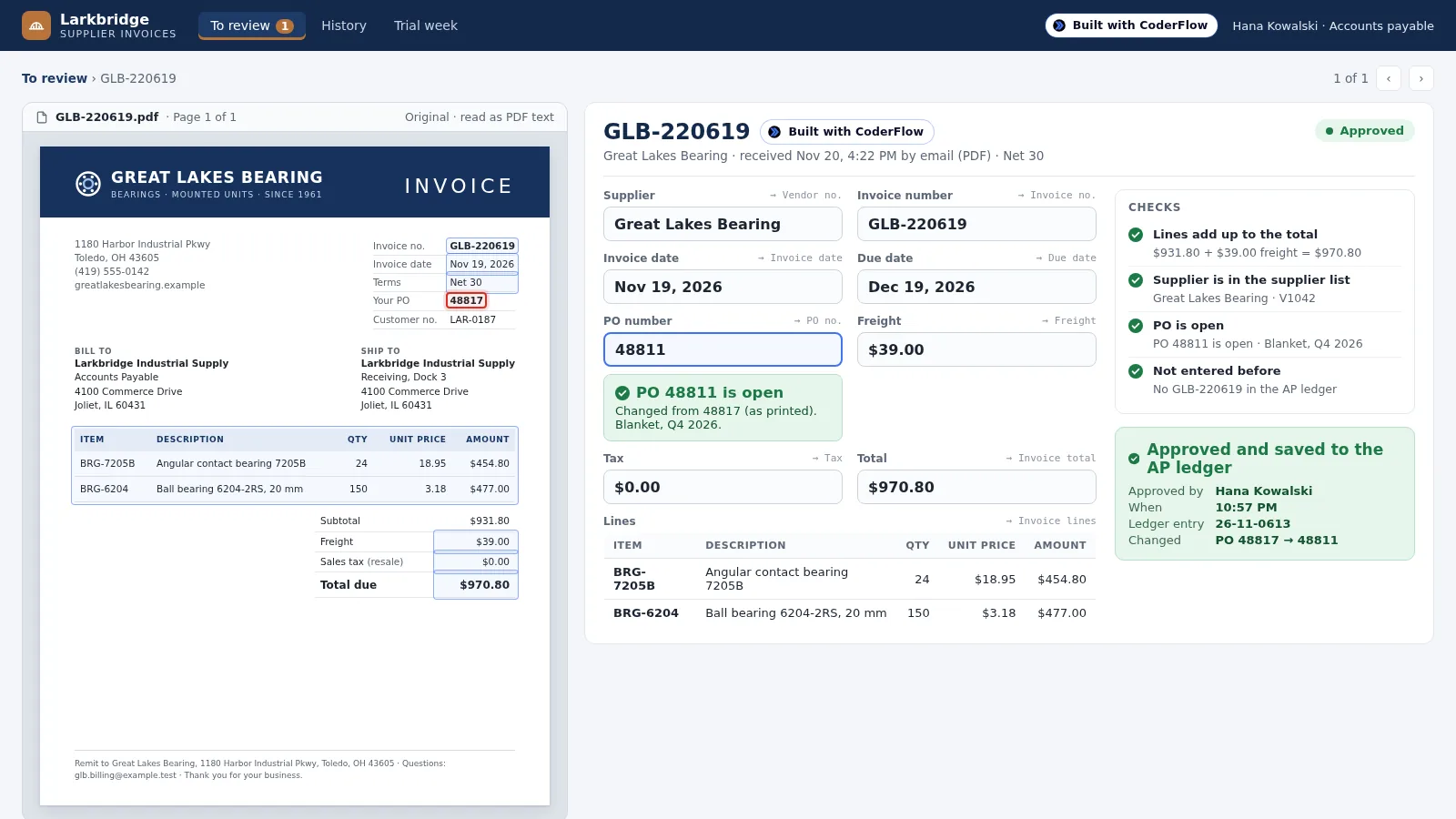
Saved Where It Belongs
Approved entries go into the system you already use, so nothing gets typed twice.
Before and After
Before
- Retyping invoices and order forms by hand
- Typos found weeks later
- Backlogs whenever volume spikes
- Piles of paper and a full inbox
With CoderFlow
- Fields filled in for a person to check
- Every entry reviewed before it is saved
- More volume without more typing
- Every document tracked from inbox to system
Works With the Spreadsheets, Databases and Tools You Use
Questions
Can CoderFlow Read Data From PDFs and Emails?
CoderFlow builds tools that do: they pull the fields you name from PDFs, scans or emails into a review screen beside the original. A person checks and approves each entry before it is saved.
Is Data Entry Fully Automatic With a CoderFlow-Built Tool?
Tools CoderFlow builds keep a person in the loop on purpose: someone confirms or corrects the fields before they are saved. Start by reviewing every result, and review less once you trust the output.
What Kinds of Documents Suit Data Entry Automation With CoderFlow?
Documents that arrive often with the same kinds of details, such as supplier invoices, purchase orders, claim forms and order emails. Handwriting and poor scans are harder, so those fields are flagged for a person to check.
Where Does Data Extracted by a CoderFlow-Built Tool Go?
Into the system you already use: an app CoderFlow built for you, a database, a spreadsheet or another system through its API or import. Each document is tracked with what was entered, who approved it and when.
Let the Inbox Fill In the Form.
Tell us what paperwork your team retypes and we'll show you how CoderFlow would read it, or start with a Reimagine engagement.